

A counter thatreconciles likethe website
Ring up sales in the shop from the same catalog, the same stock and the same customer records your storefront uses, and close the day out into the same books.
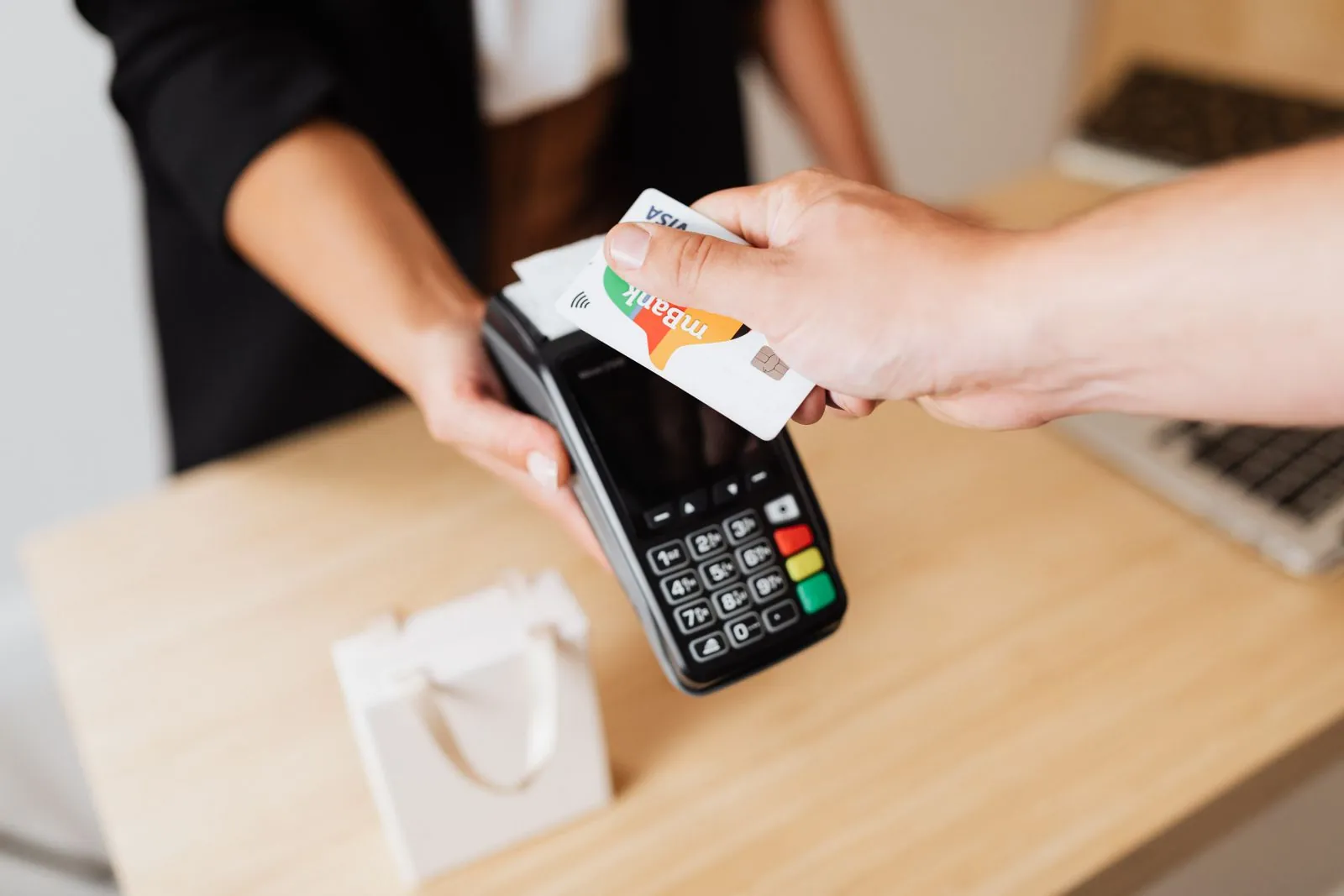
One catalog, both channels
No separate in-store product list to keep in step with the website.
Keeps selling offline
Take sales through a dropout and sync them when the line comes back.
Sessions that balance
Open a float, sell against it, count down and close with a record.
How shops like yours sell at the counter with SecureMarts
Ring up sales on a phone, tablet or till, take cash, card or transfer, and close the day with a count that matches the drawer.
The terminal
Built for someone waiting at the counter
Fast product lookup by name, code or scan, quantity and price overrides where you allow them, split and mixed payments, and a receipt printed or sent to the customer's phone.
- Search, scan or tap from a product grid
- Cash, card, transfer and split payments
- Printed or digital receipts
Registers & sessions
Every shift opens and closes on a number
Each register runs sessions with an opening float and a closing count, so the drawer is reconciled against what was actually sold rather than against somebody's memory of the day.

- Opening float and closing count per session
- Variance recorded, not silently absorbed
- Sell history by register, session and staff member
Offline mode
The network is not your business's problem
The terminal holds the catalog and the day's transactions locally. When the connection drops it keeps taking sales, and it reconciles stock and payments against the server on reconnect.

- Catalog cached on the device
- Sales queued locally during a dropout
- Stock and payments reconciled on reconnect
In the box
All features
Point of sale is not a separate product bolted on. It reads and writes the same records as every other part of the dashboard.
Selling
- Product search, scan and grid
- Variants and modifiers
- Line discounts and order discounts
- Price overrides with permissions
- Quotes and held carts
- Returns and exchanges at the till
Money
- Cash, card and transfer
- Split and partial payments
- Opening float and closing count
- Cash movements in and out
- Printed and digital receipts
- Per-session settlement record
Control
- Registers per outlet
- Staff PINs and role permissions
- Sell history by staff member
- Stock decremented live
- Customer lookup and loyalty
- Offline queue with sync status

Questions we get asked
Any device with a browser. The terminal is built for touch and works on a tablet, a laptop or a phone. HugeReceipt printers and barcode scanners that present as standard peripherals work as they do in any other web till.
Put the counteron the same system
One catalog, one set of stock counts, one set of books. Start free and add registers as you open outlets.