

A storefront thatlooks built for you
Pick a theme, drop in your brand, and publish on your own domain. No developers to hire, no hosting to manage, and no template you have to fight to change.

Themes you actually edit
Change sections, colours, type and imagery without touching code.
Your own domain
A SecureMarts subdomain immediately, a custom domain when you are ready.
Draft, preview, publish
Nothing reaches a customer until you press publish.
How businesses like yours build, run and grow their store on SecureMarts
Design the store, take the order and see what sold, from one dashboard. Every change you publish reaches the storefront, the checkout and your stock together.
Page builder
Build the page section by section
Drag in a hero, a product grid, a testimonial band or a rich-text block, reorder them, and set each one's copy and imagery from the same panel. The preview is the page, not an approximation of it.

- Hero, catalog, collection, banner and text sections
- Reorder, duplicate, hide and delete any section
- Undo and redo, with a discard-changes escape hatch
Brand & theme
One set of brand settings, applied everywhere
Your logo, colours and corner radius are set once and flow through the storefront, the checkout, your invoices and your transactional email, so a customer sees the same business at every step.
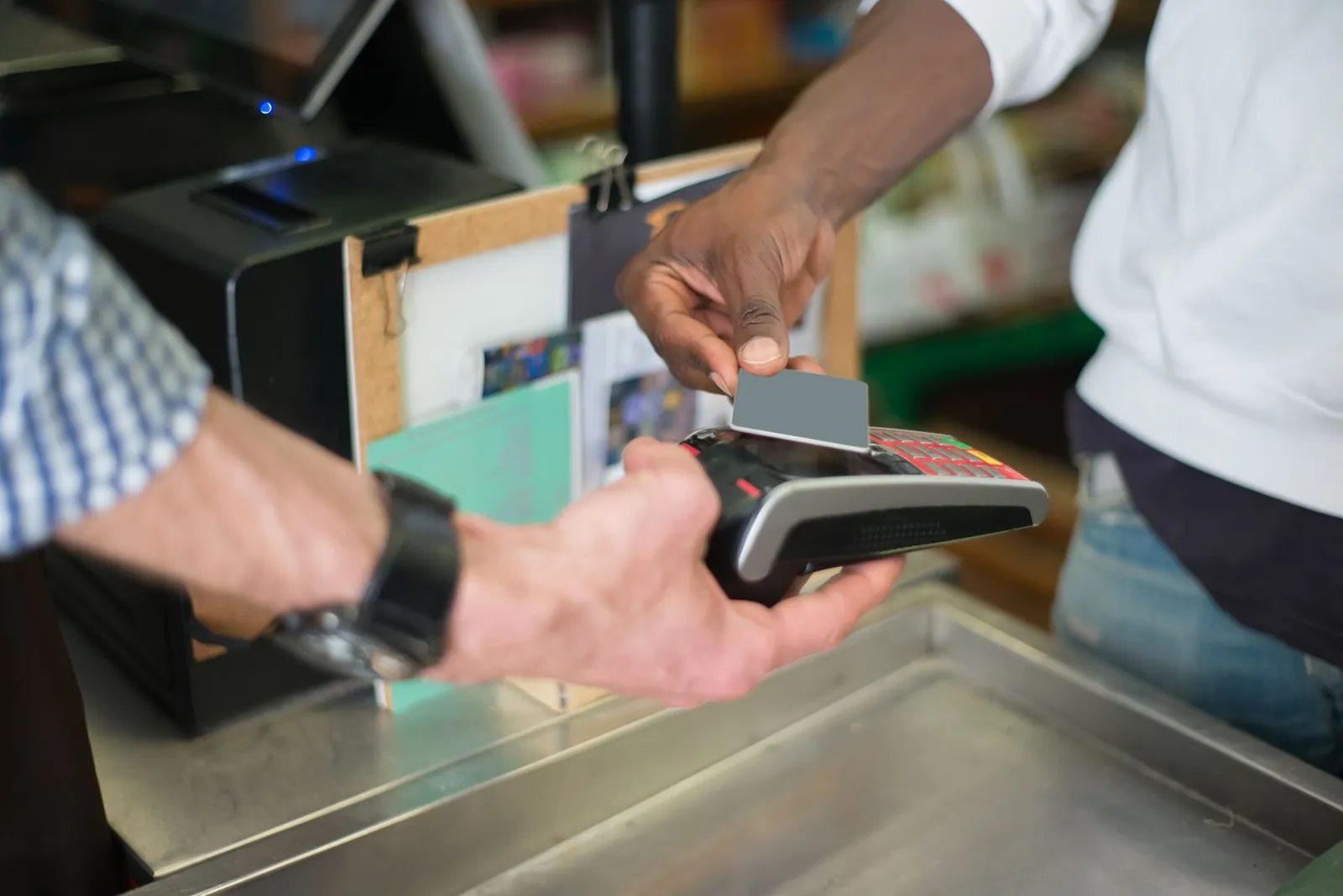
- Logo, palette and radius as live design tokens
- Applied to invoices, receipts and email
- Multiple themes, switchable without losing content
Pages & content
More than a product grid
Add the pages a real shop needs: an about page, contact with a map, a size guide, a blog, and a newsletter capture that feeds the same customer list as your orders.

- Custom pages with the same section builder
- Blog posts with a rich-text editor
- Newsletter capture wired to your customer list
Storefront templates
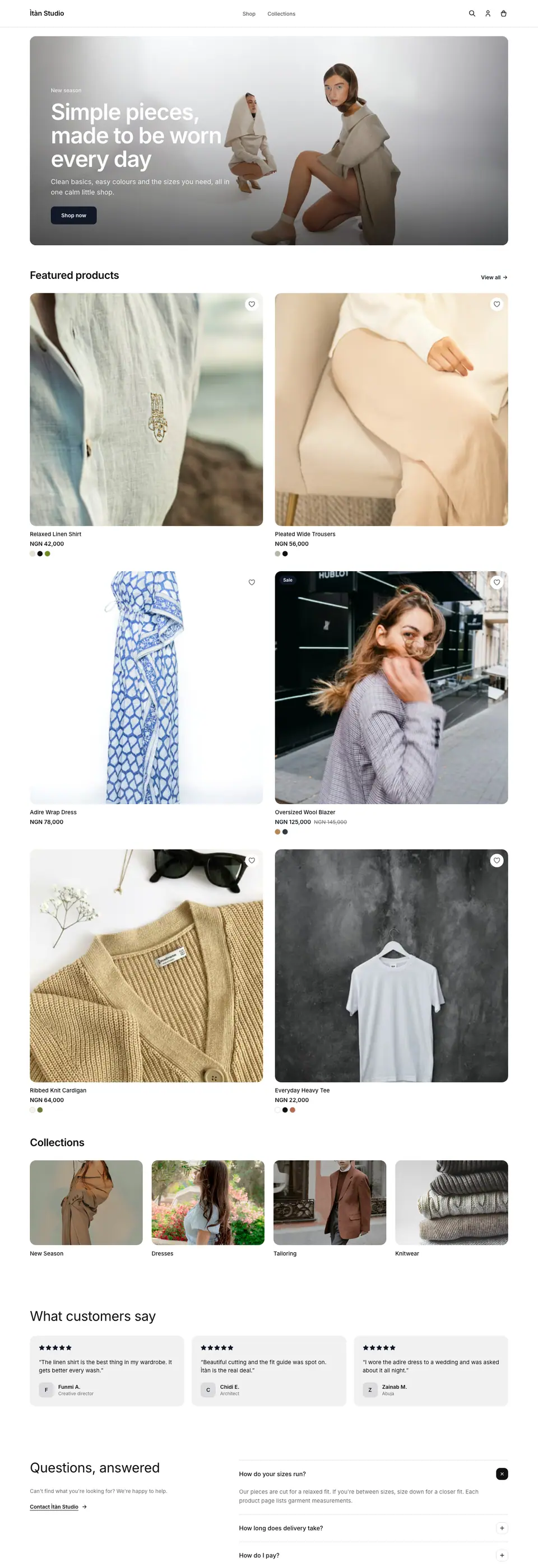
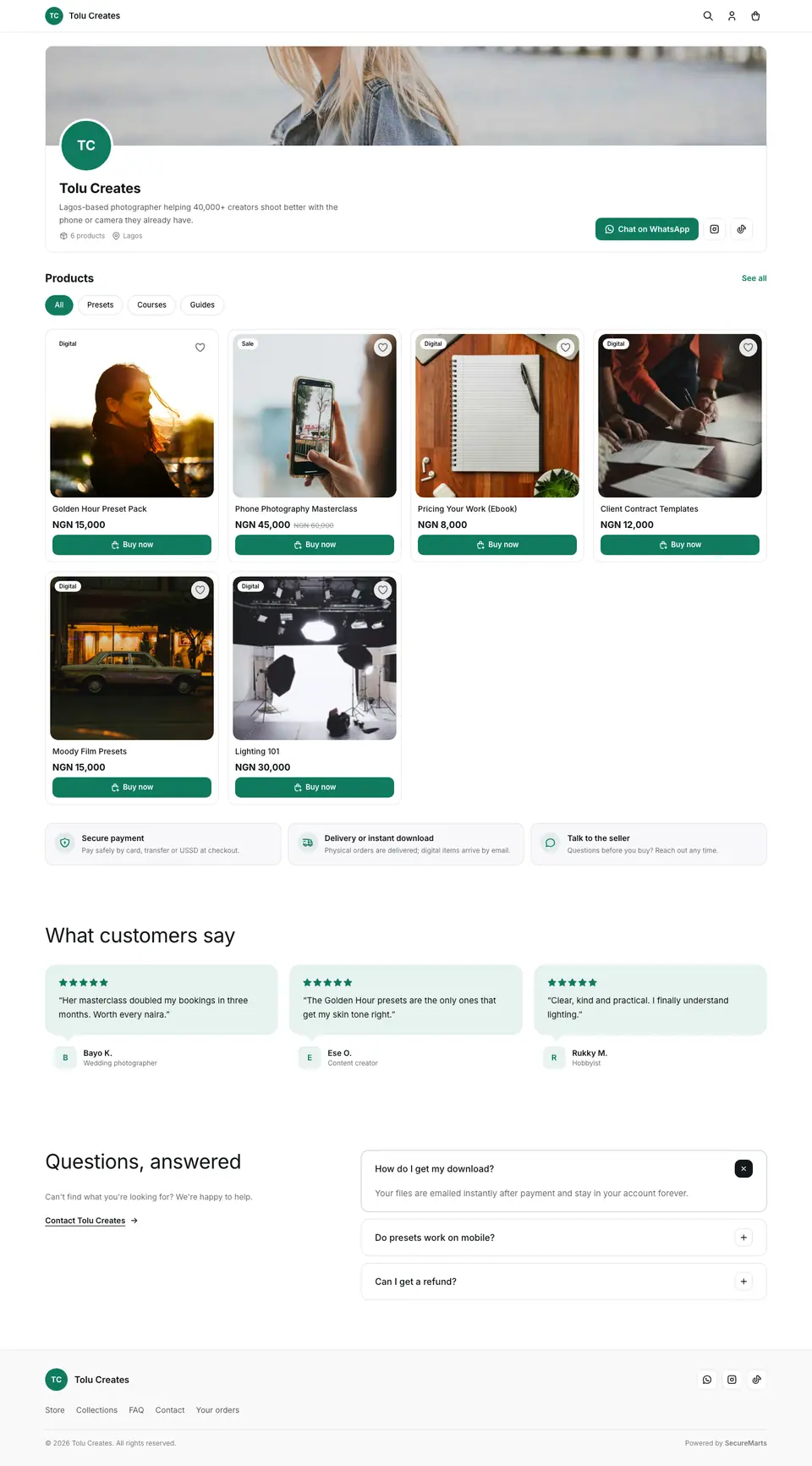
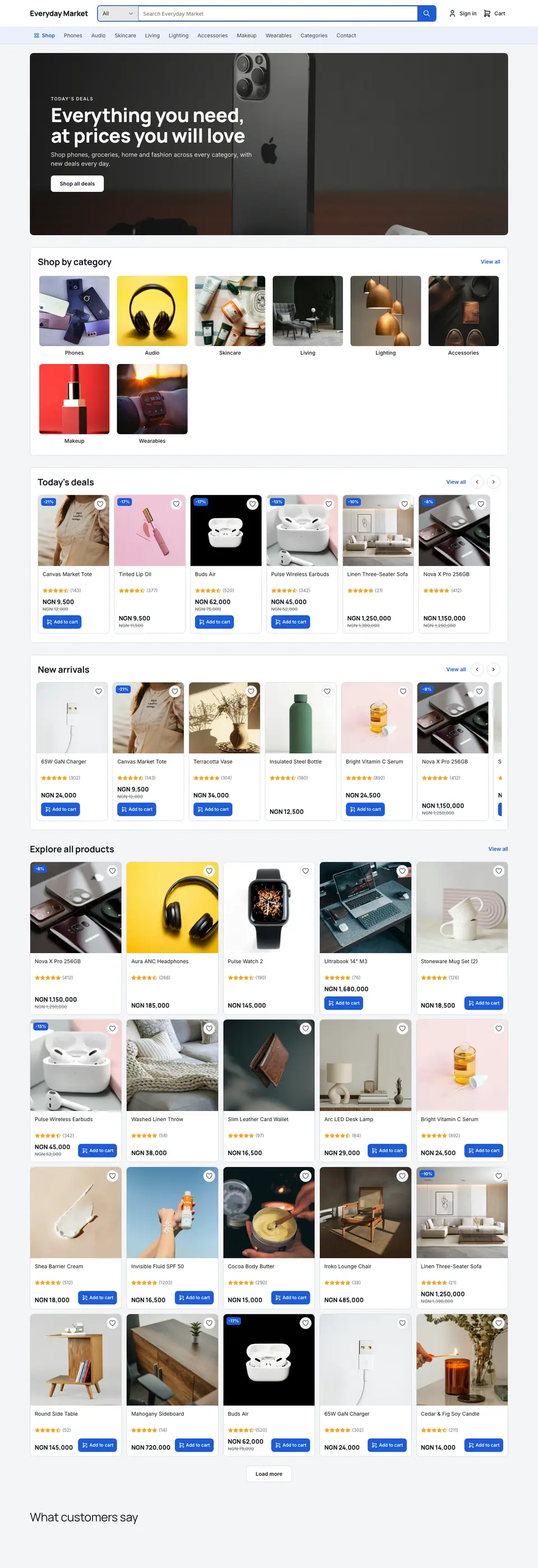
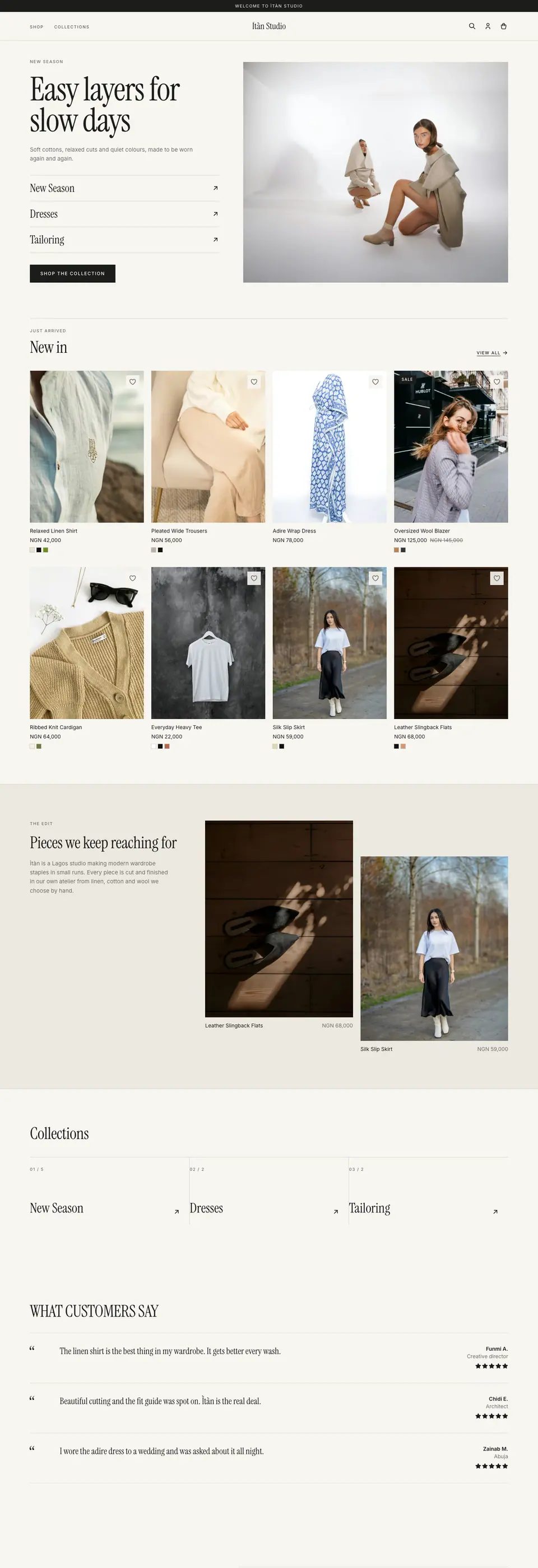
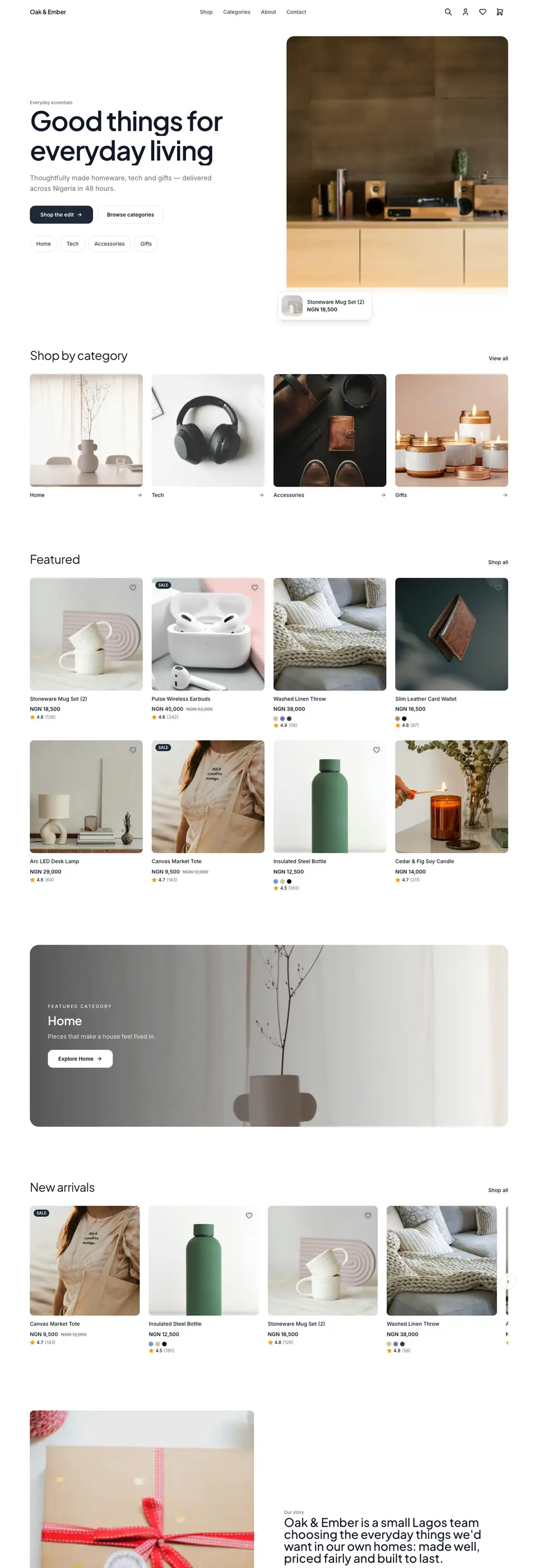
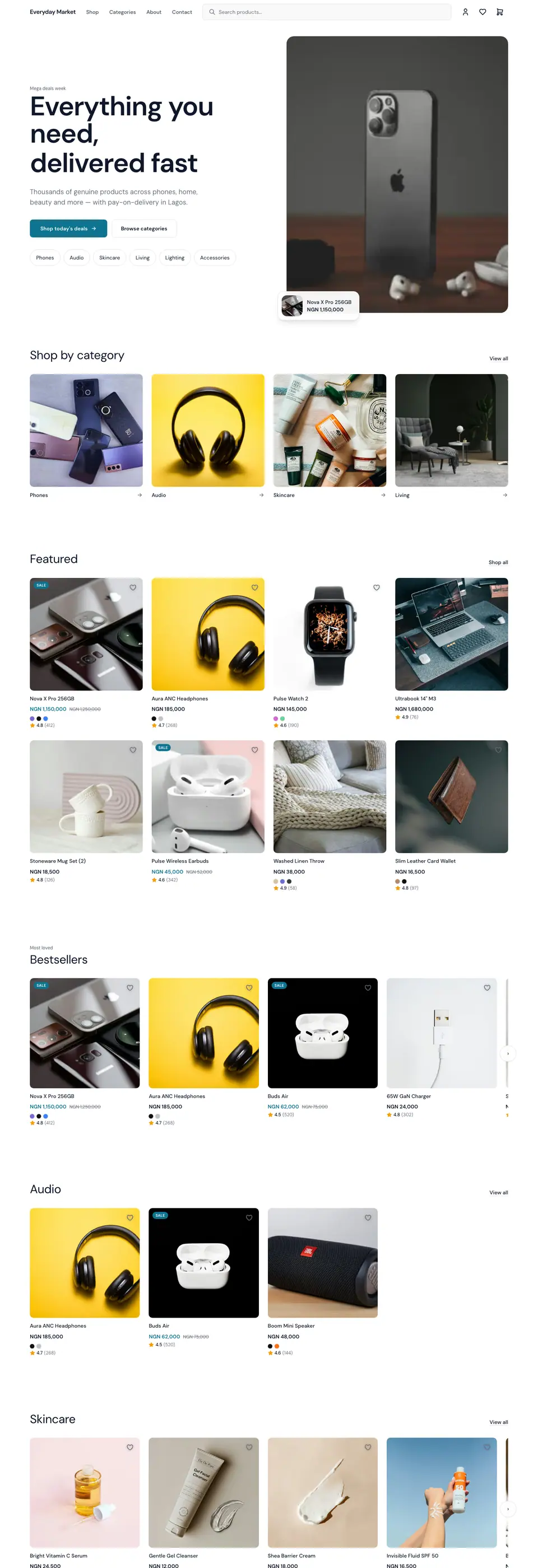
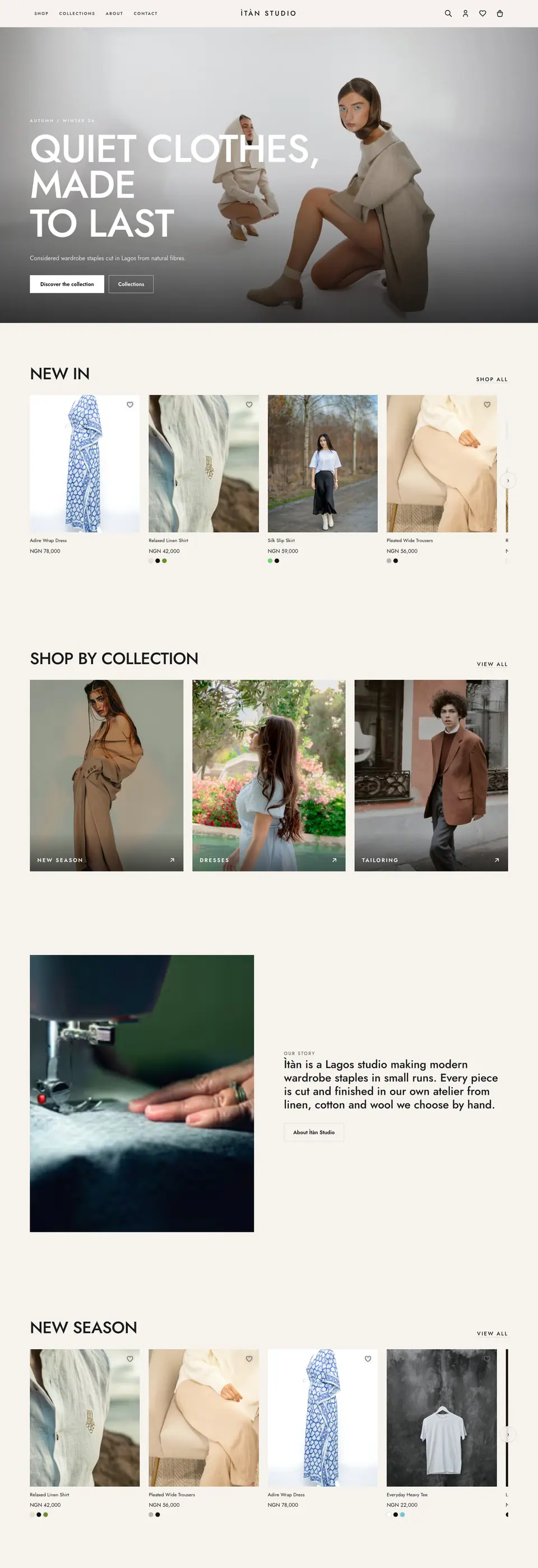
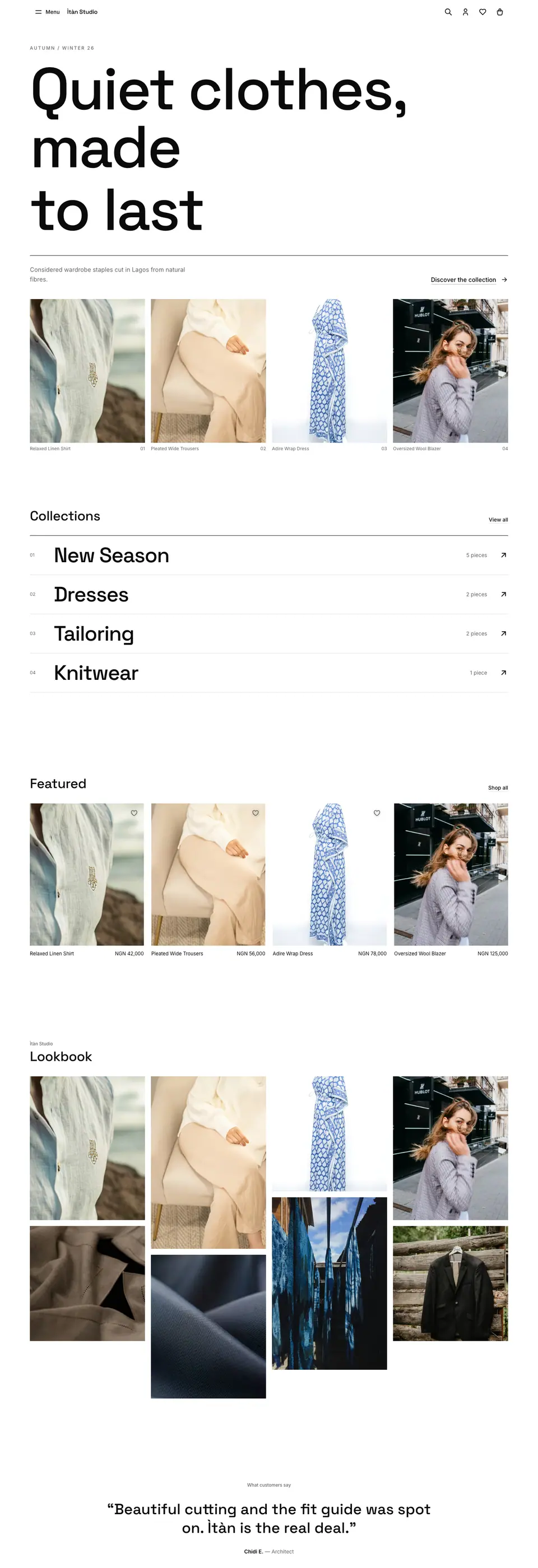
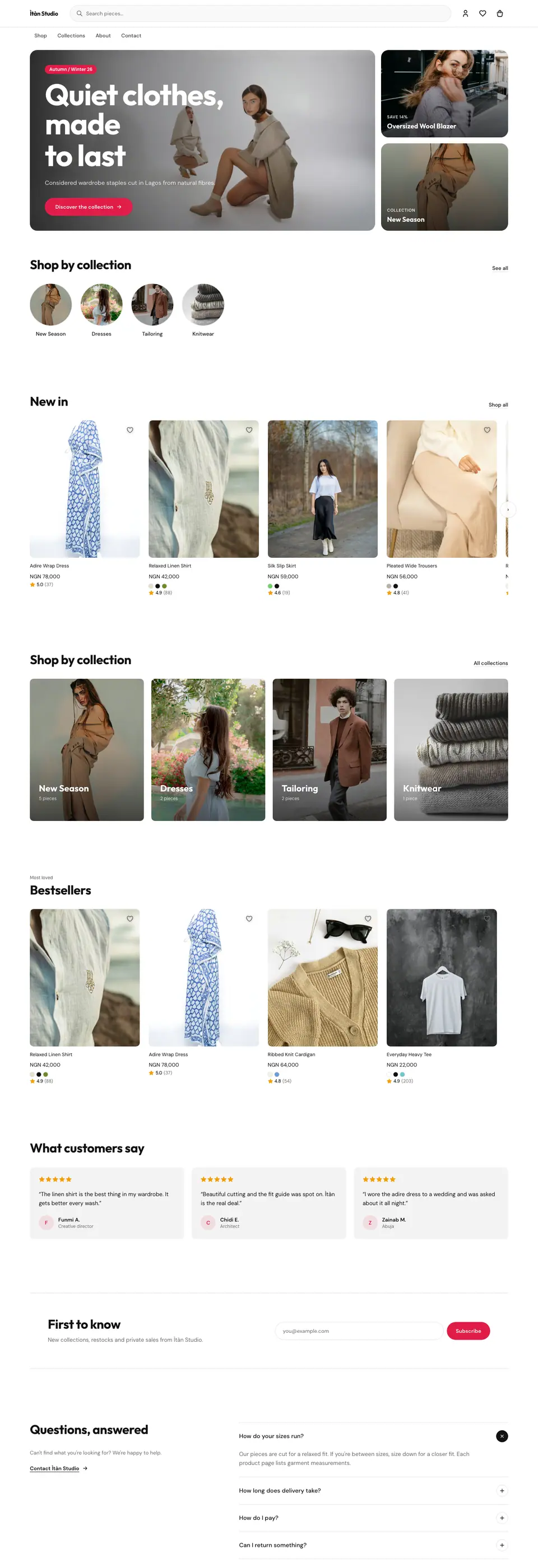
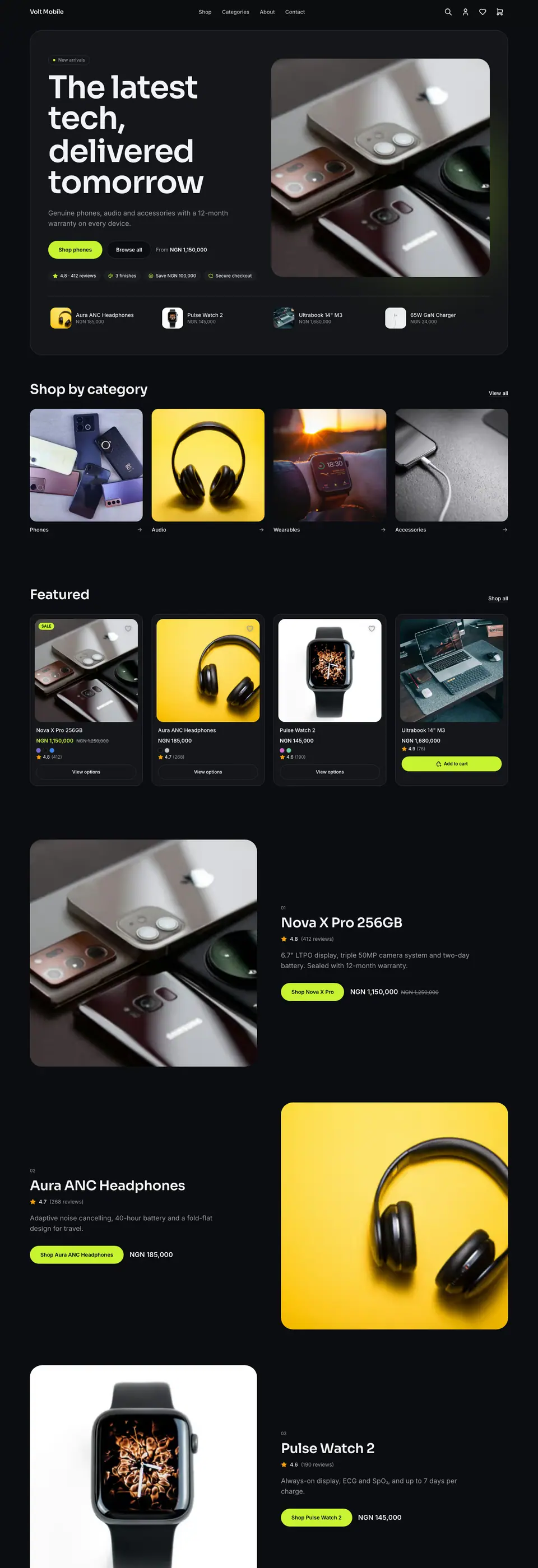
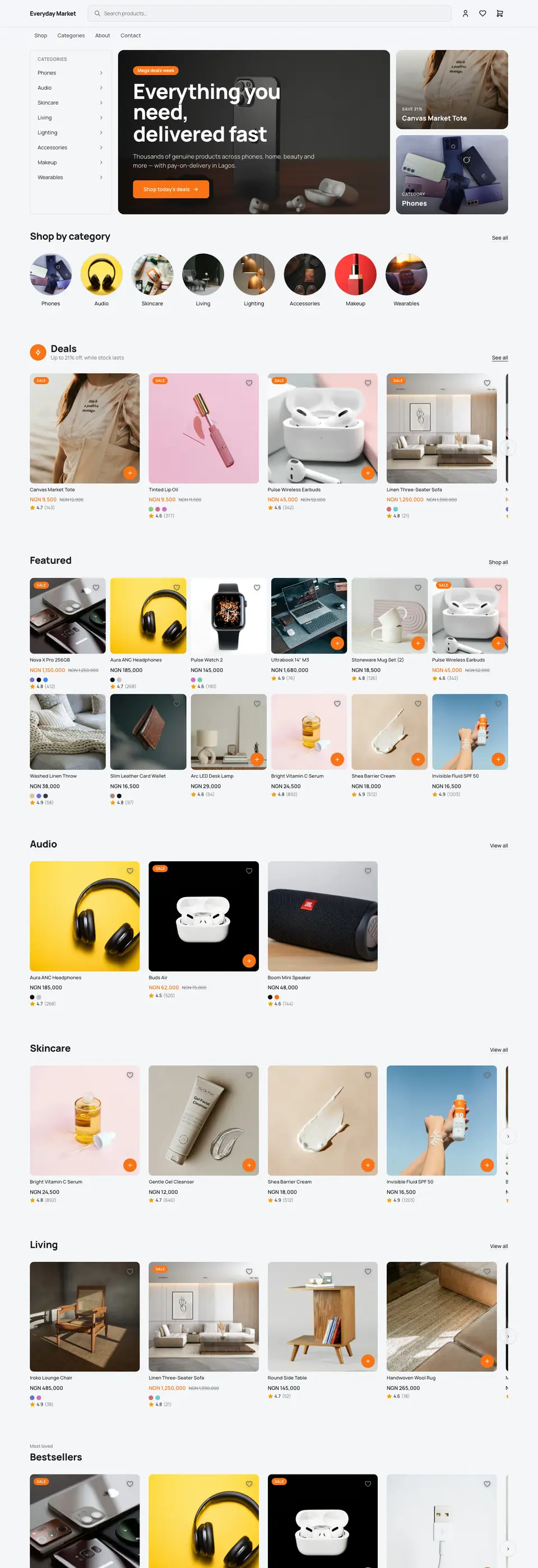
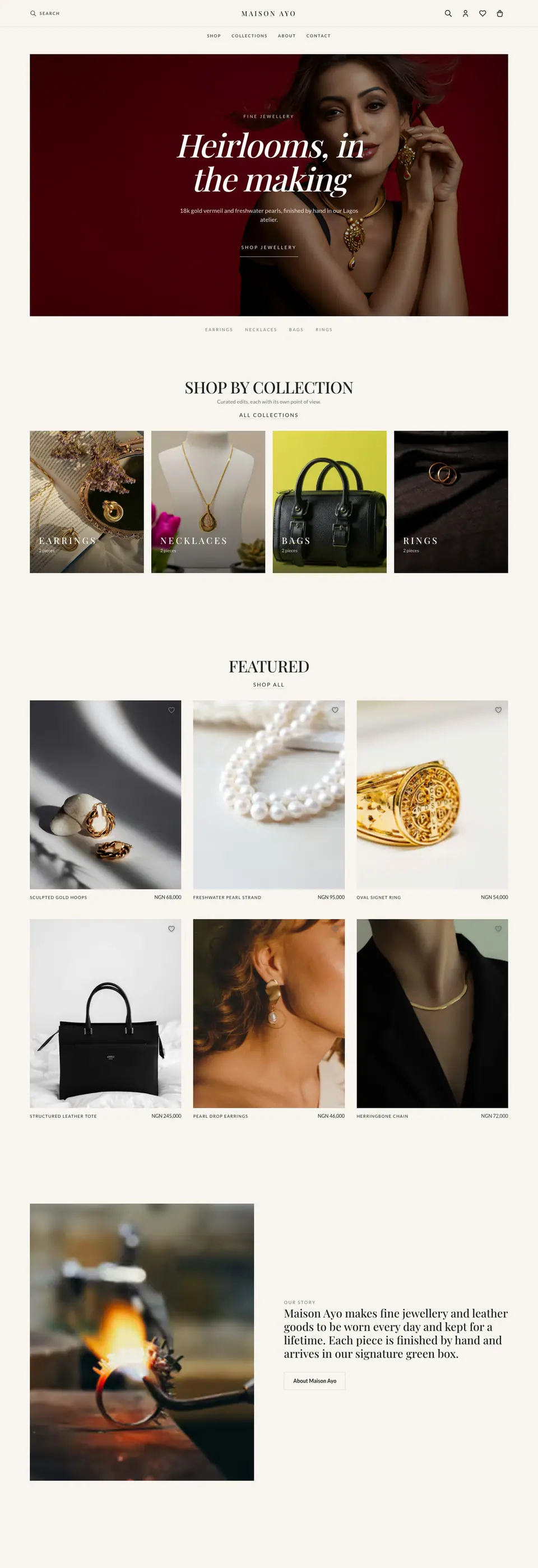
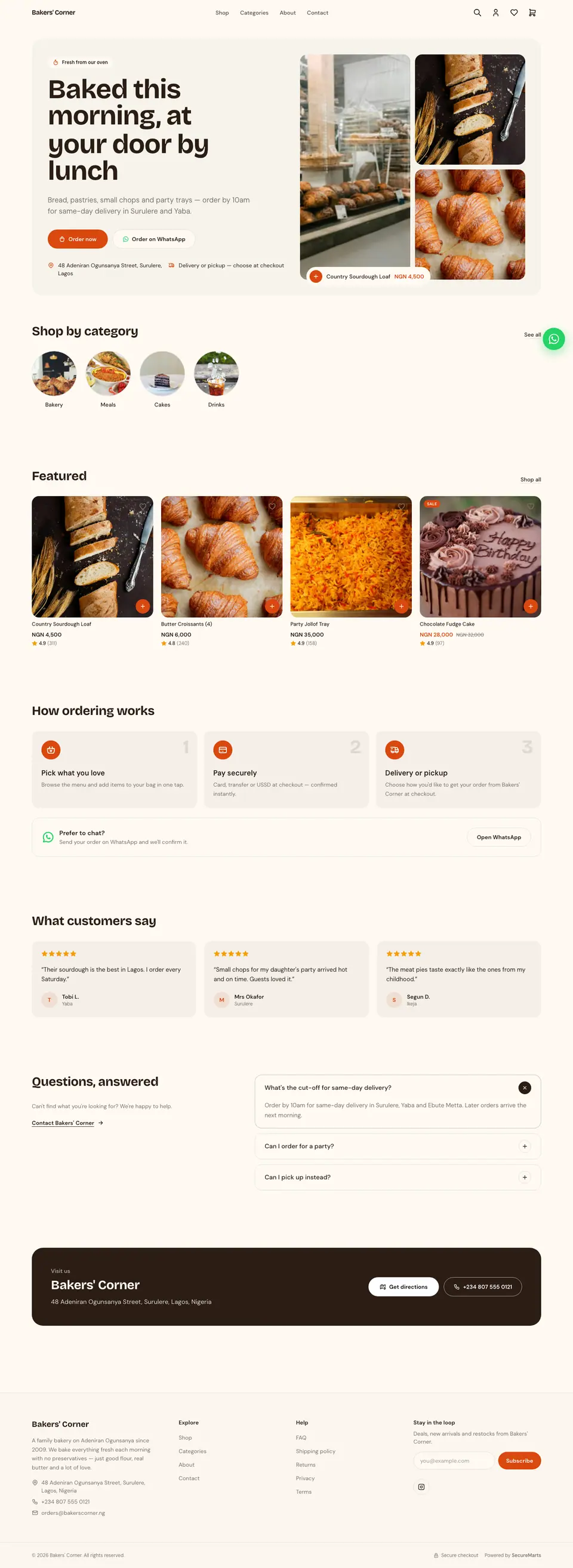
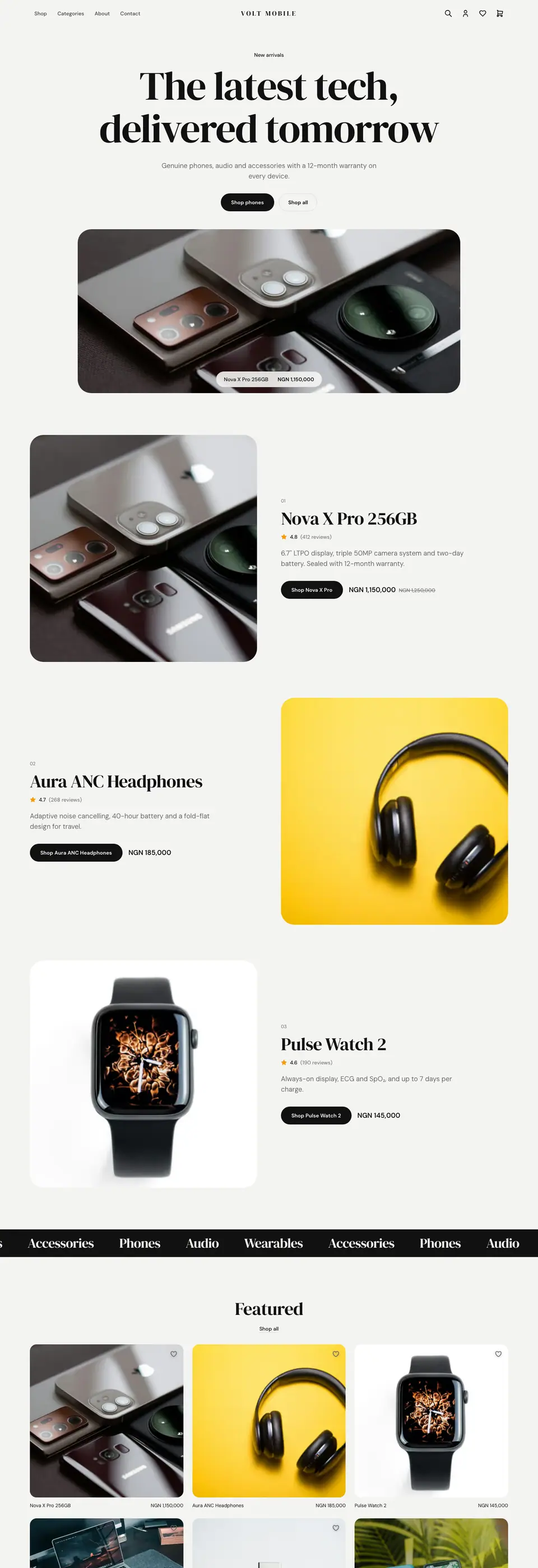
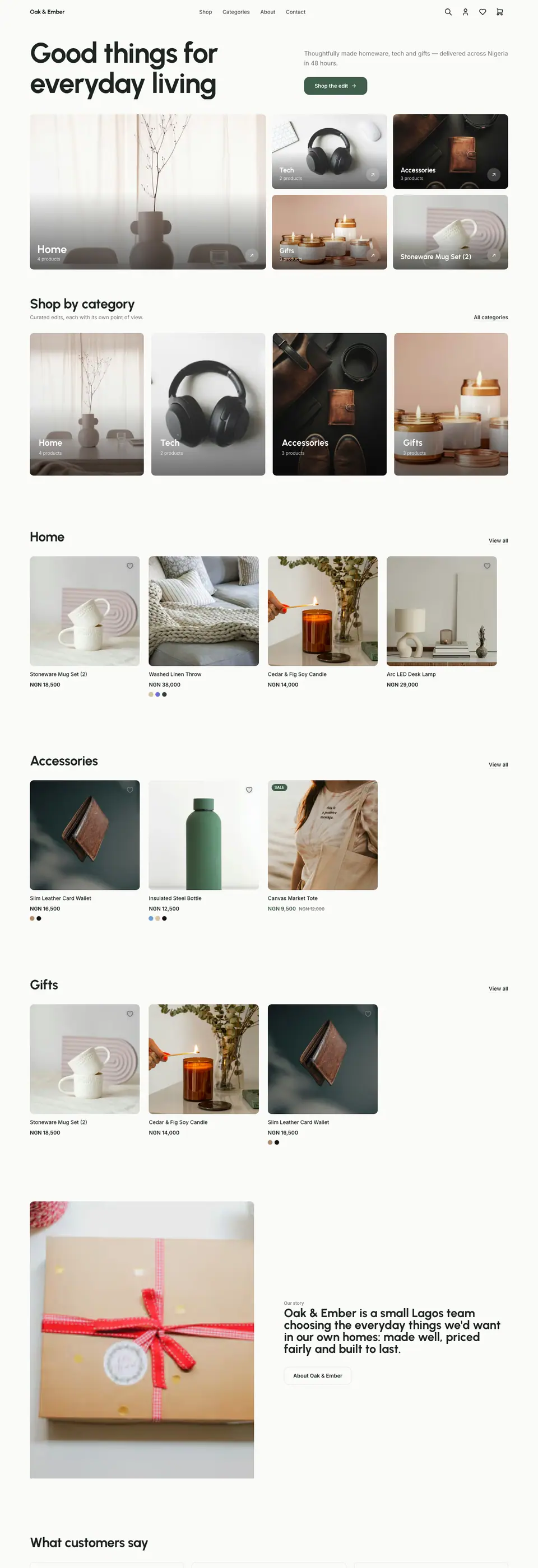
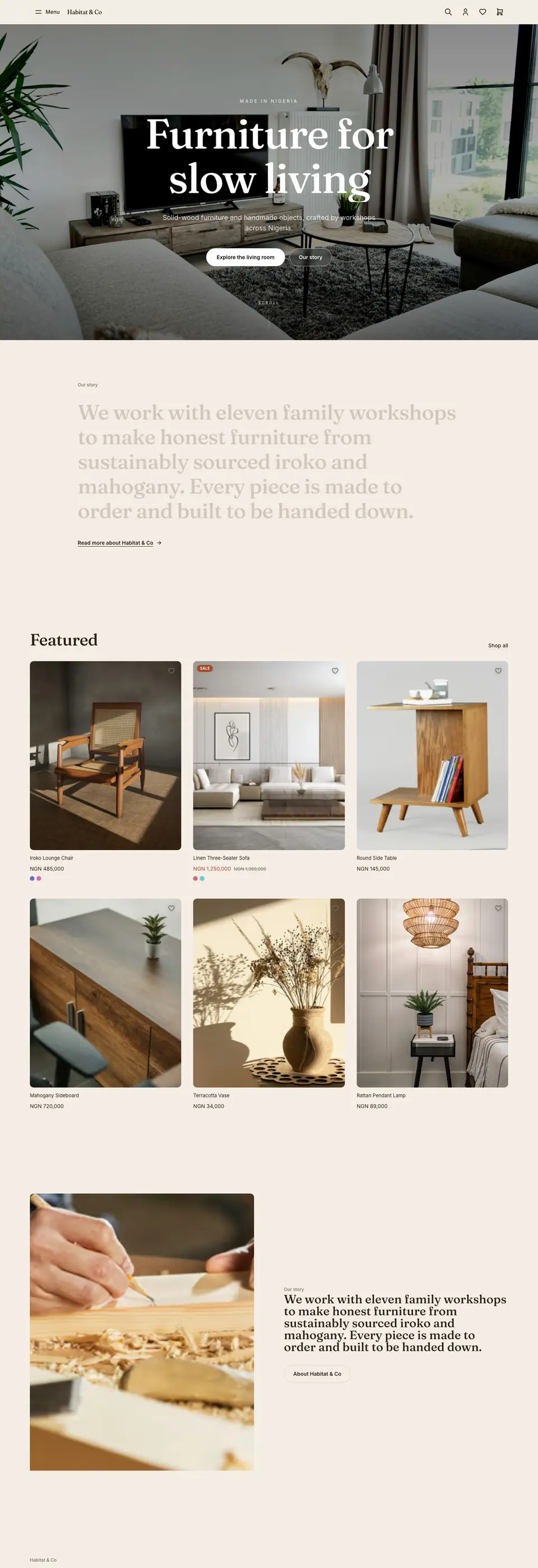
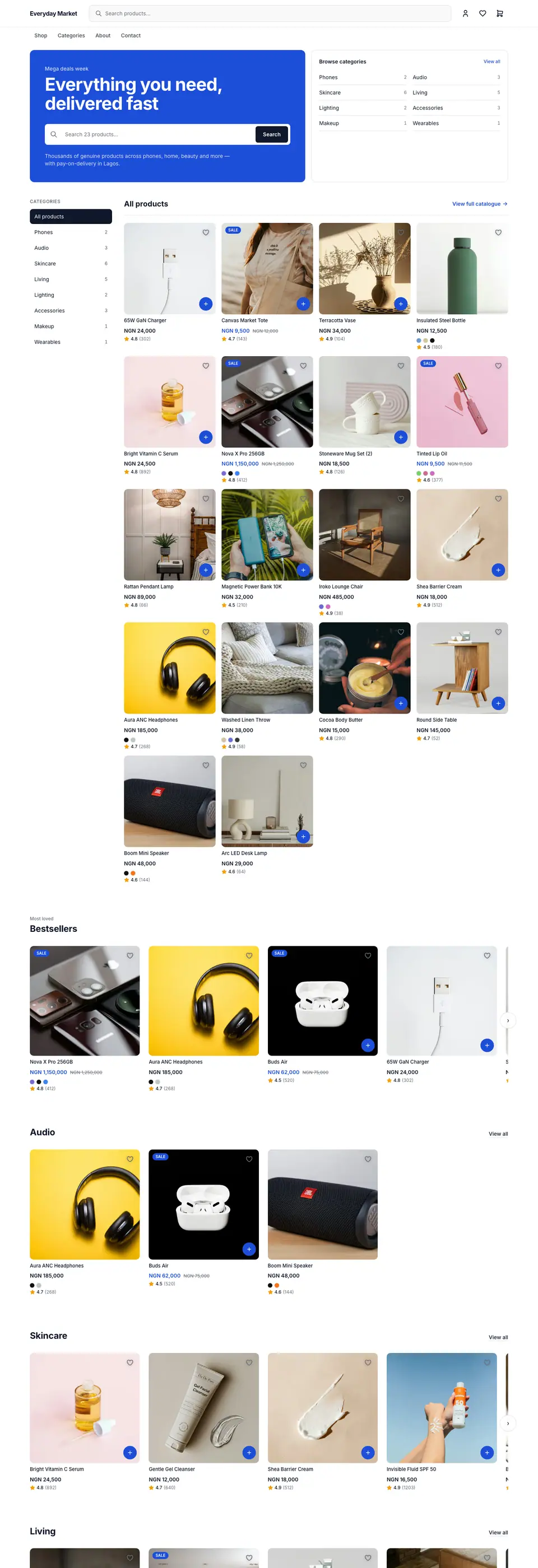
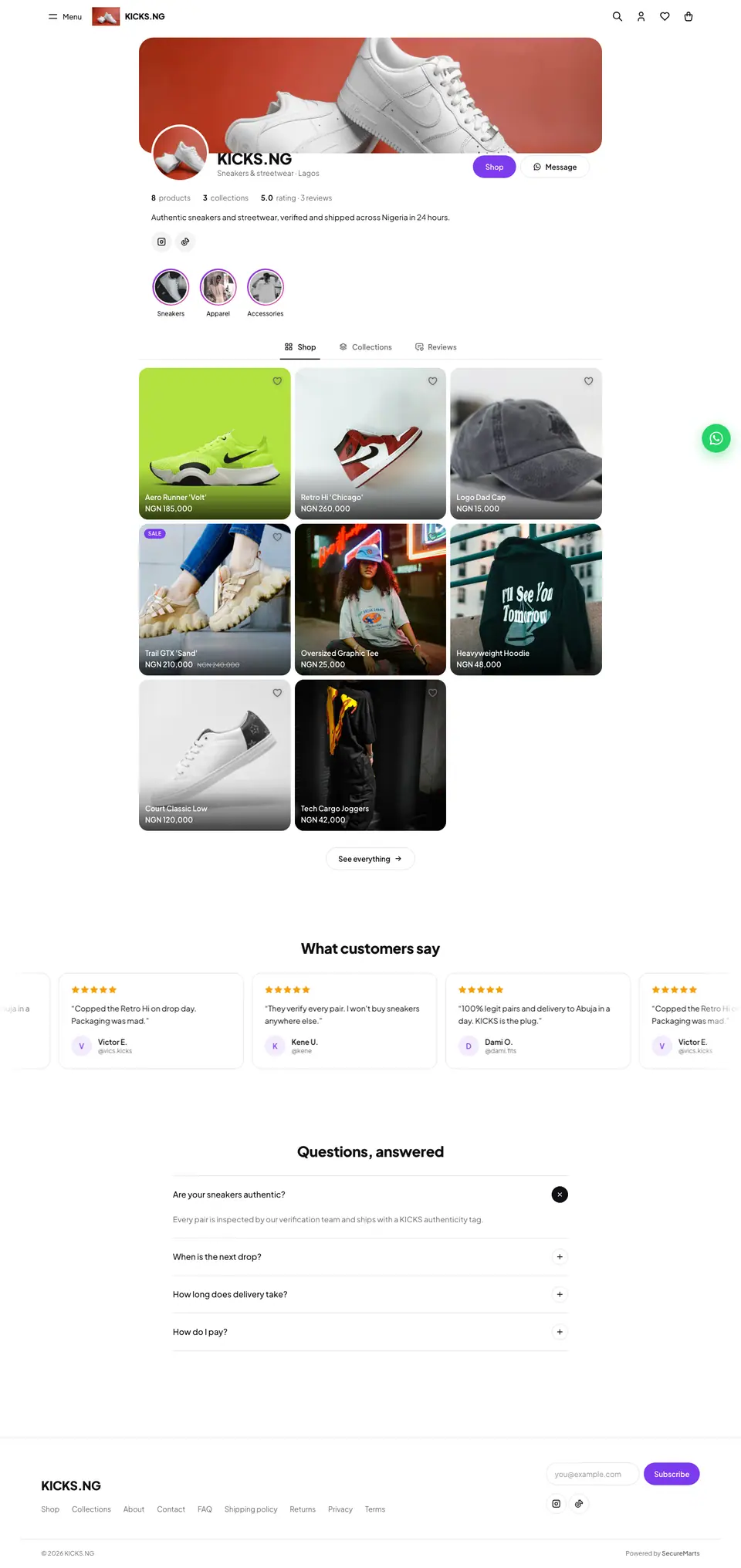
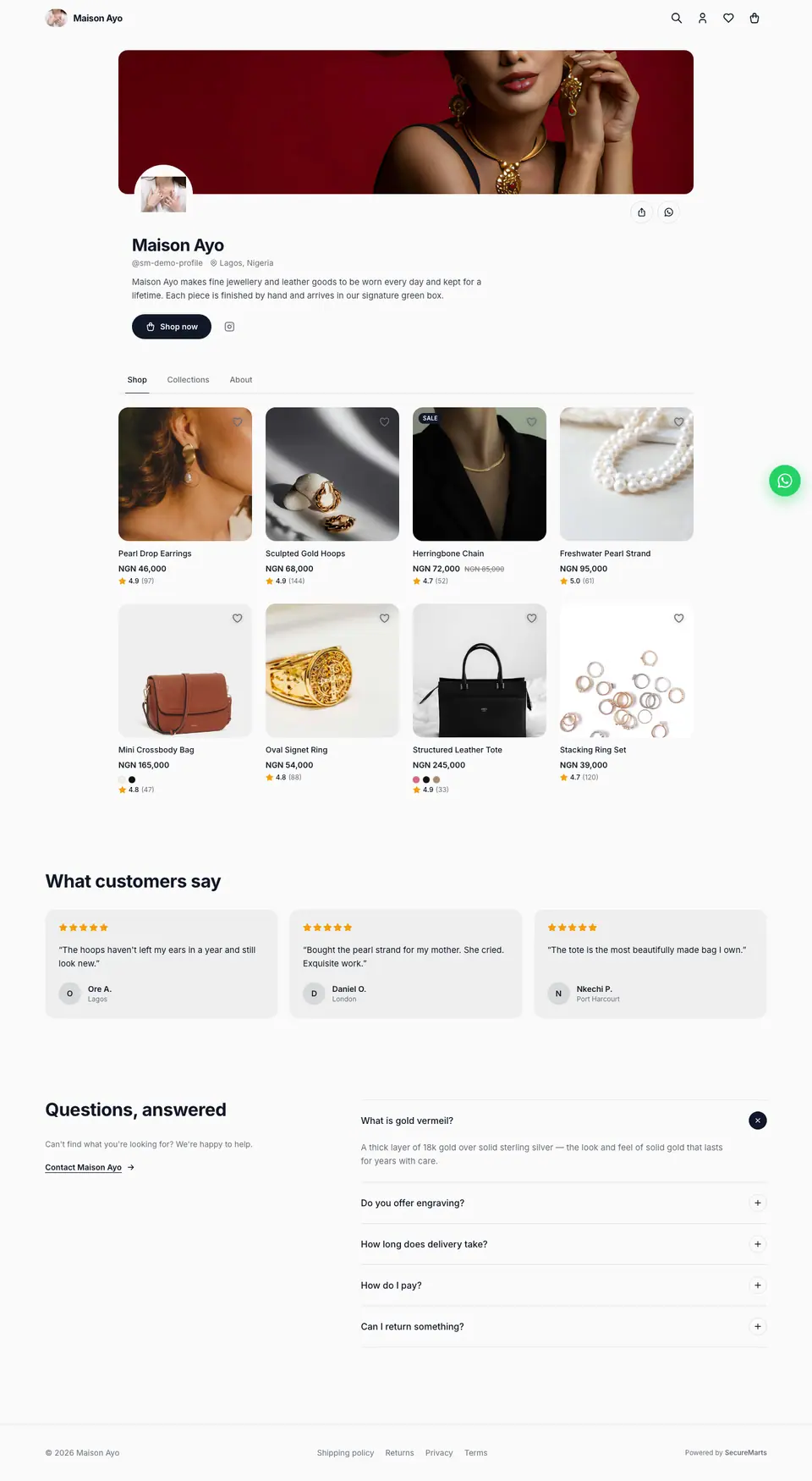
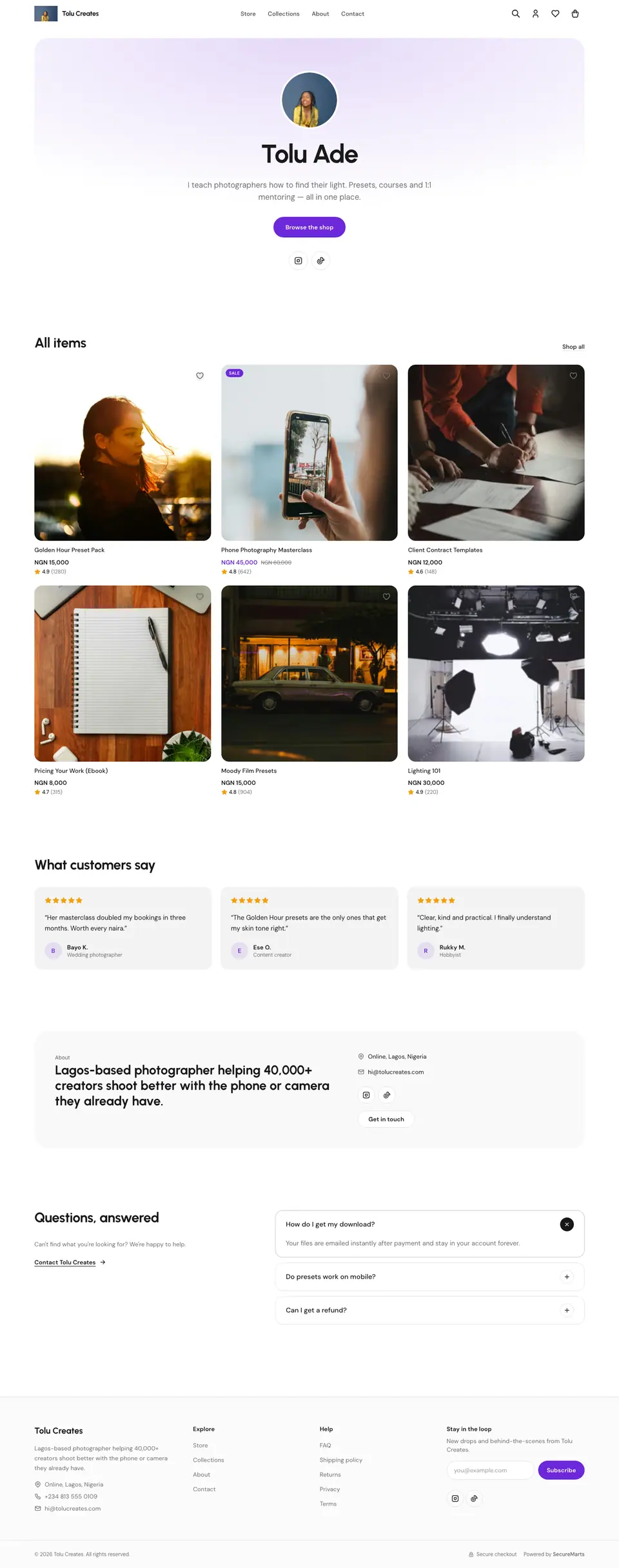
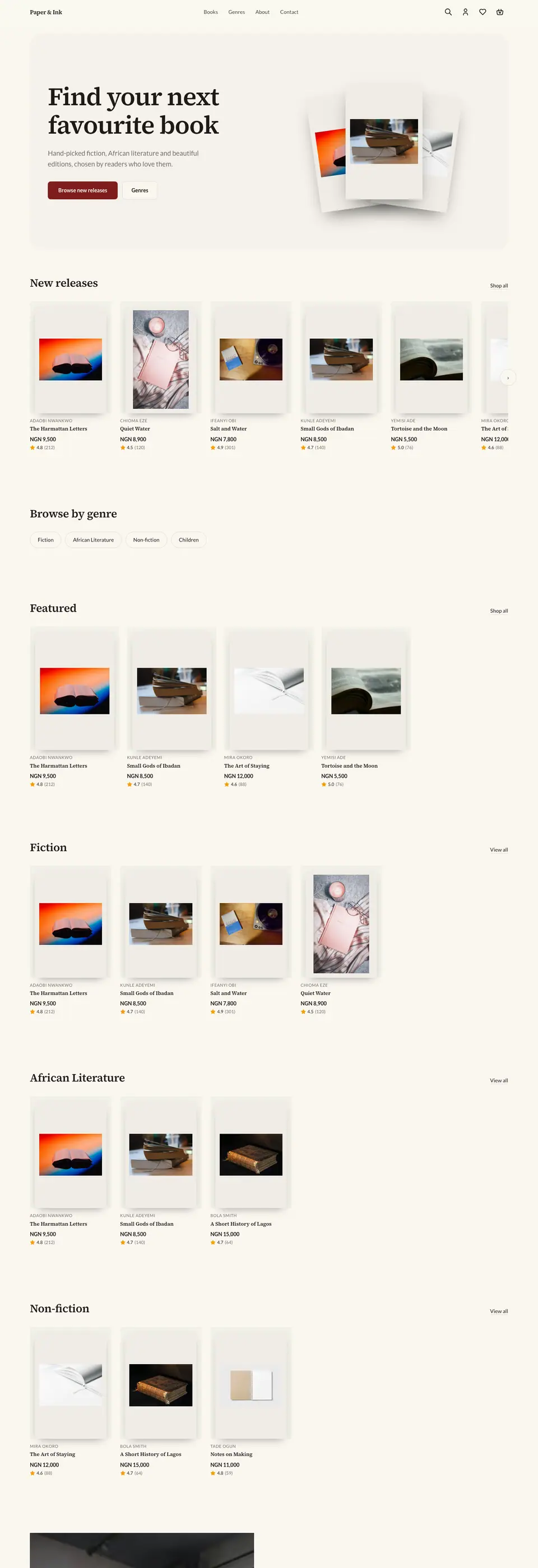
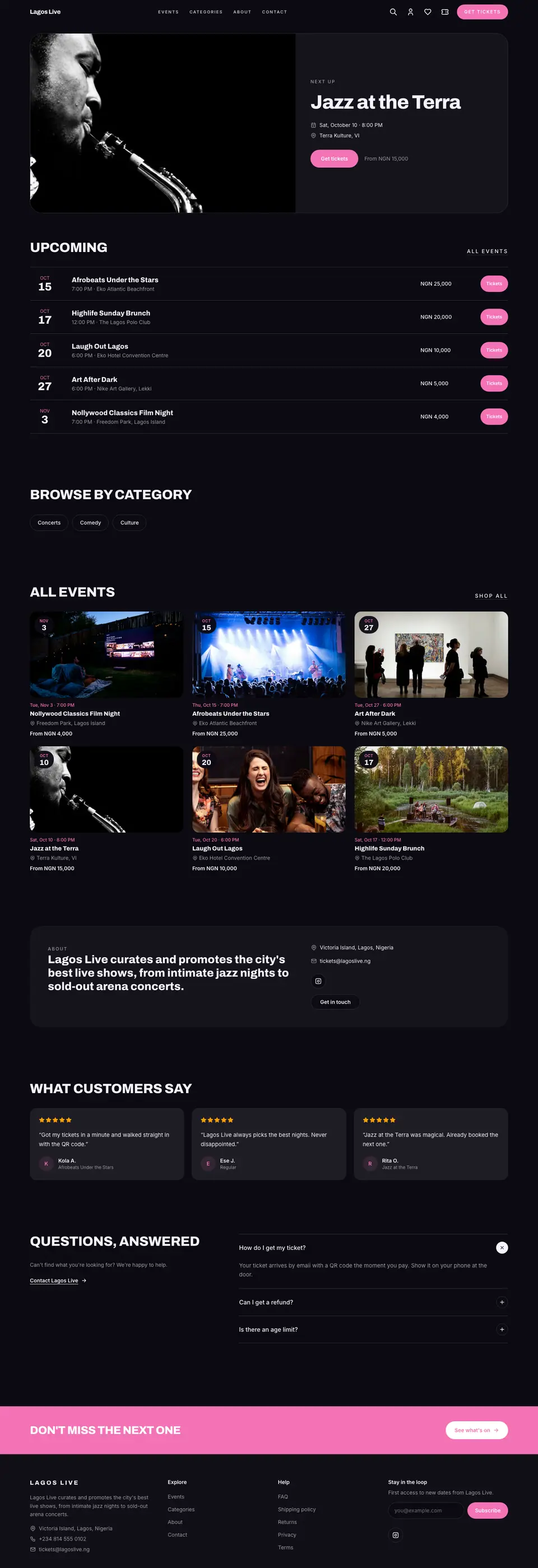
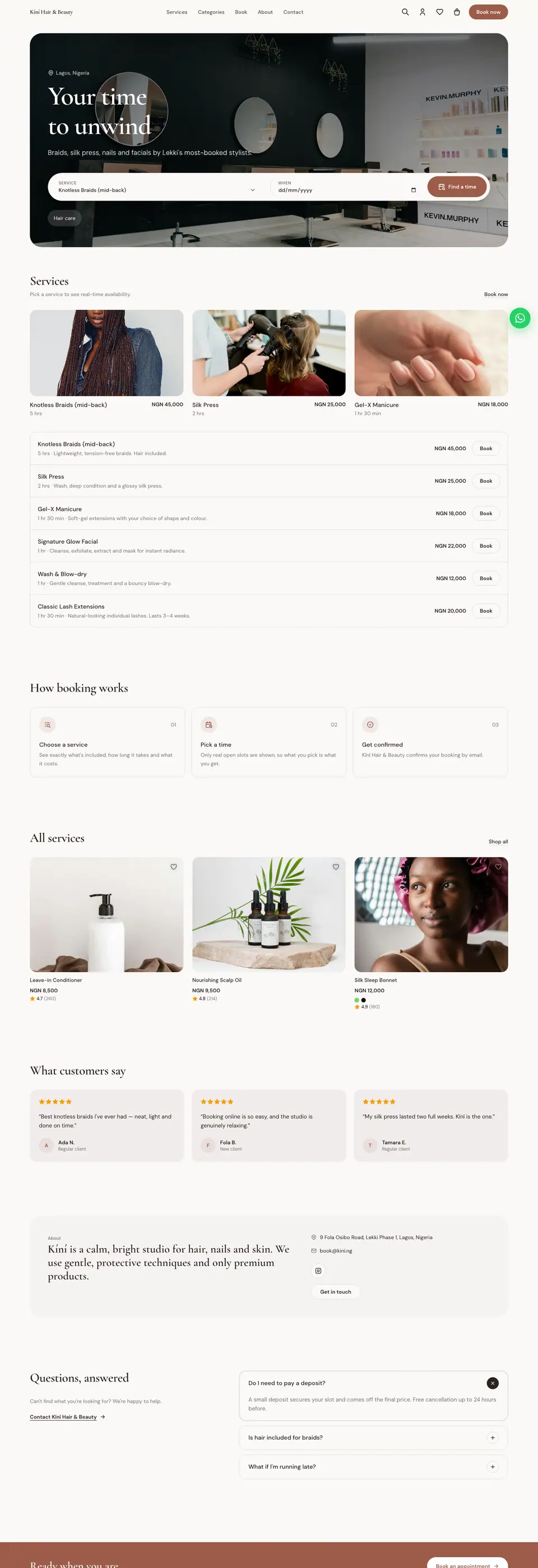
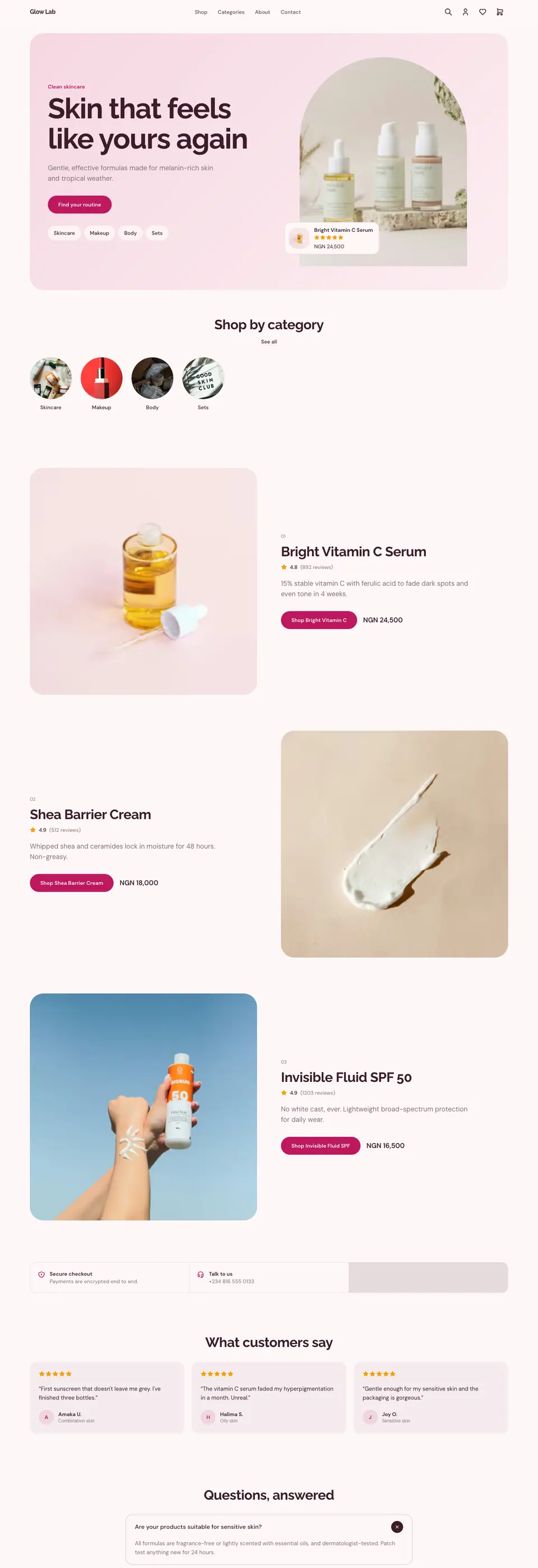
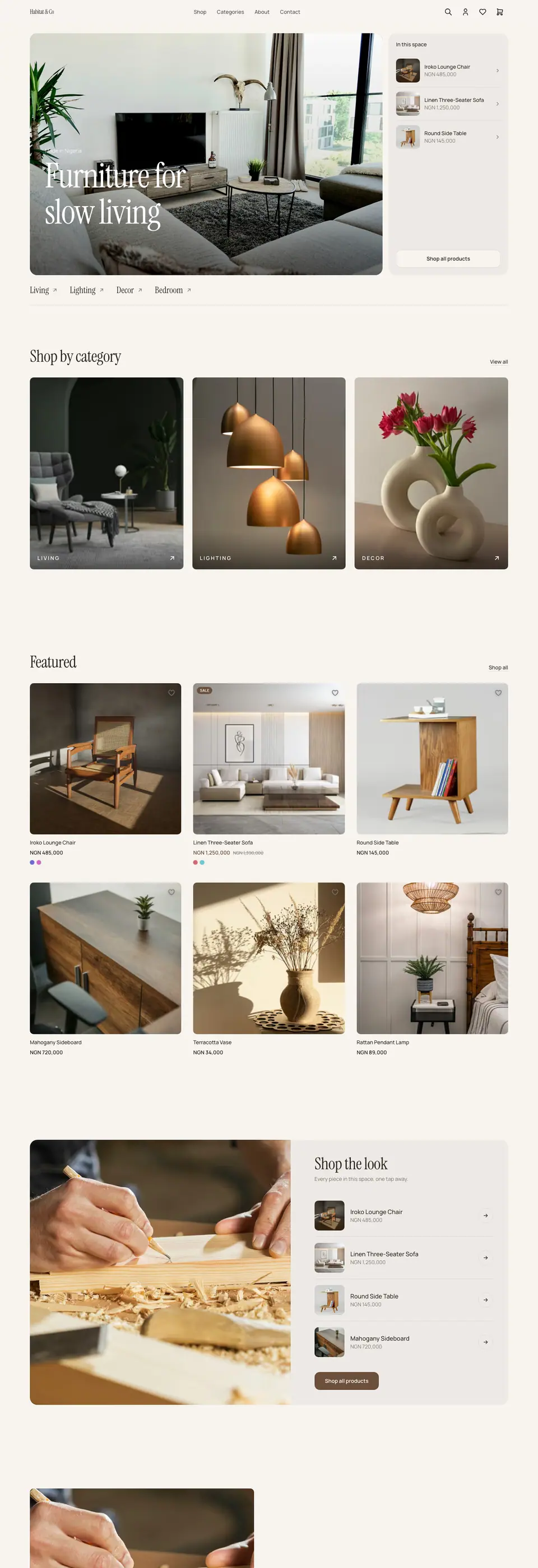
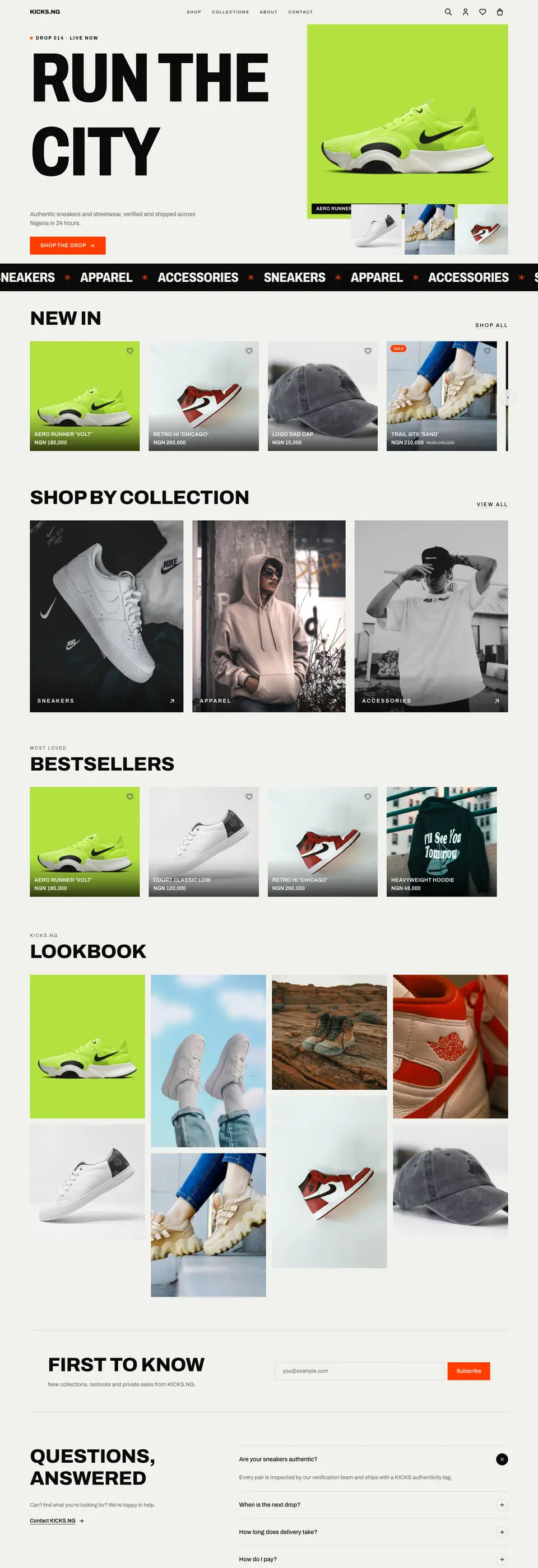
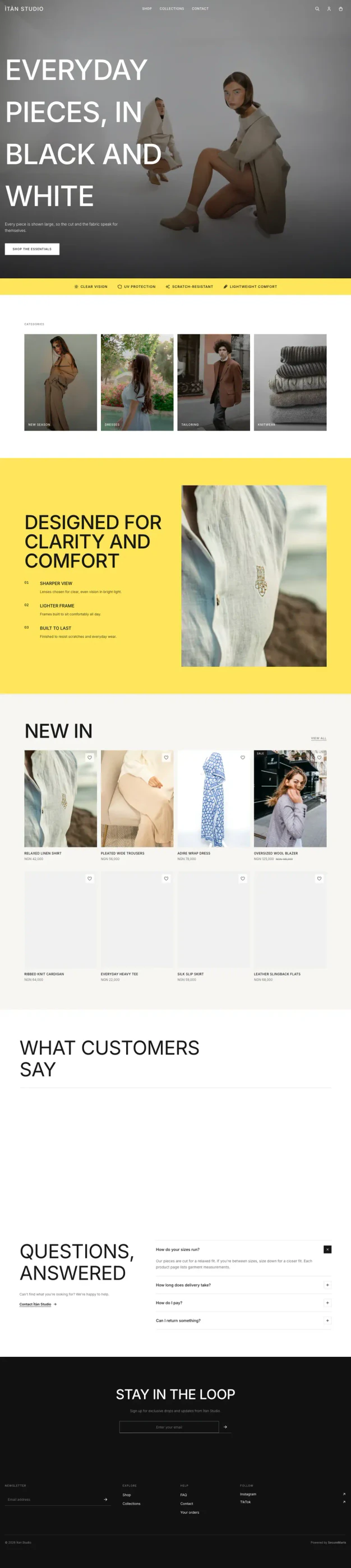
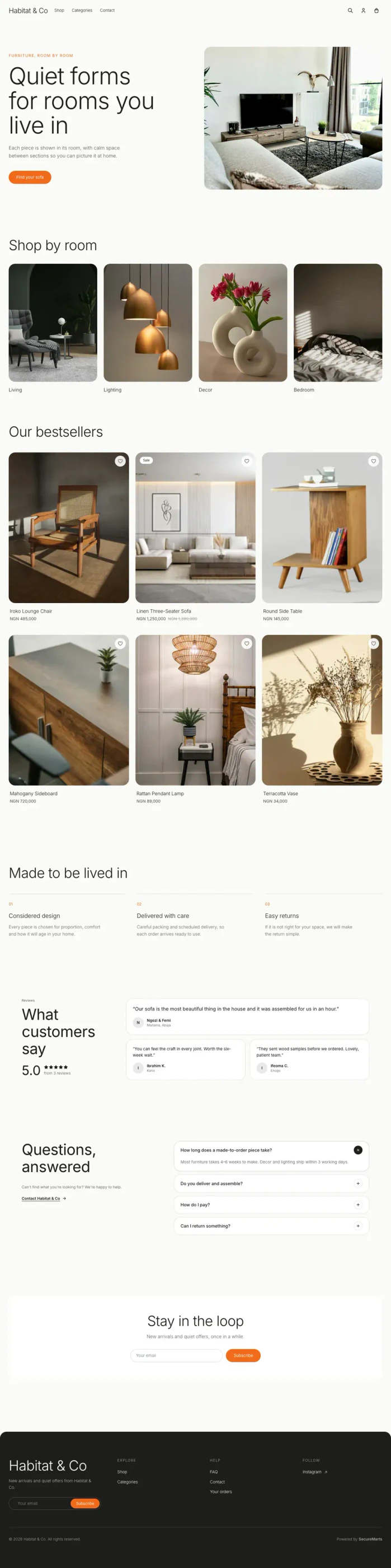
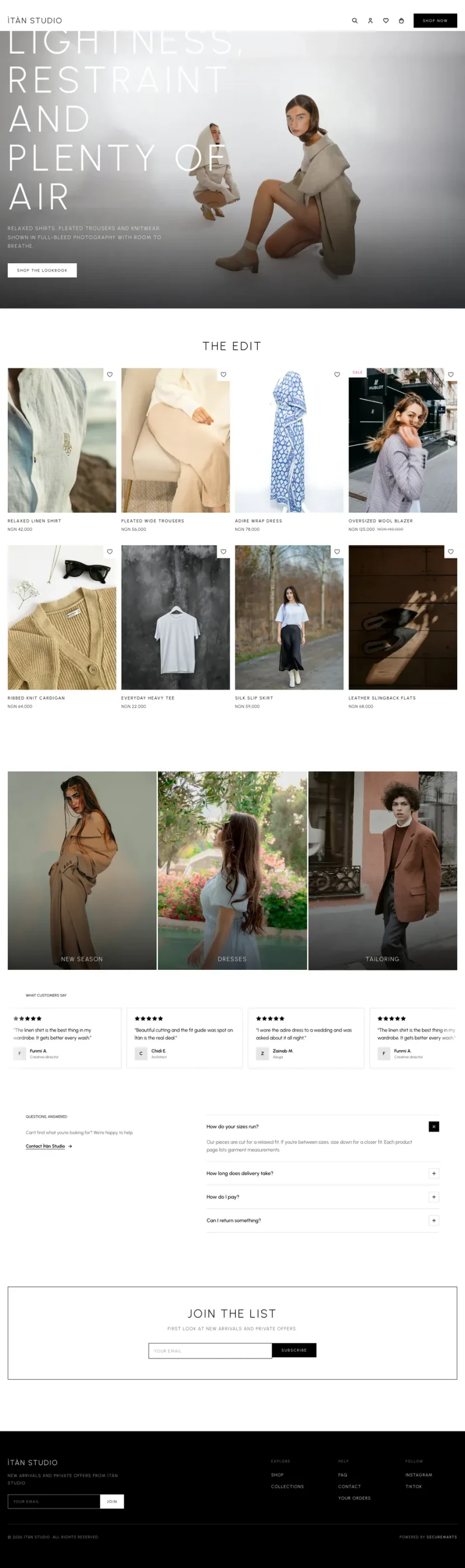
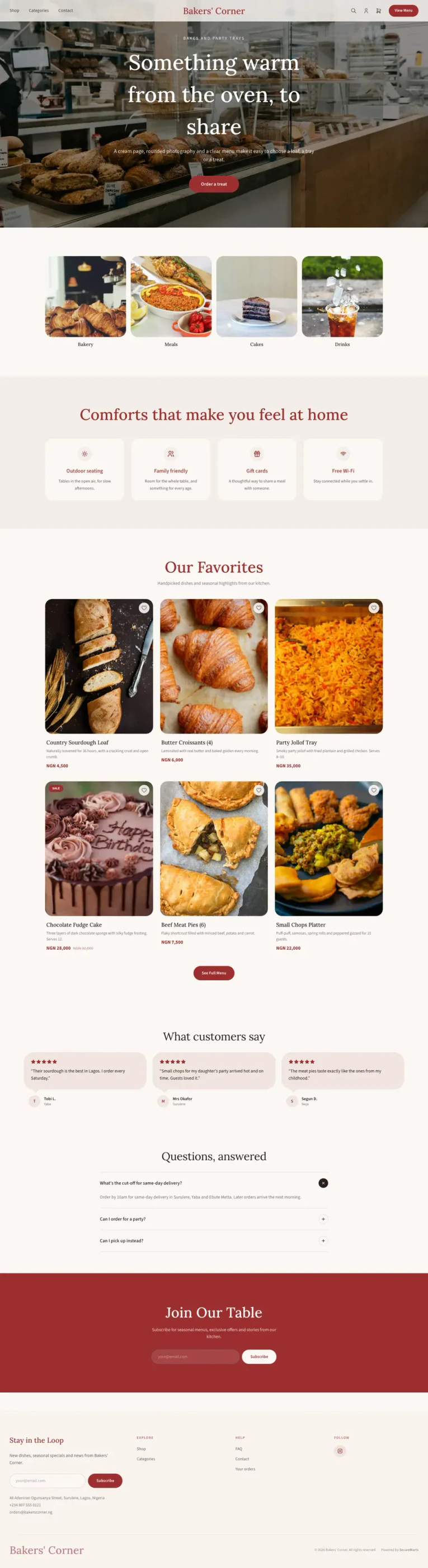
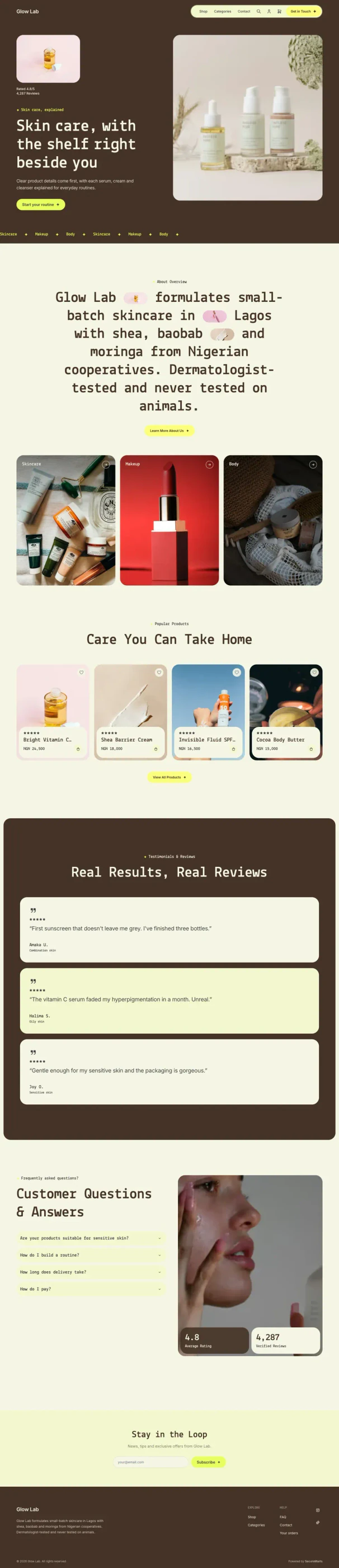
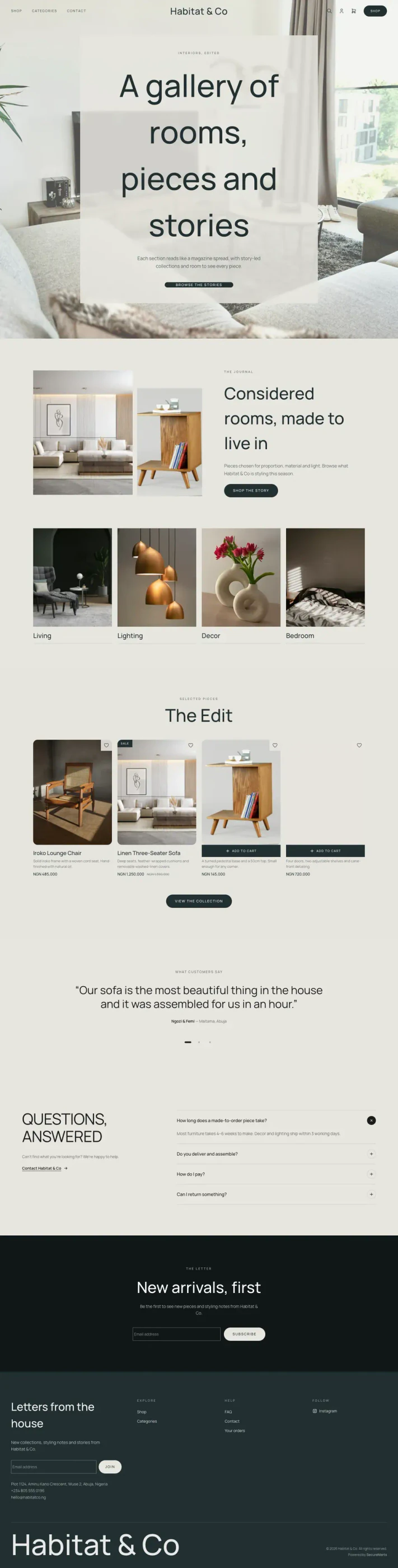
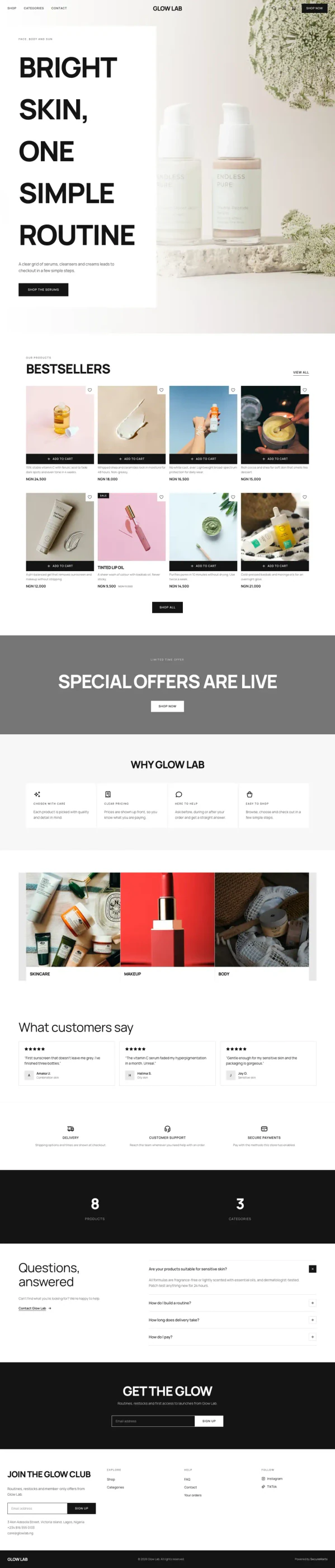
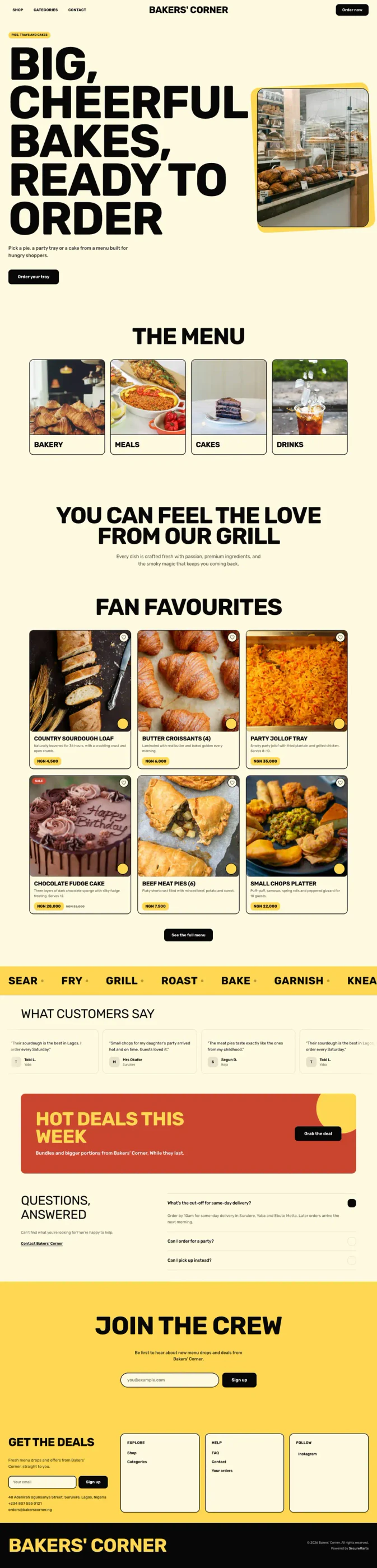
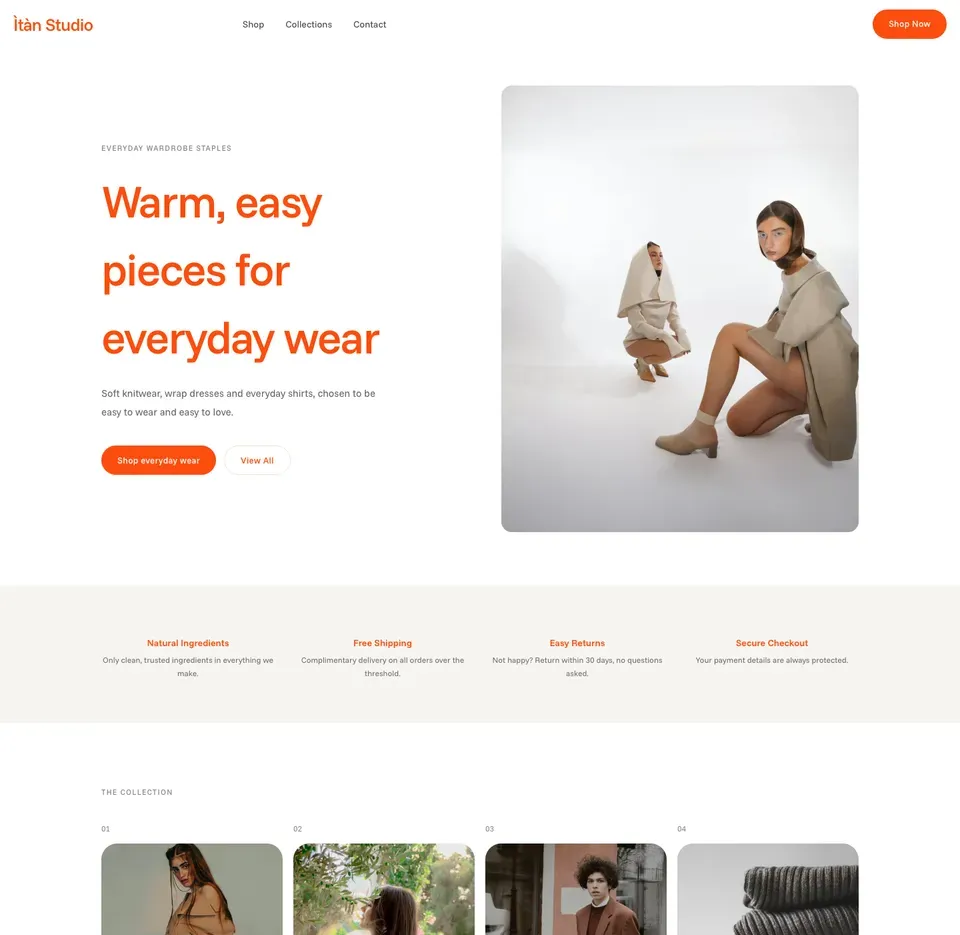
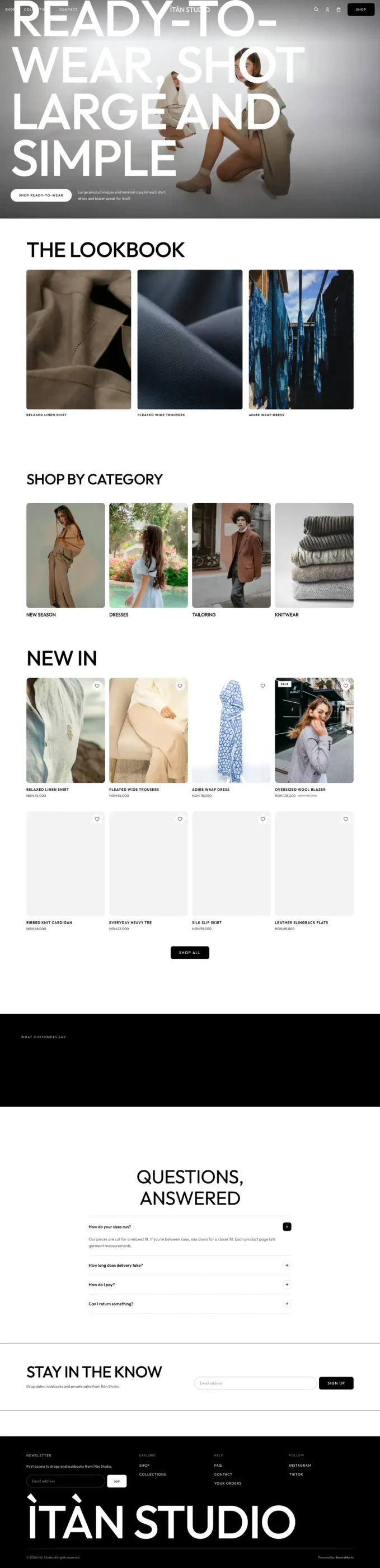
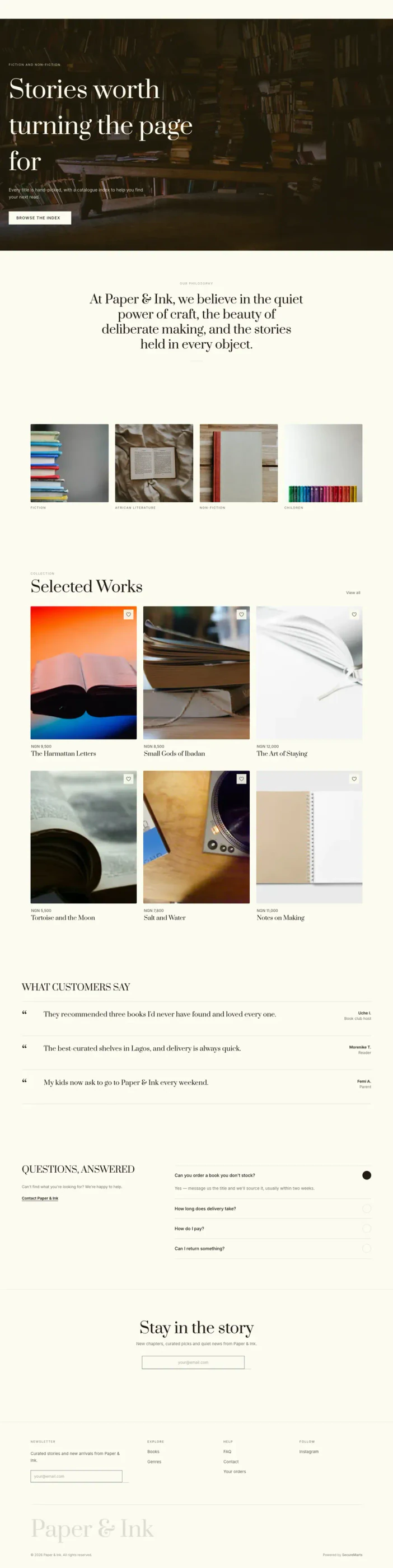
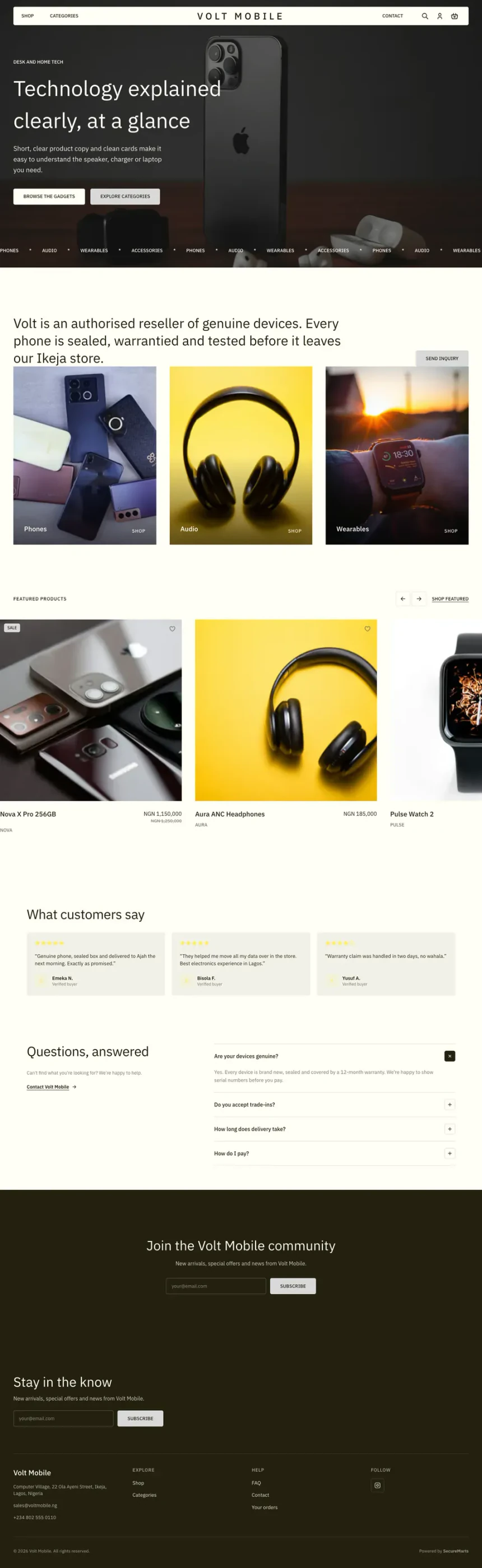
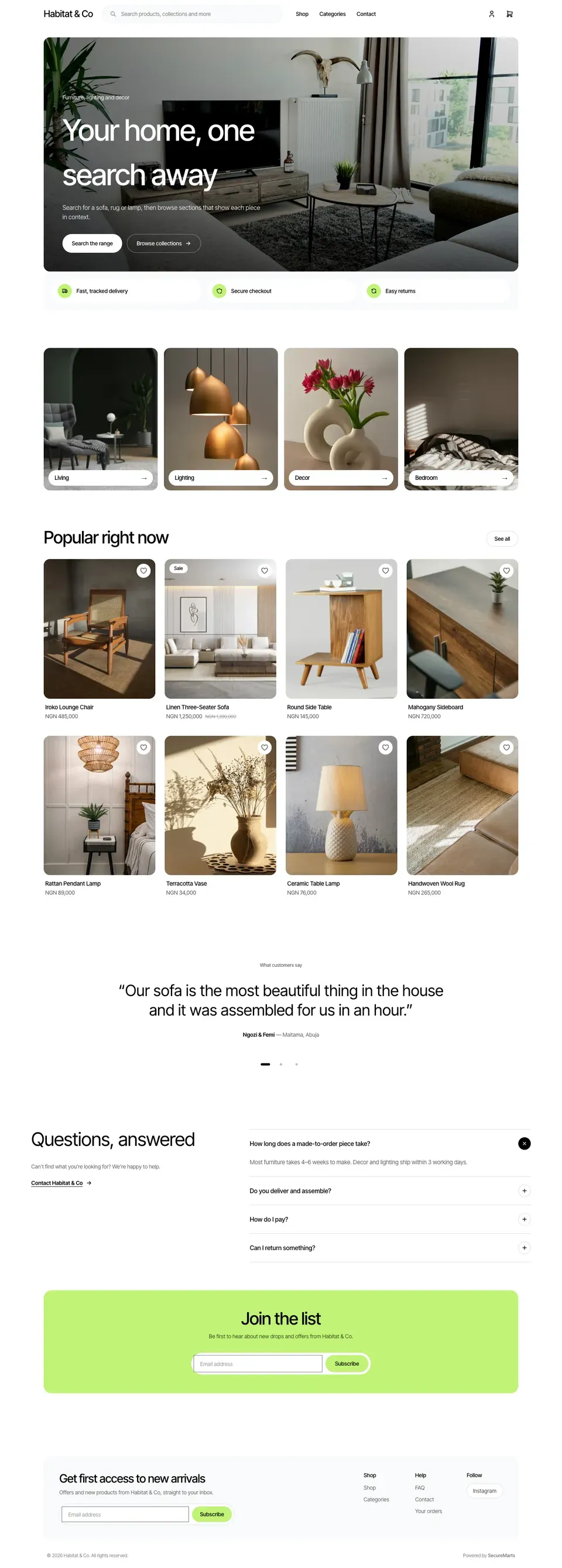
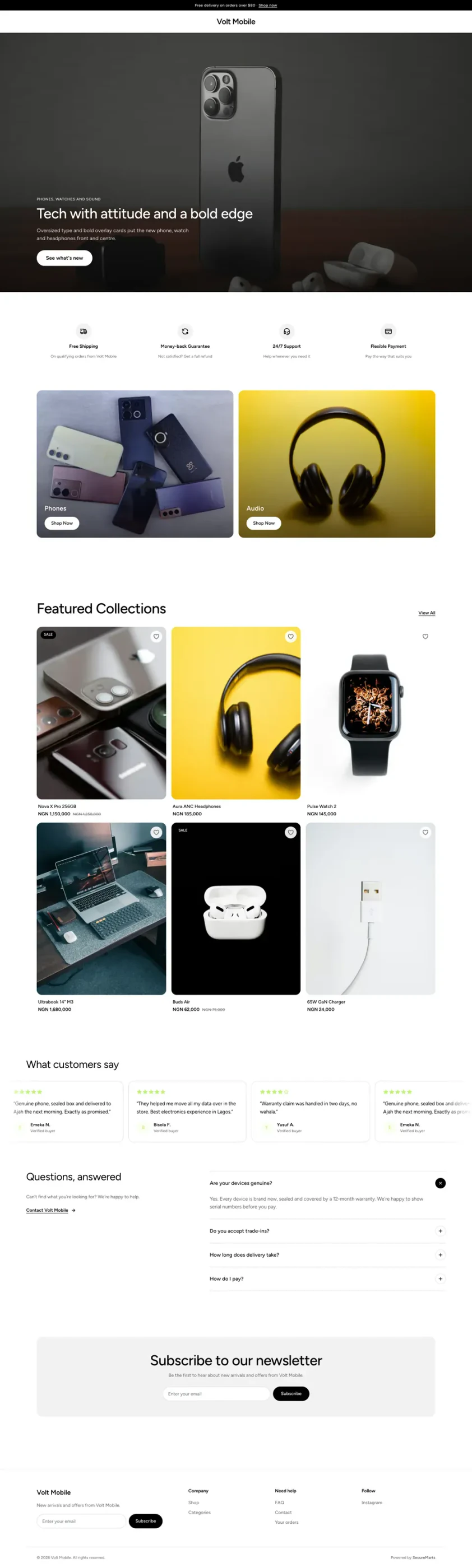
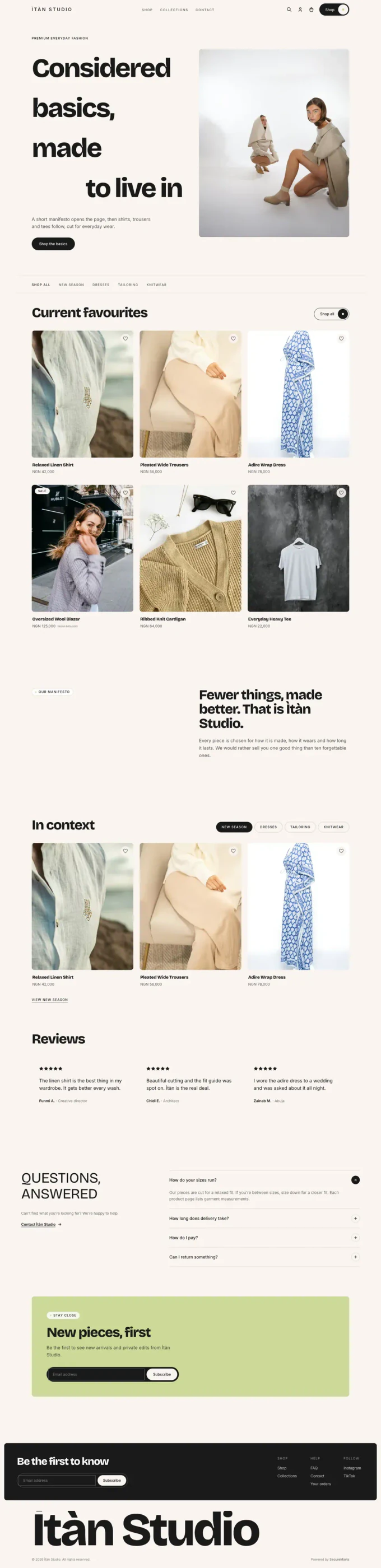
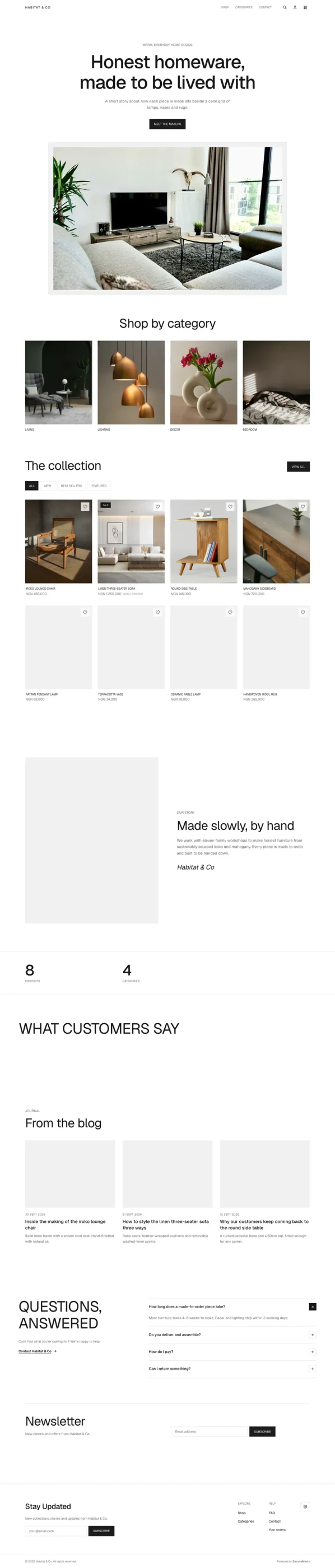
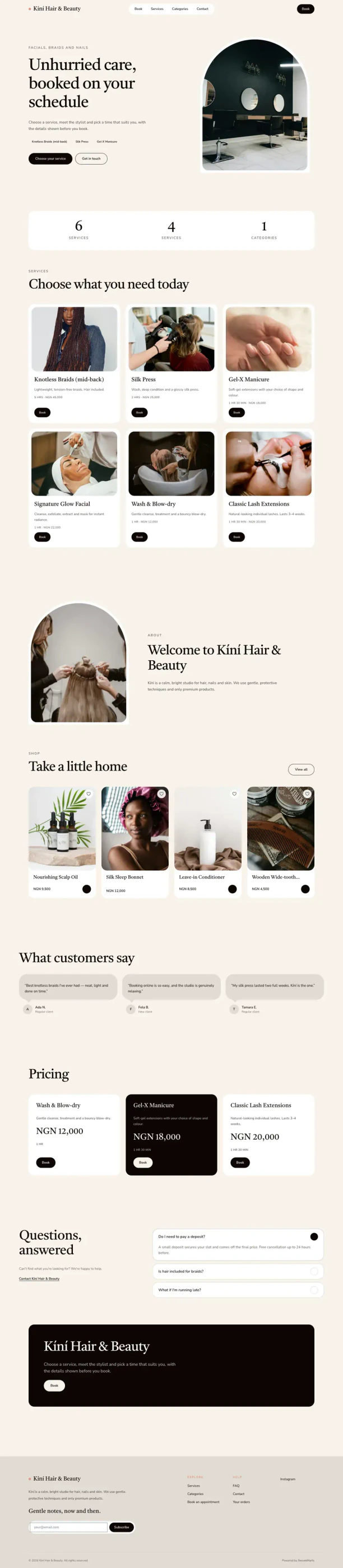
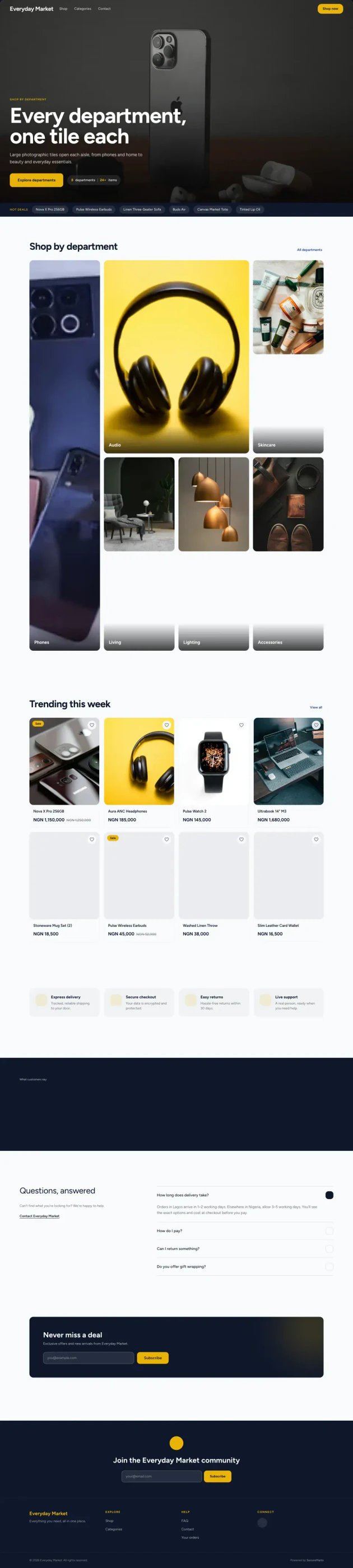
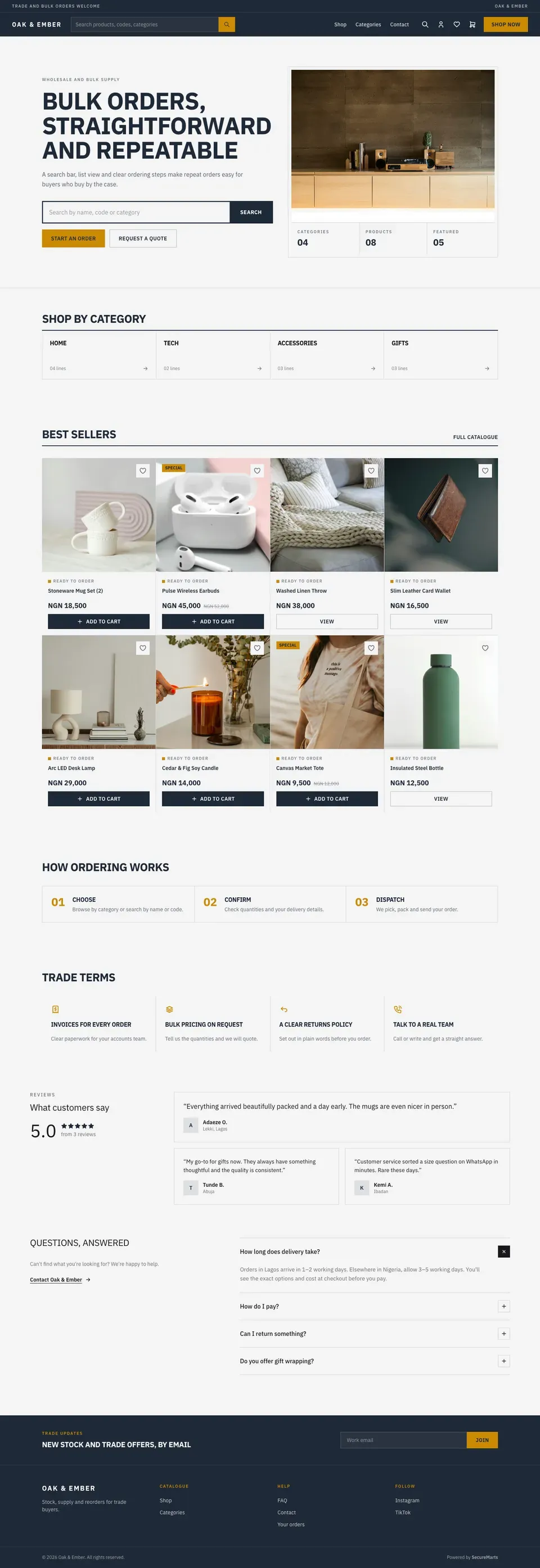
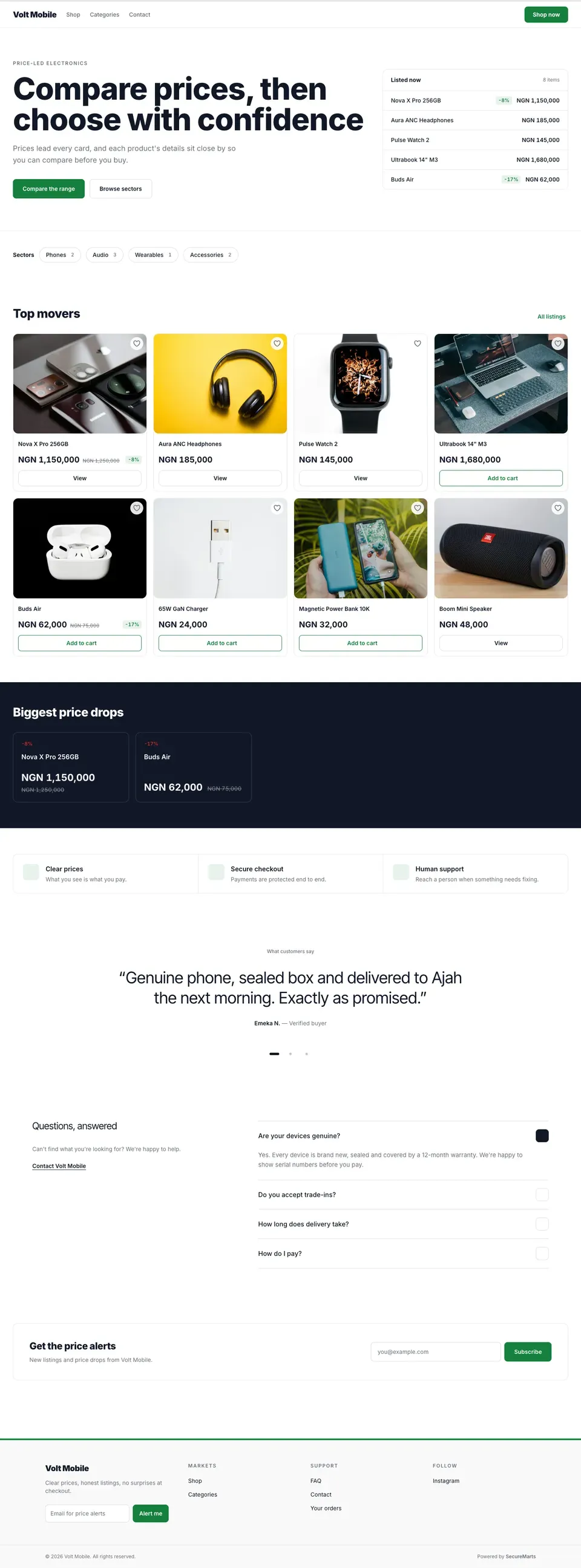
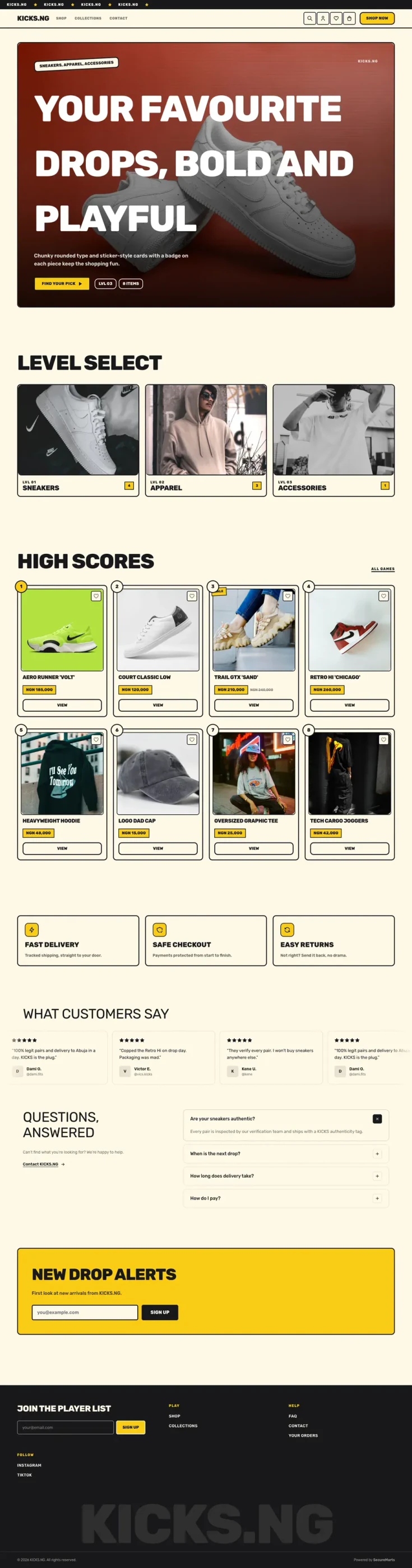
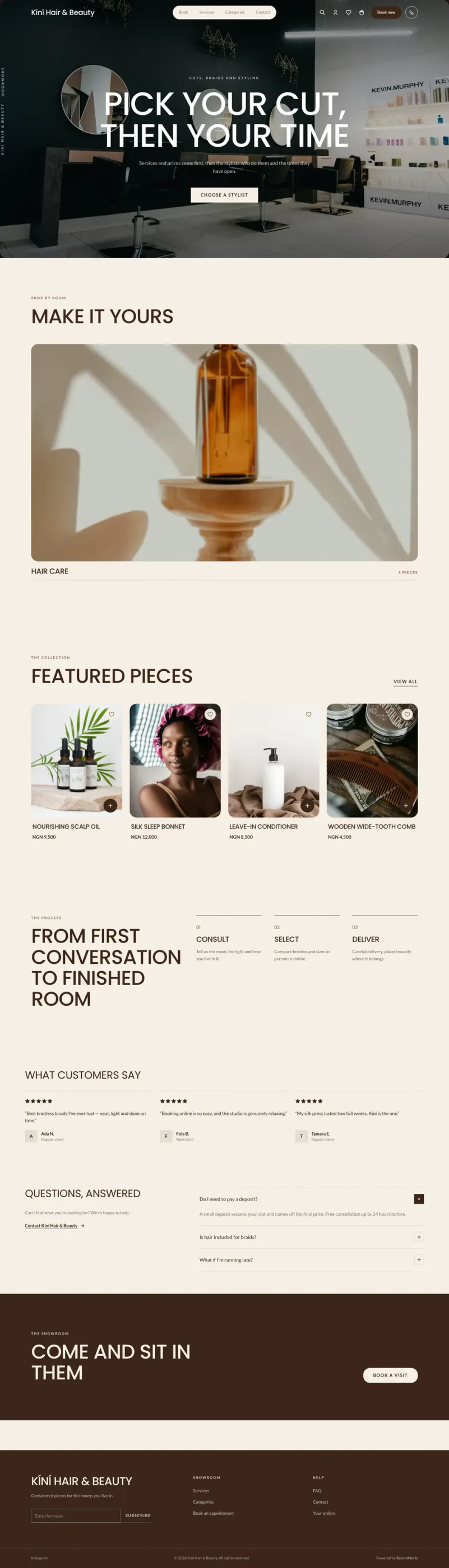
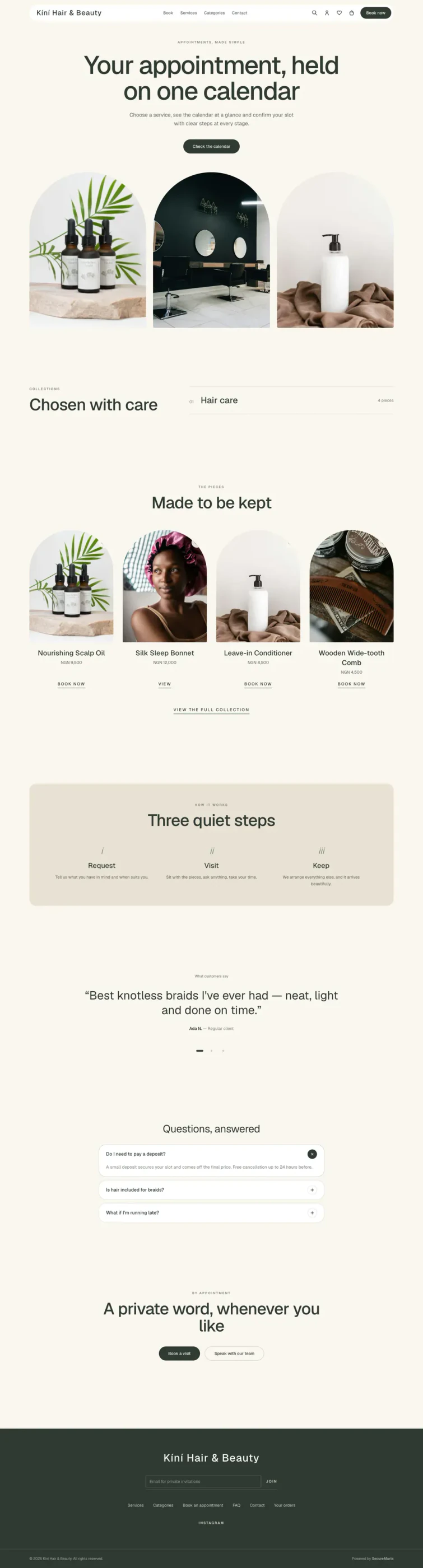
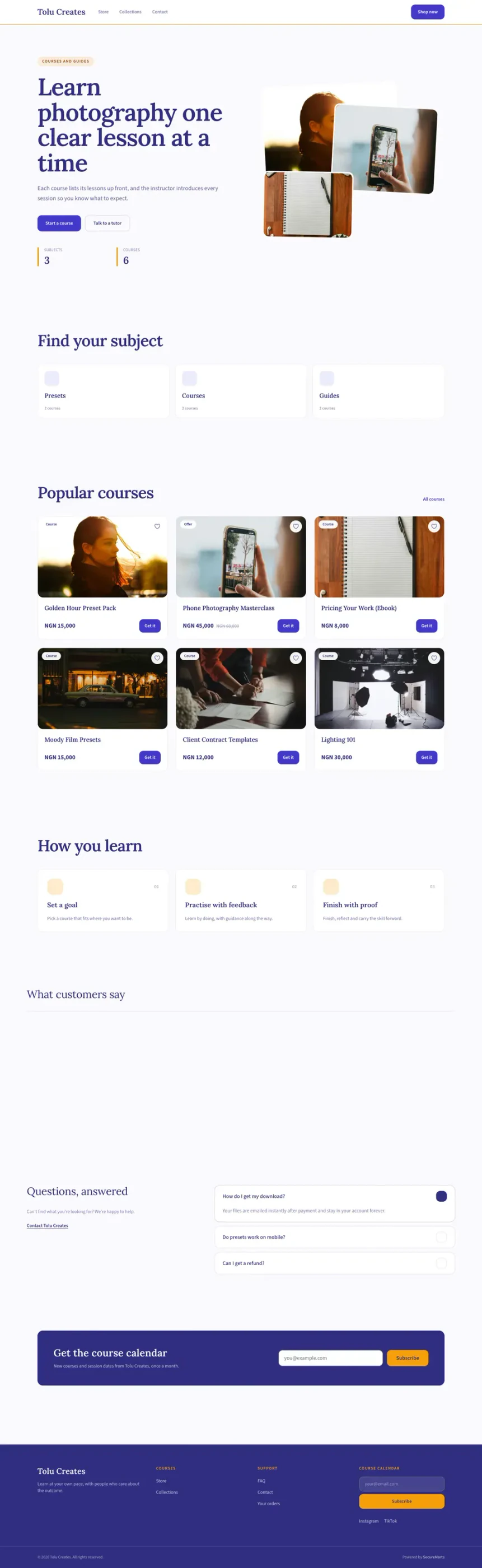
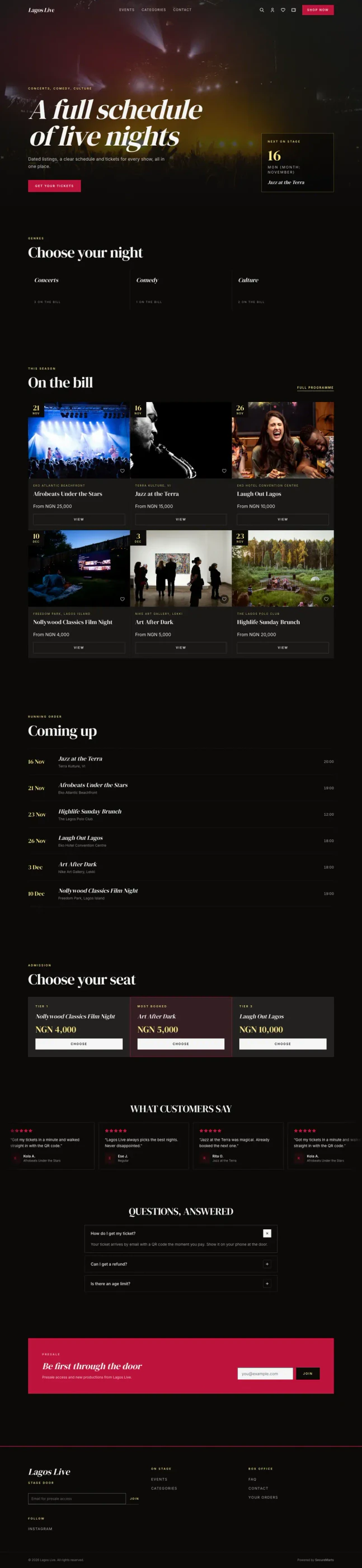
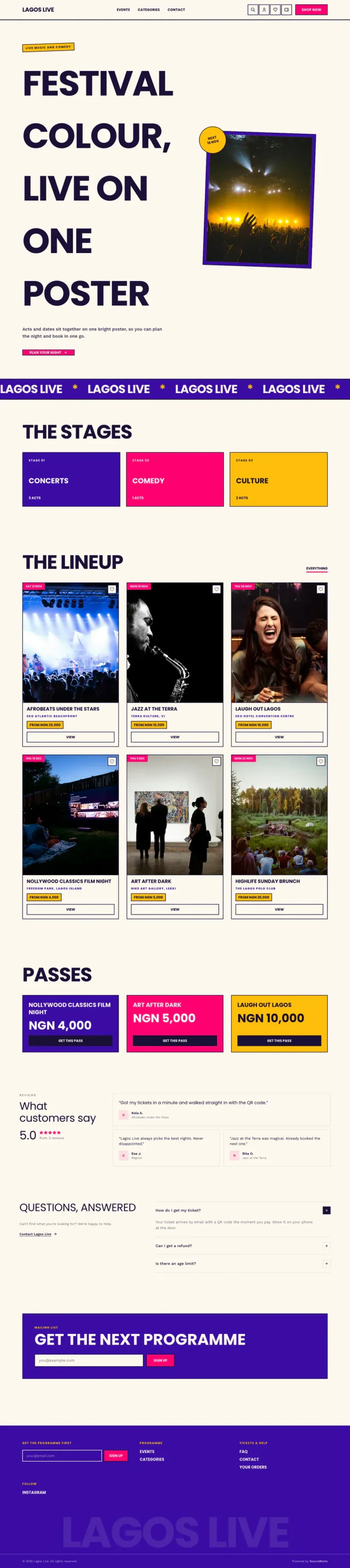
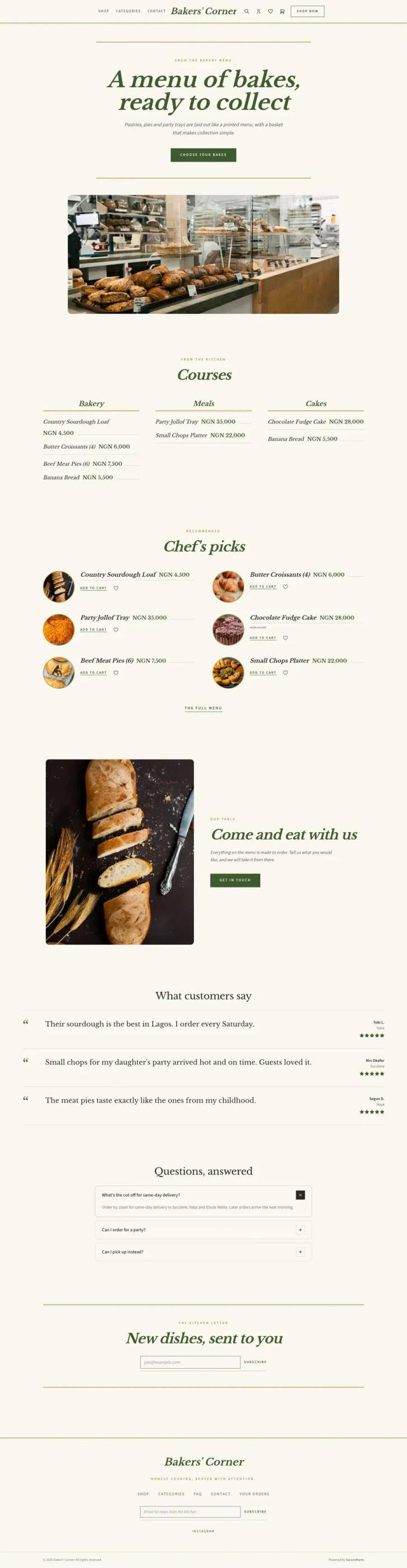
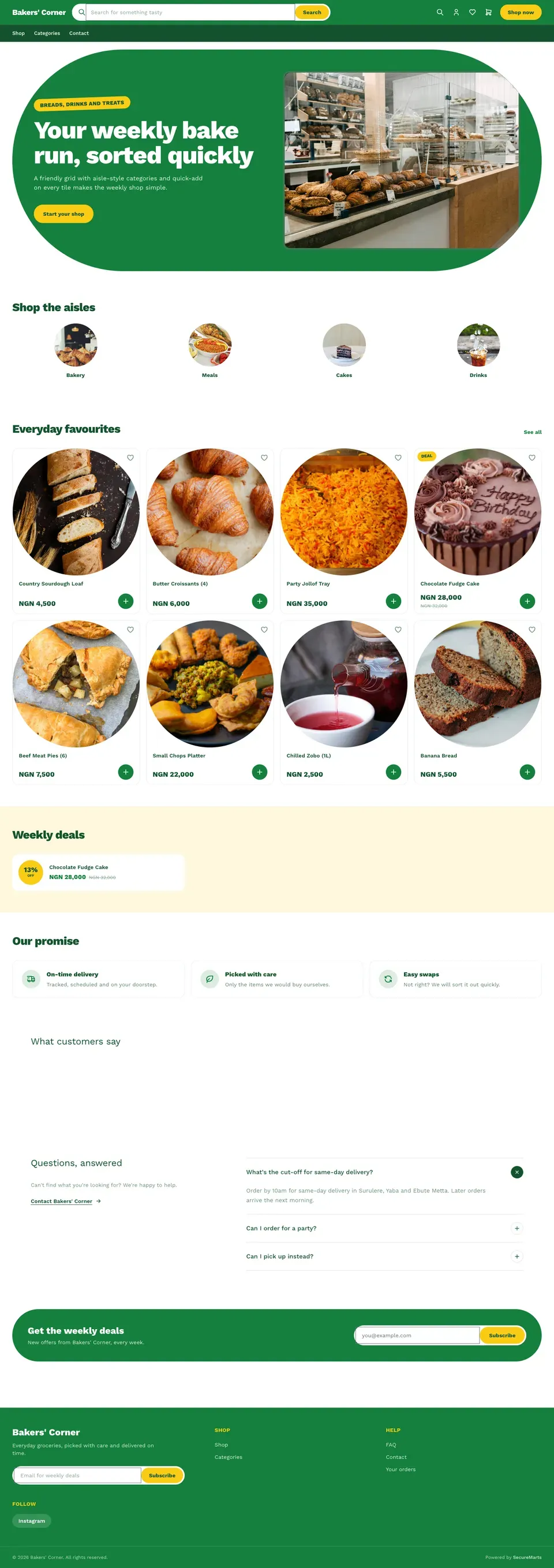
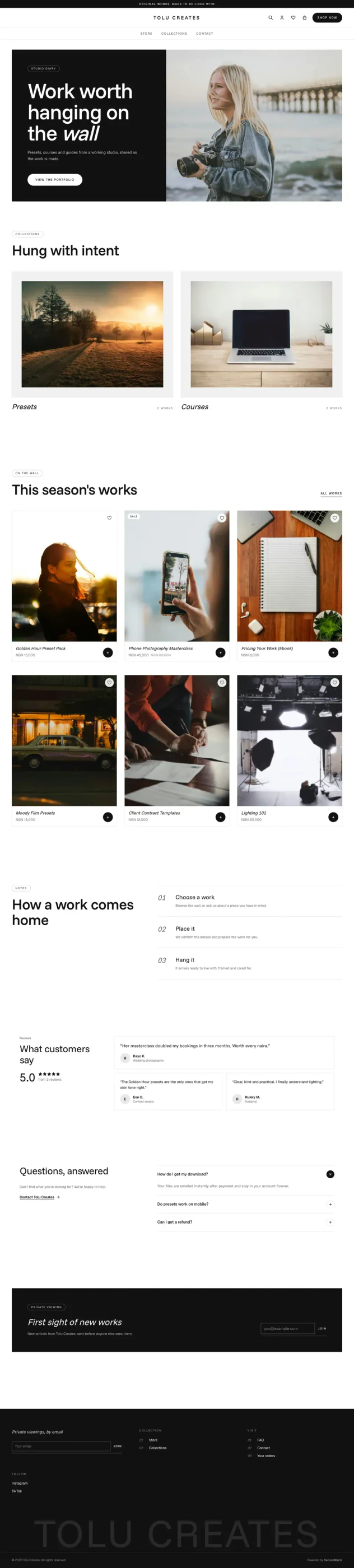
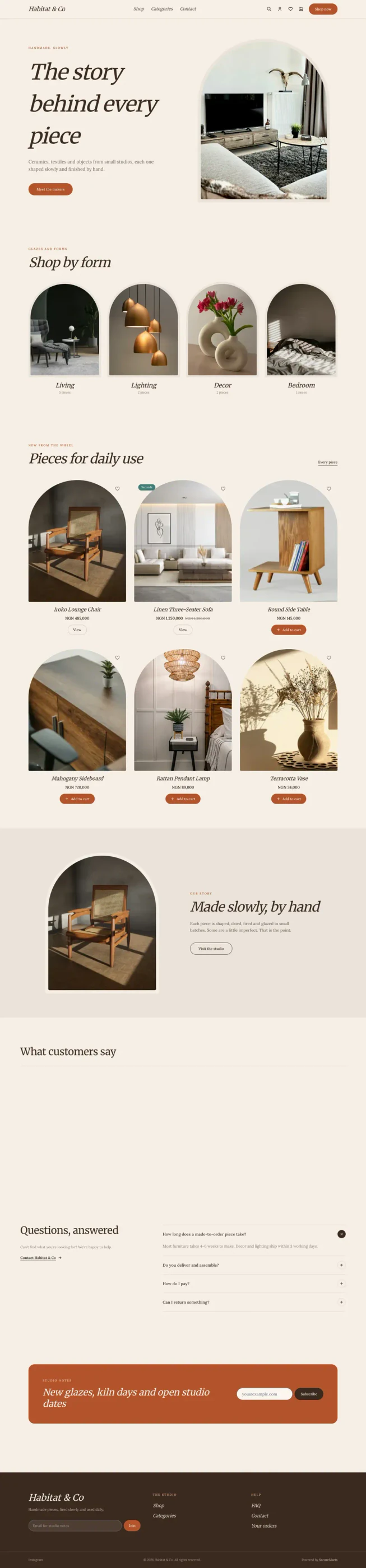
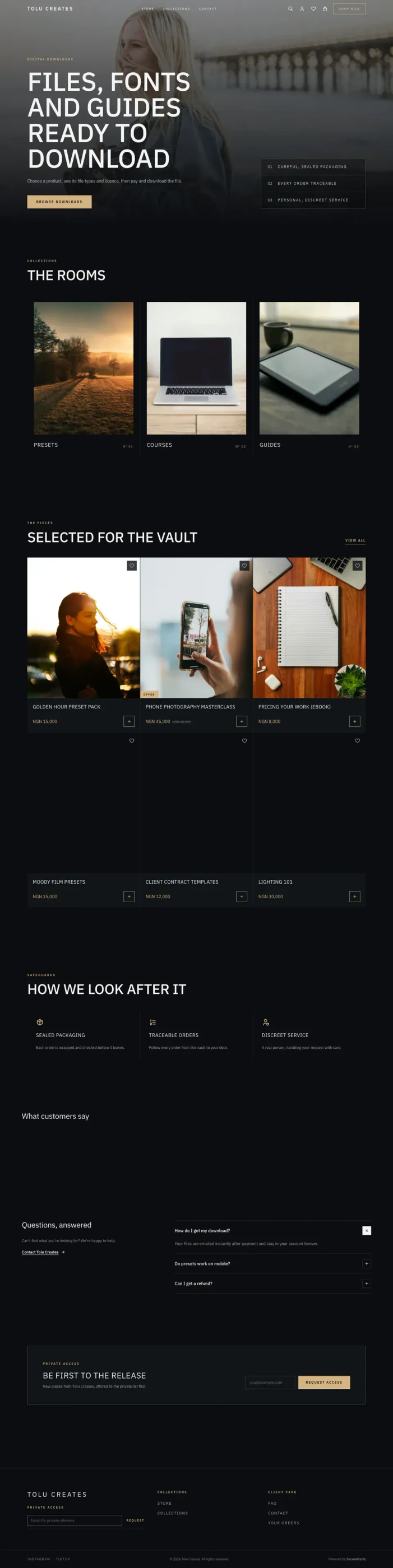
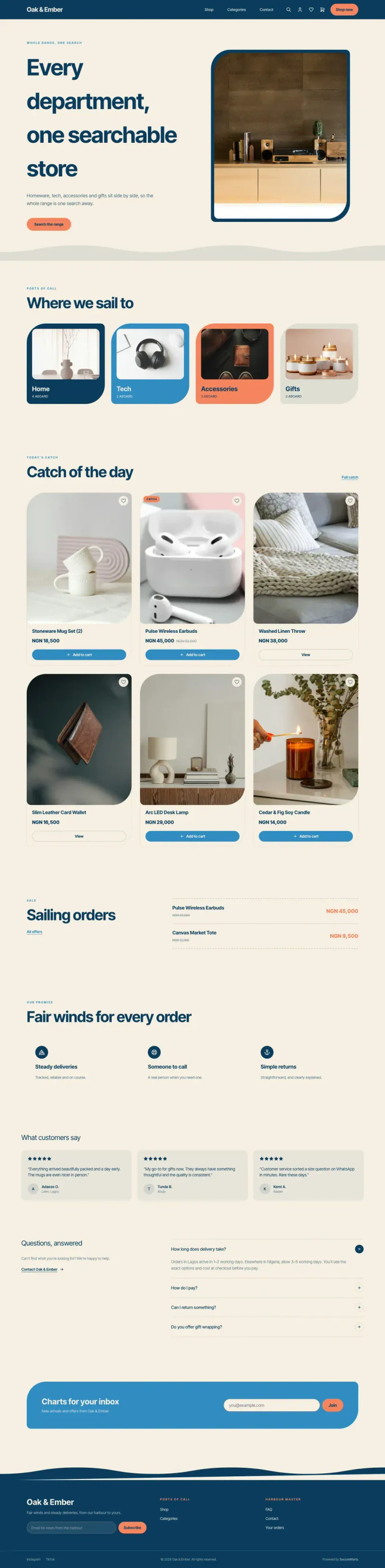
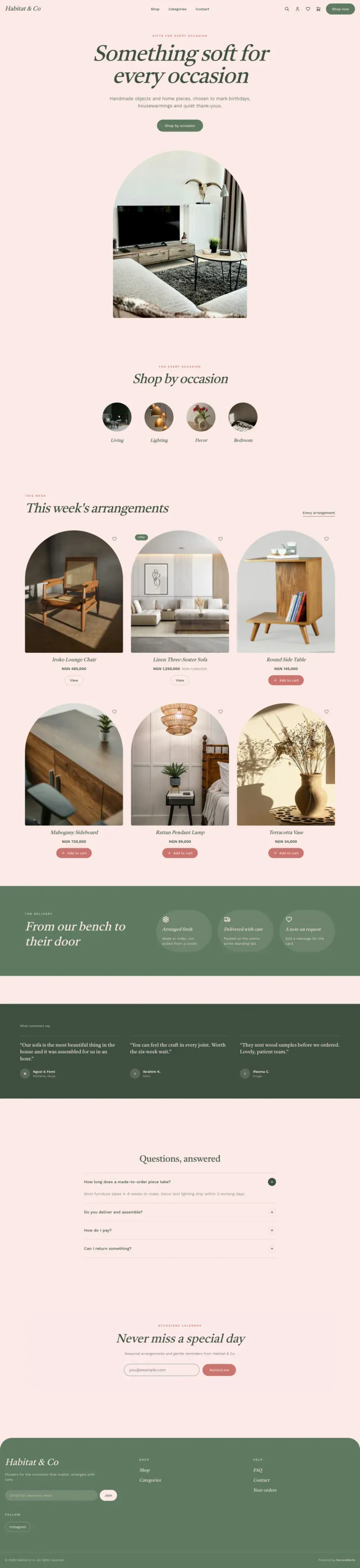
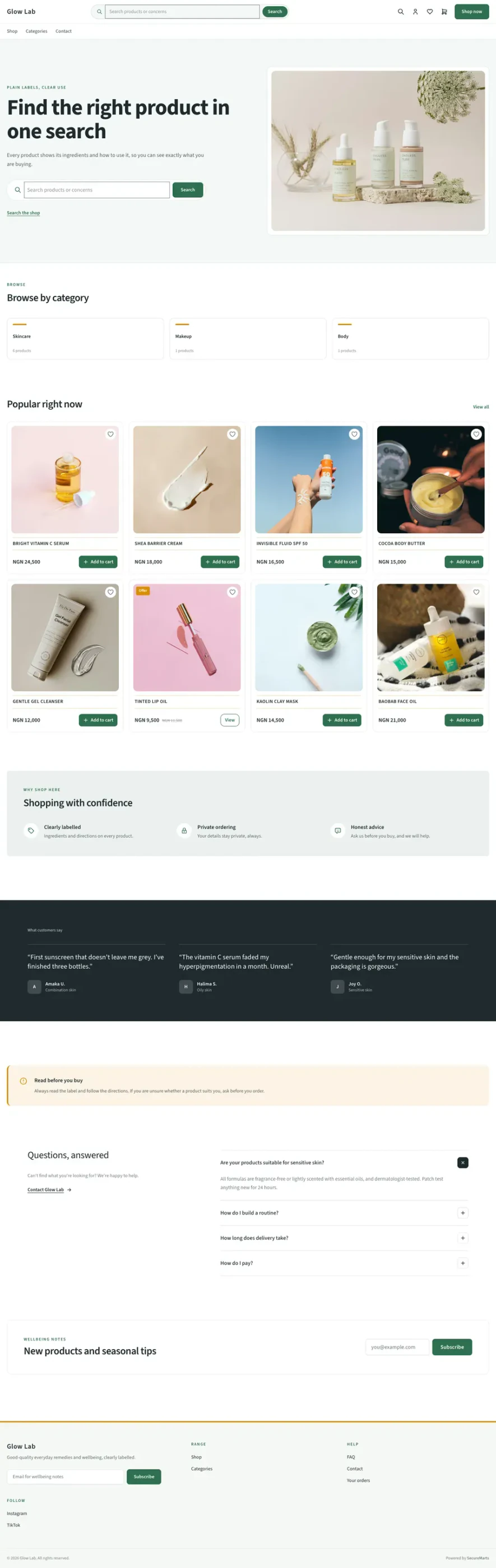
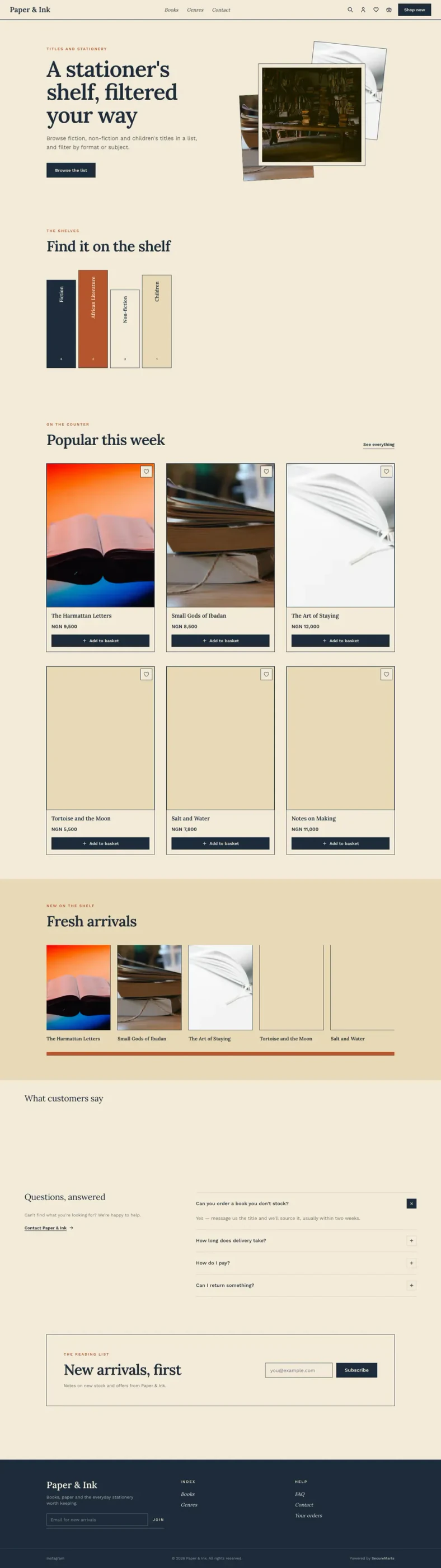
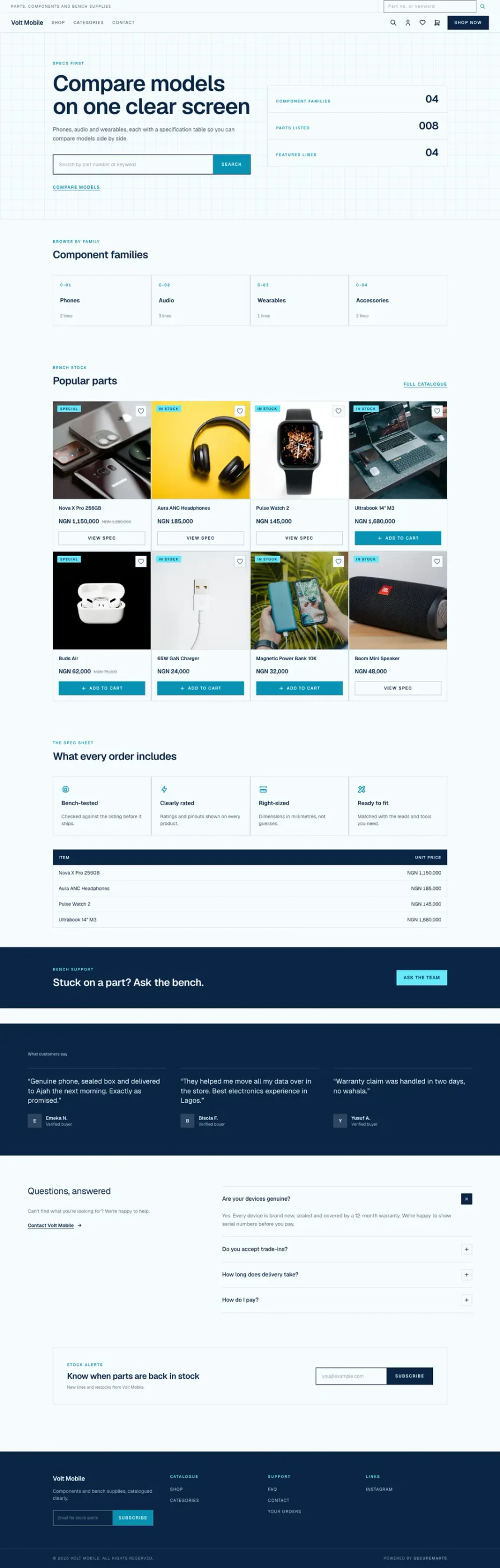
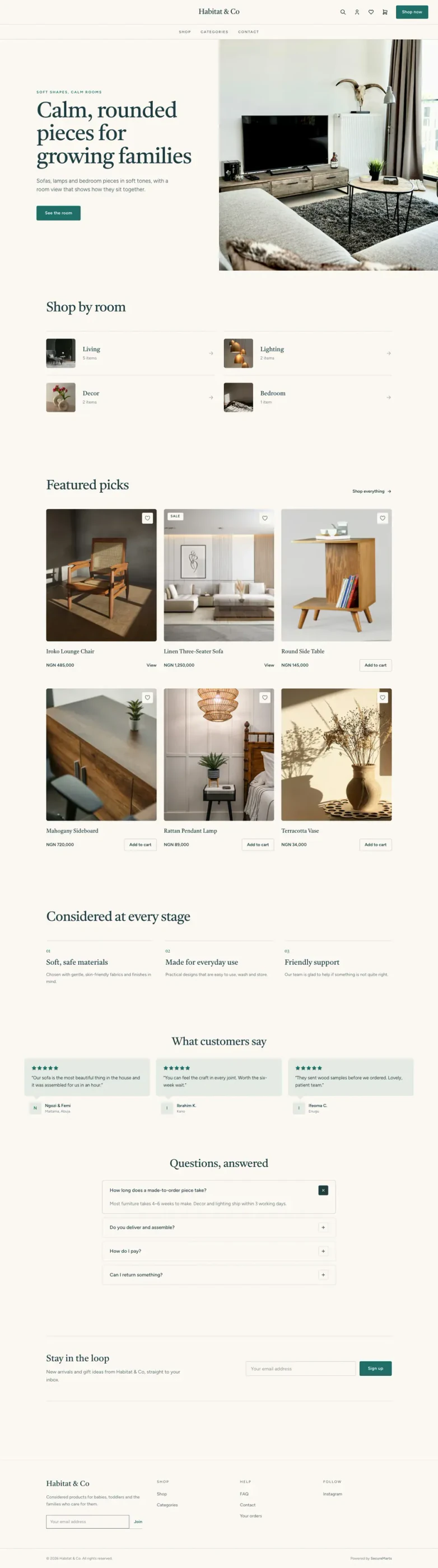
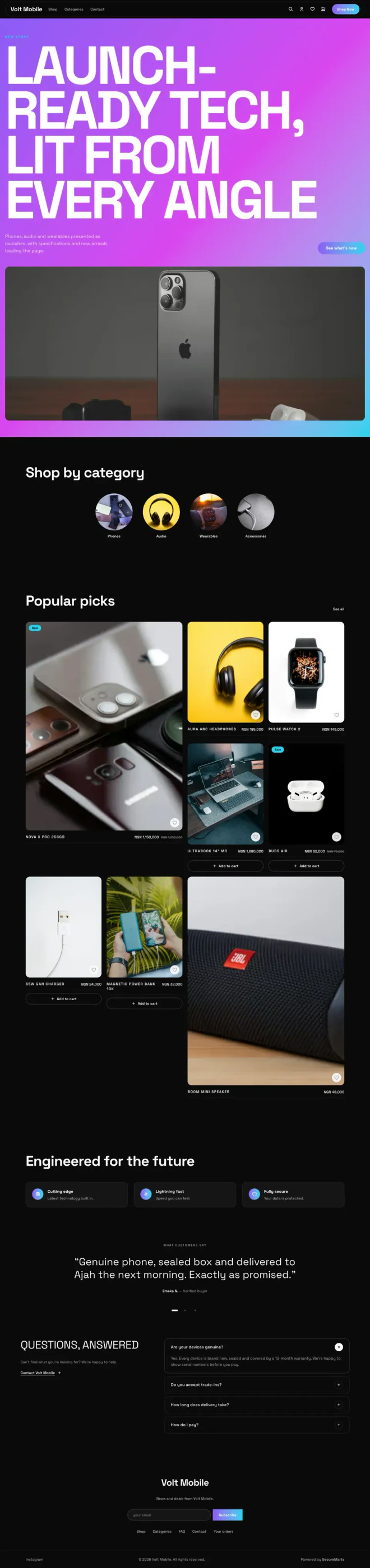
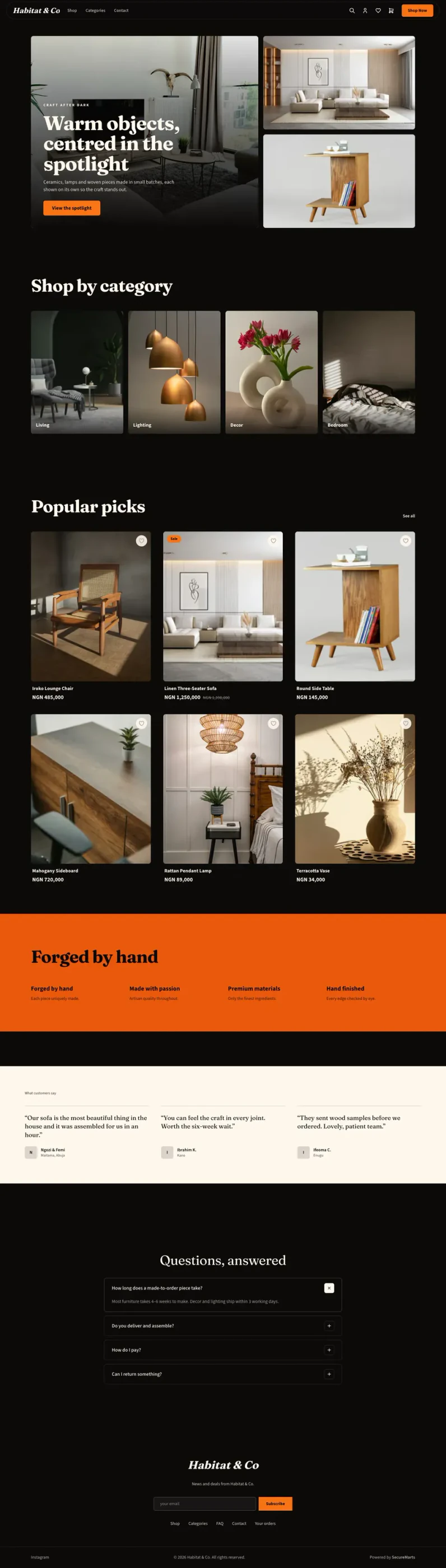
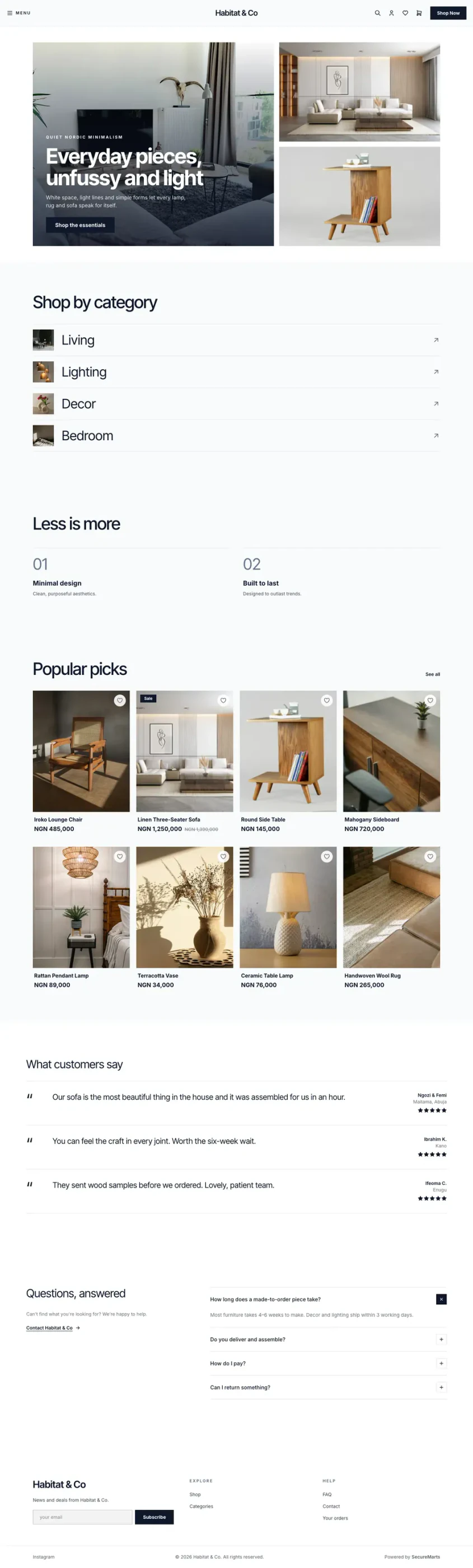
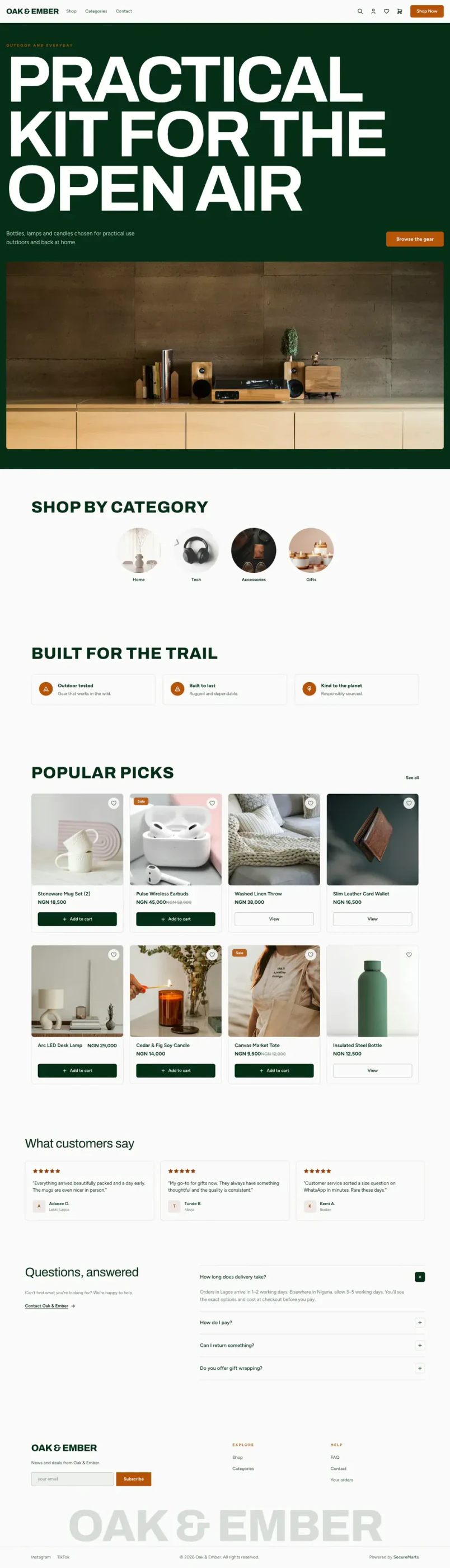
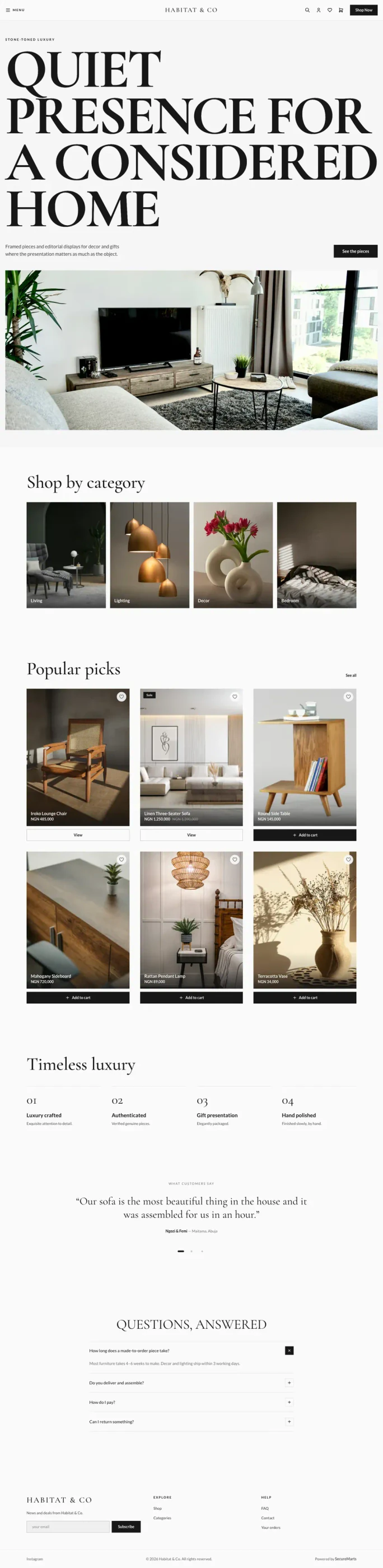
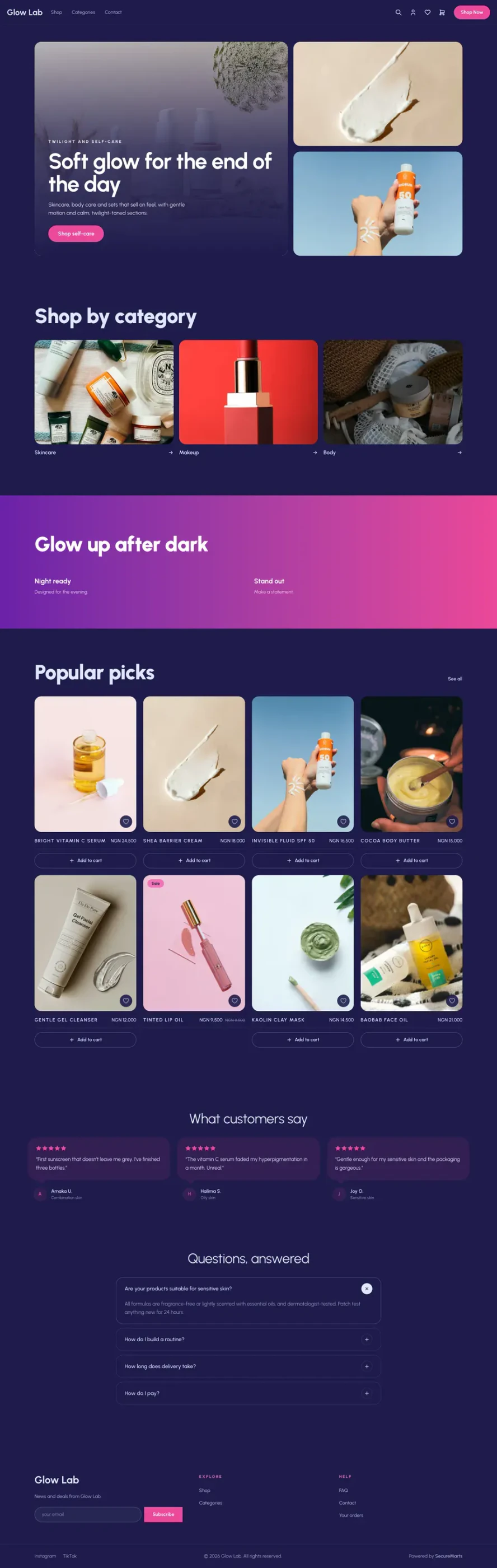
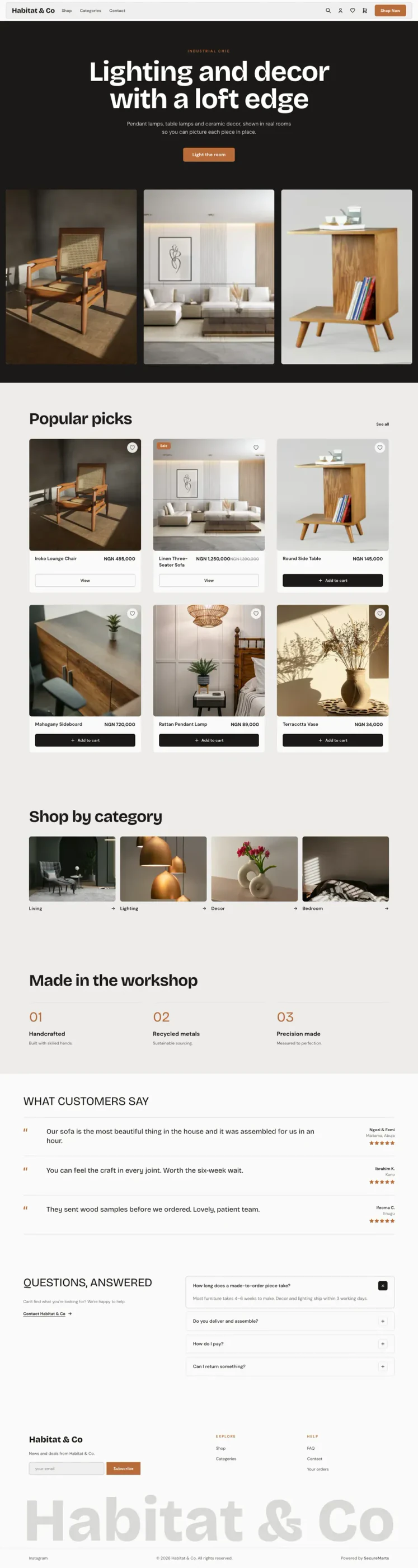
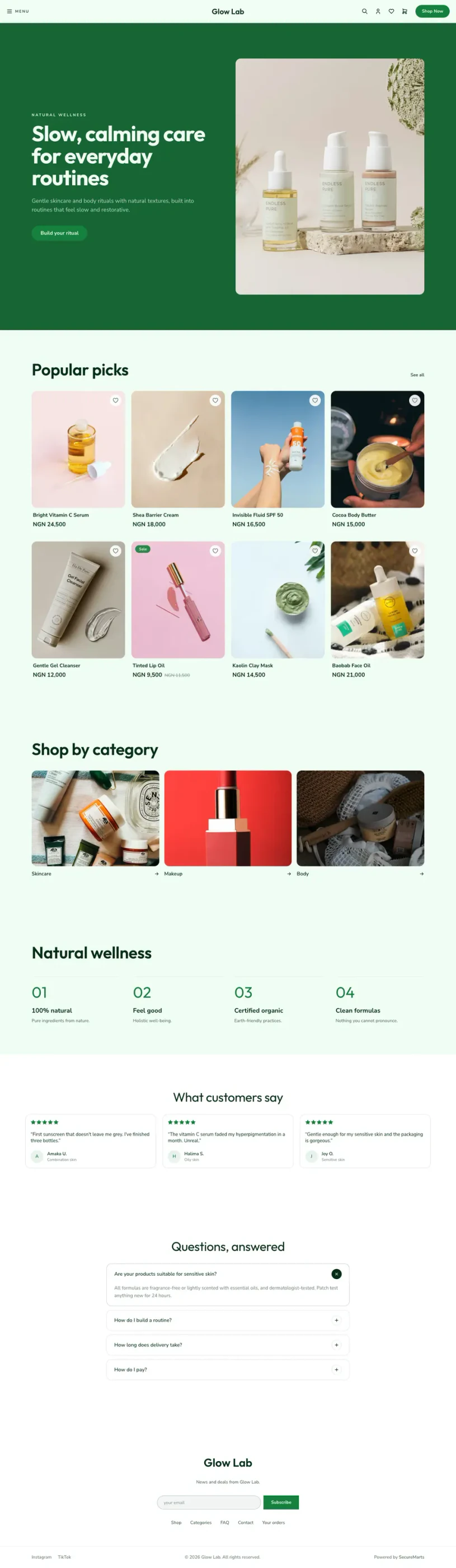
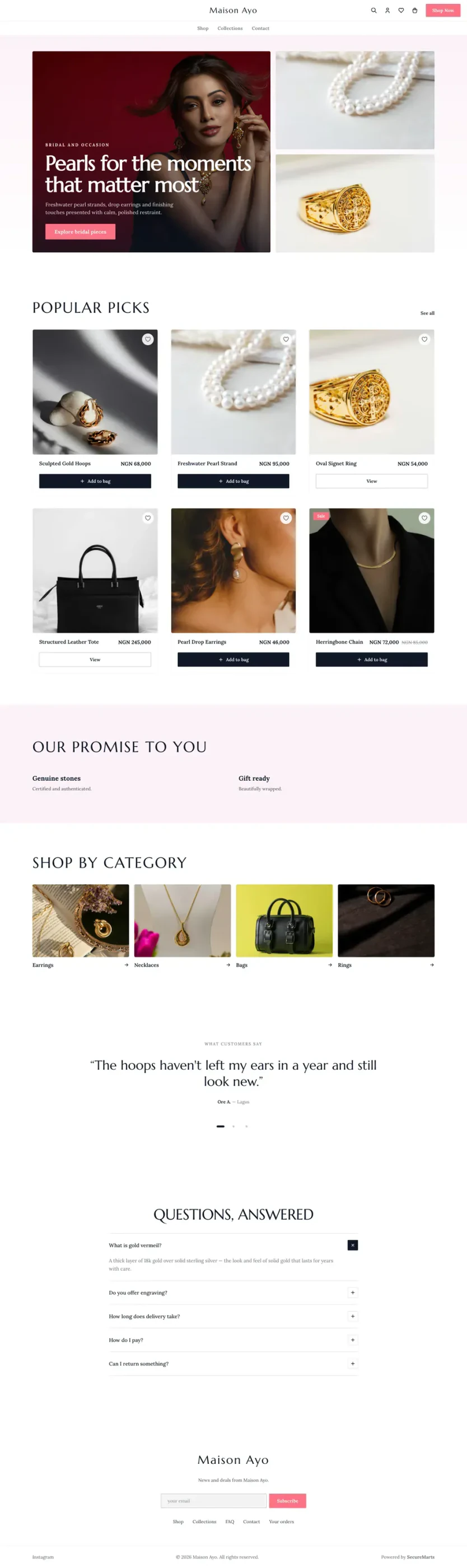
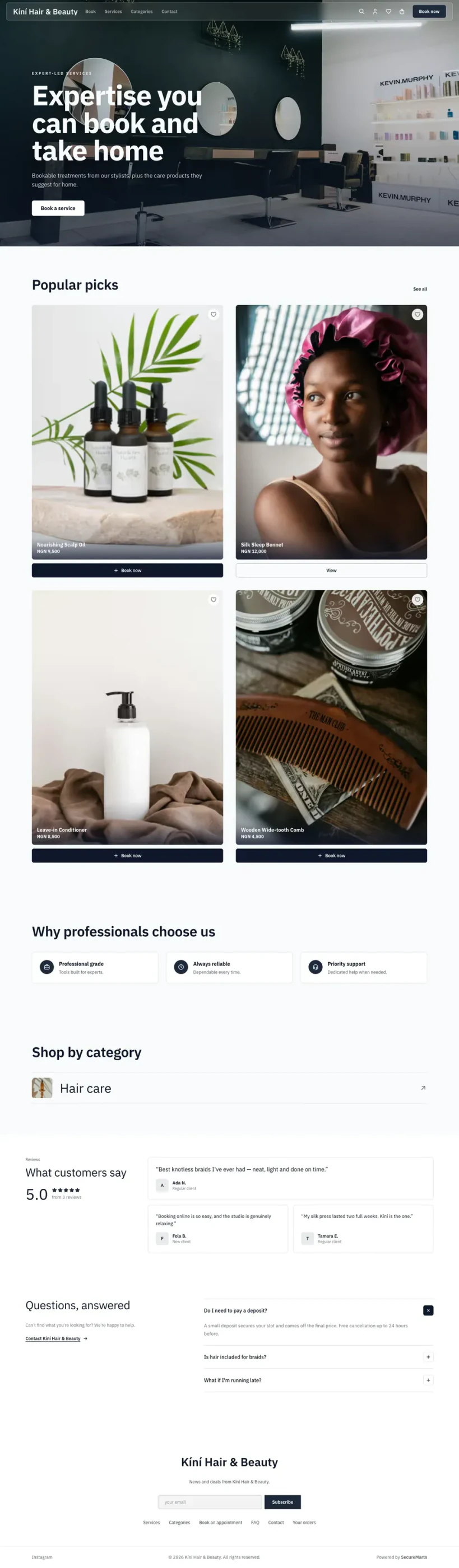
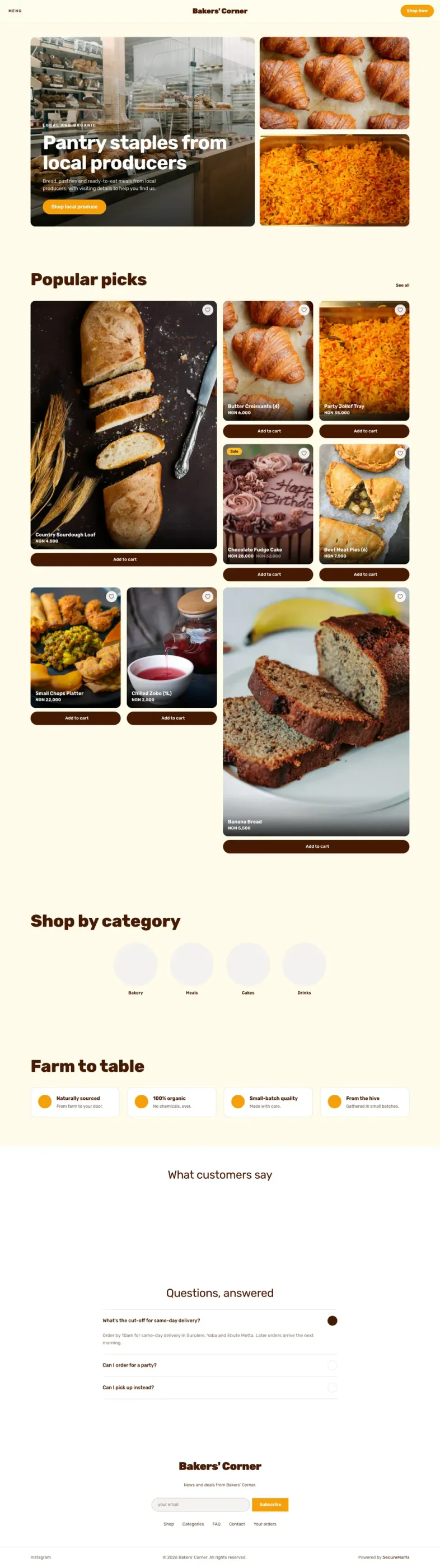
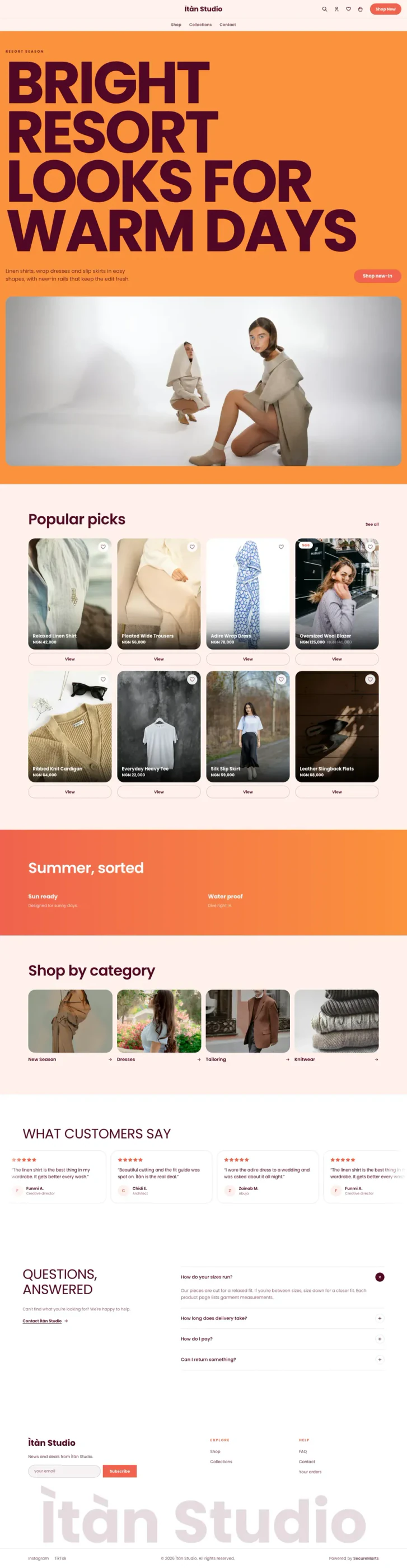
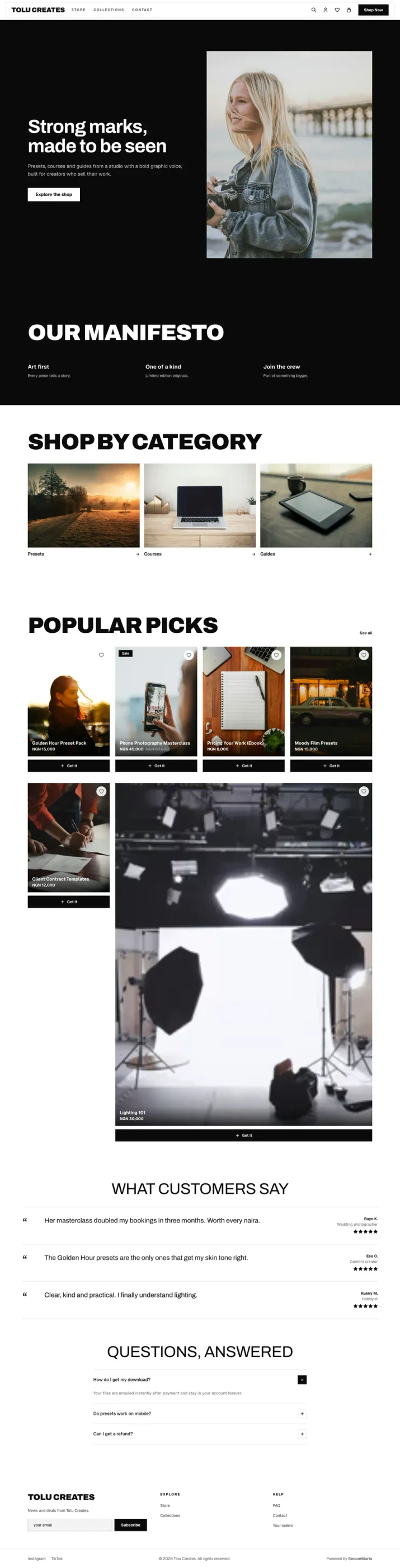
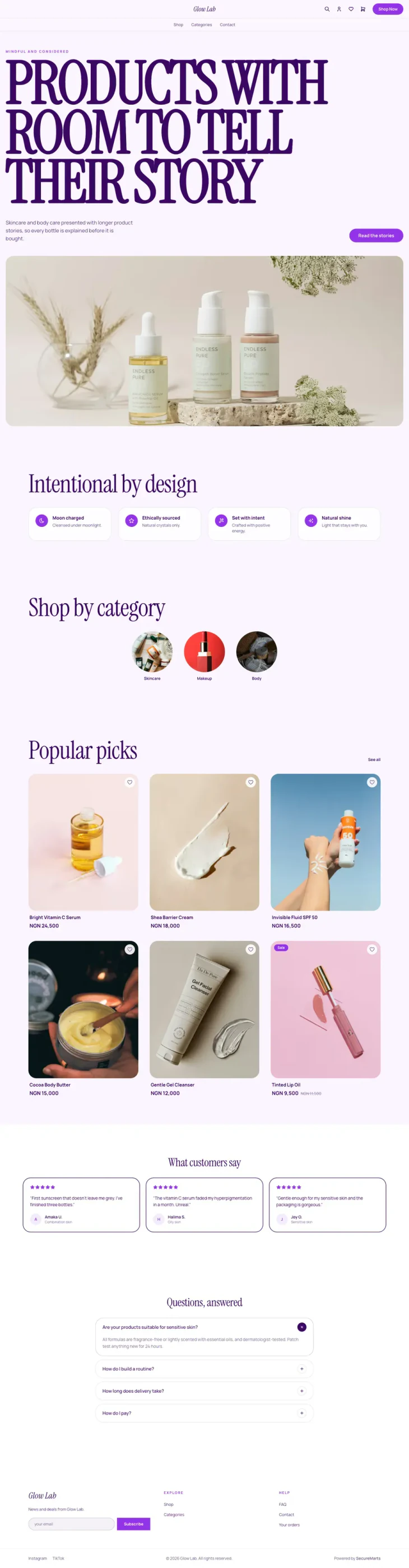
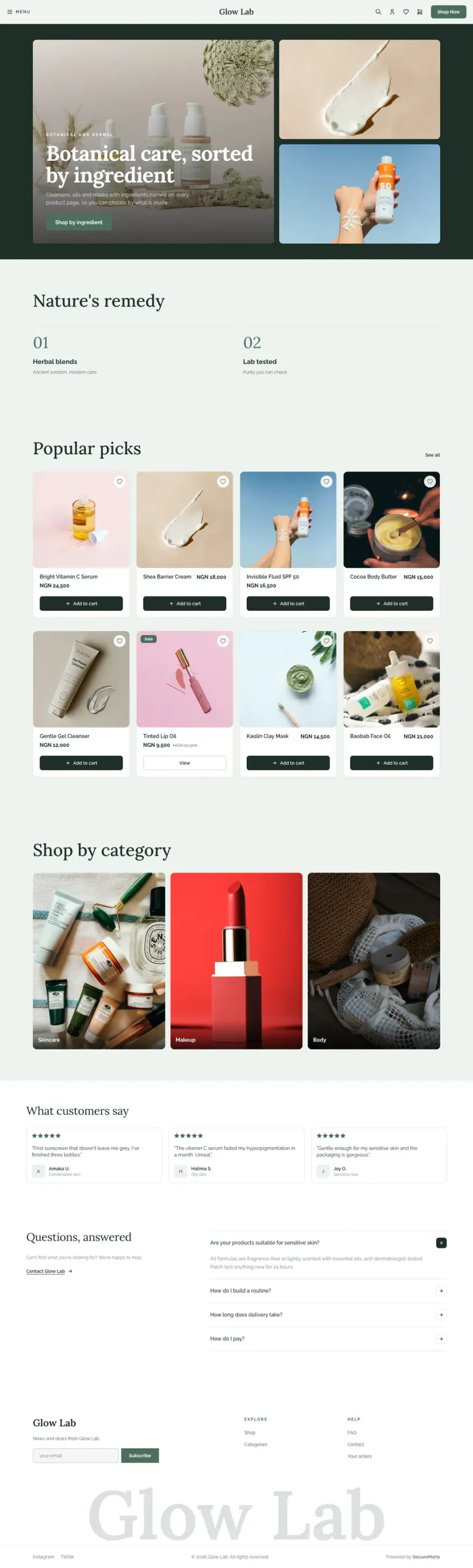
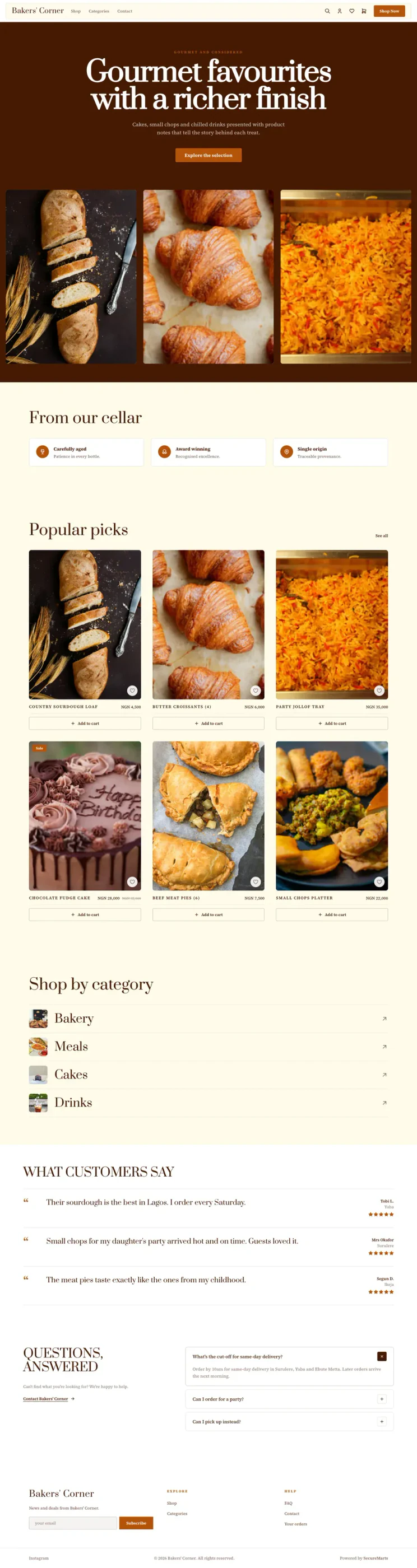
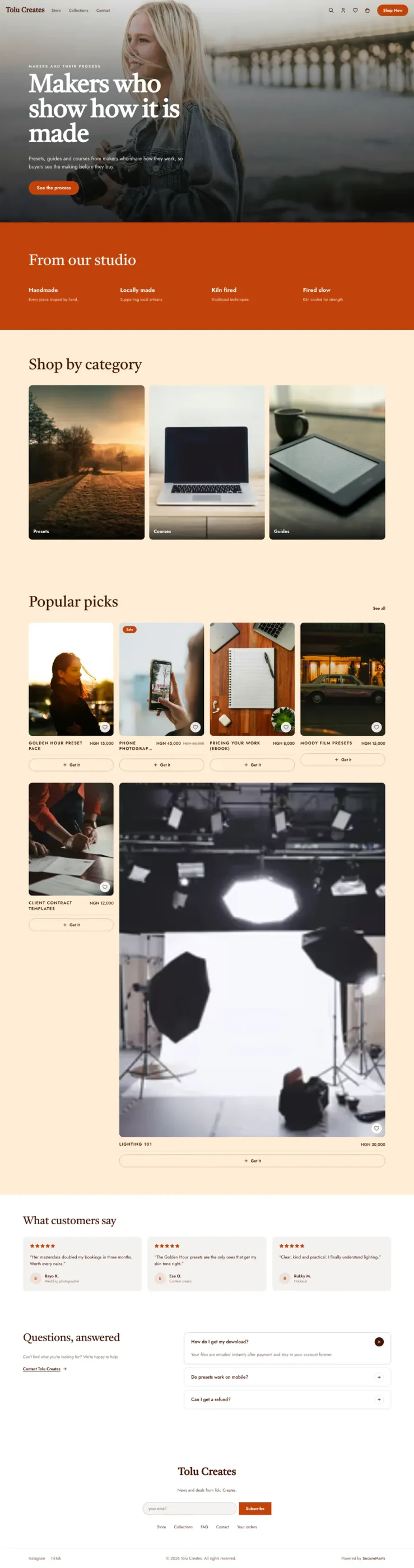
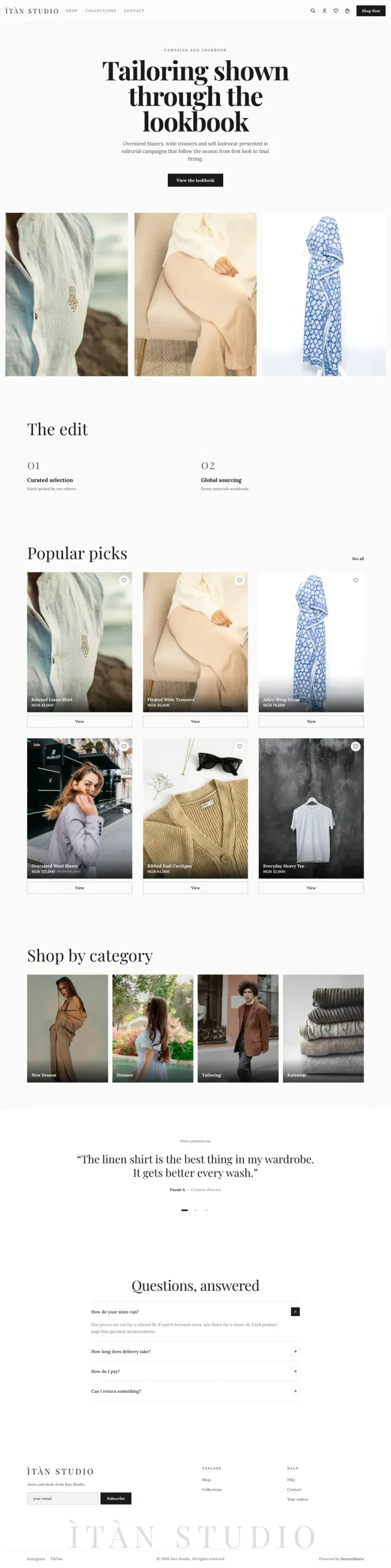
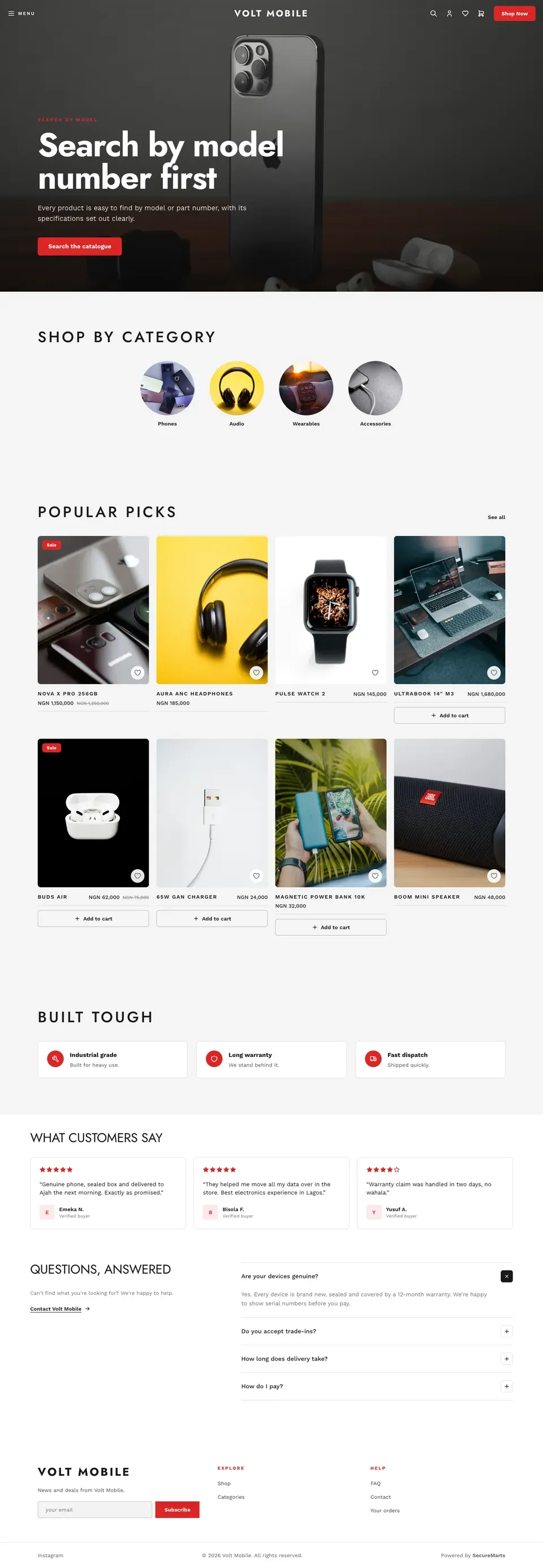
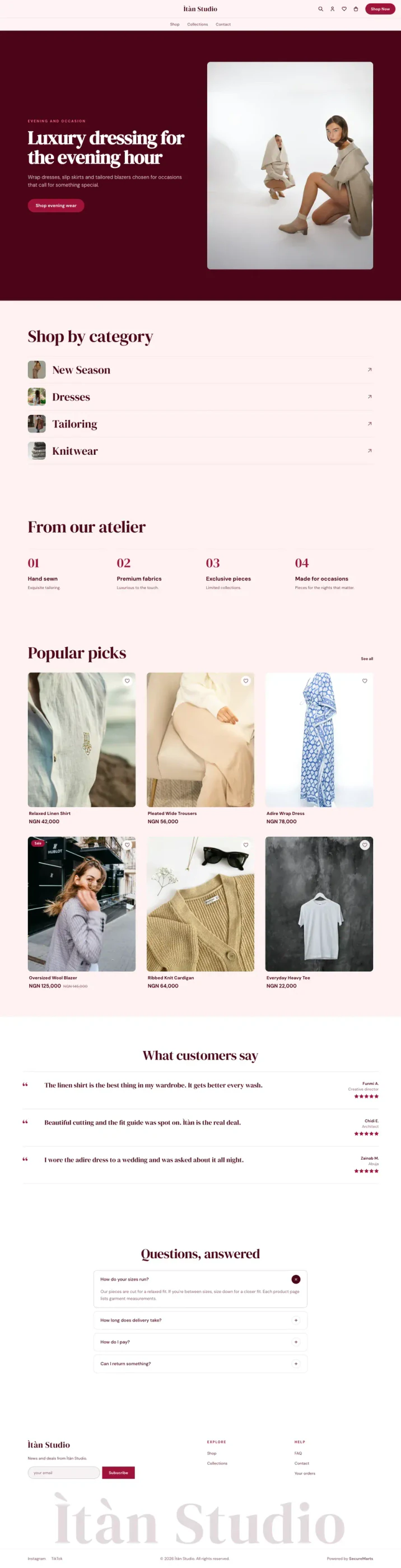
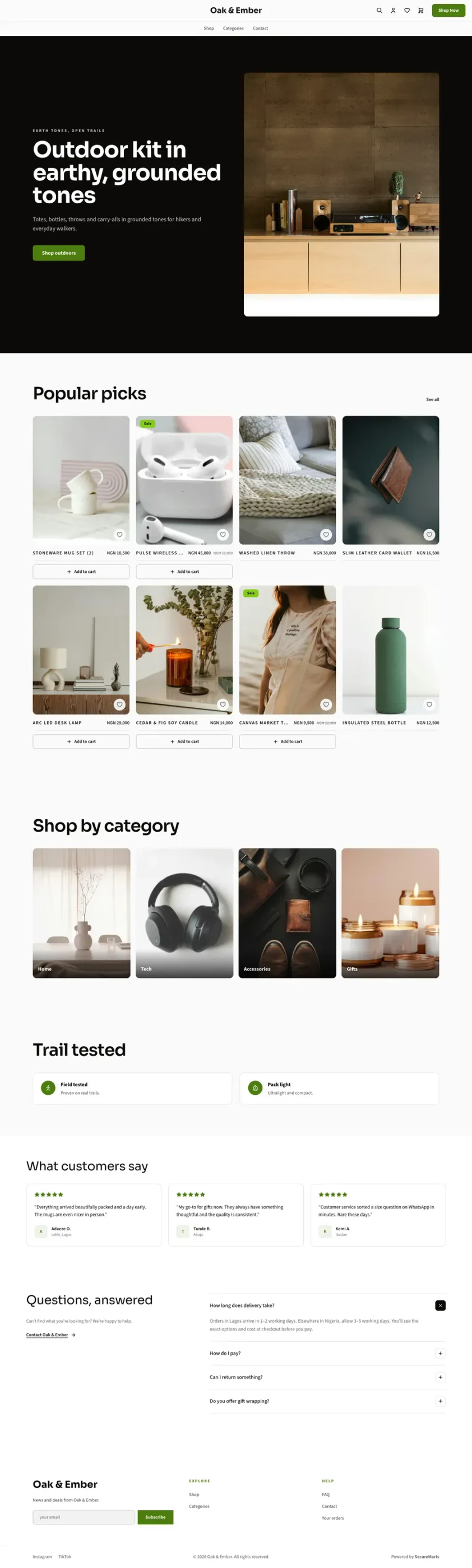
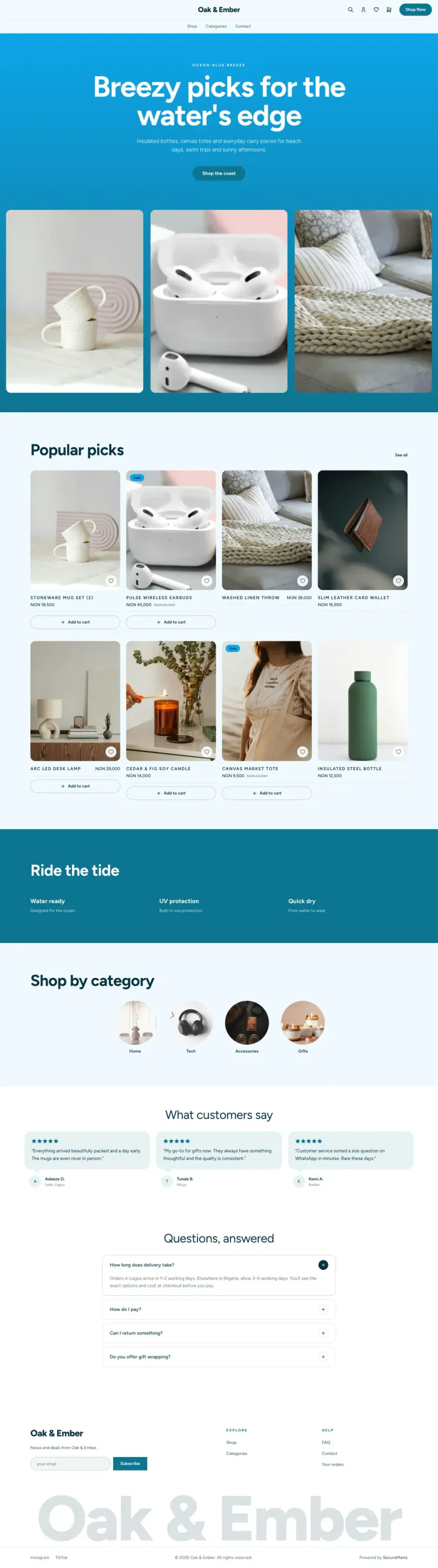
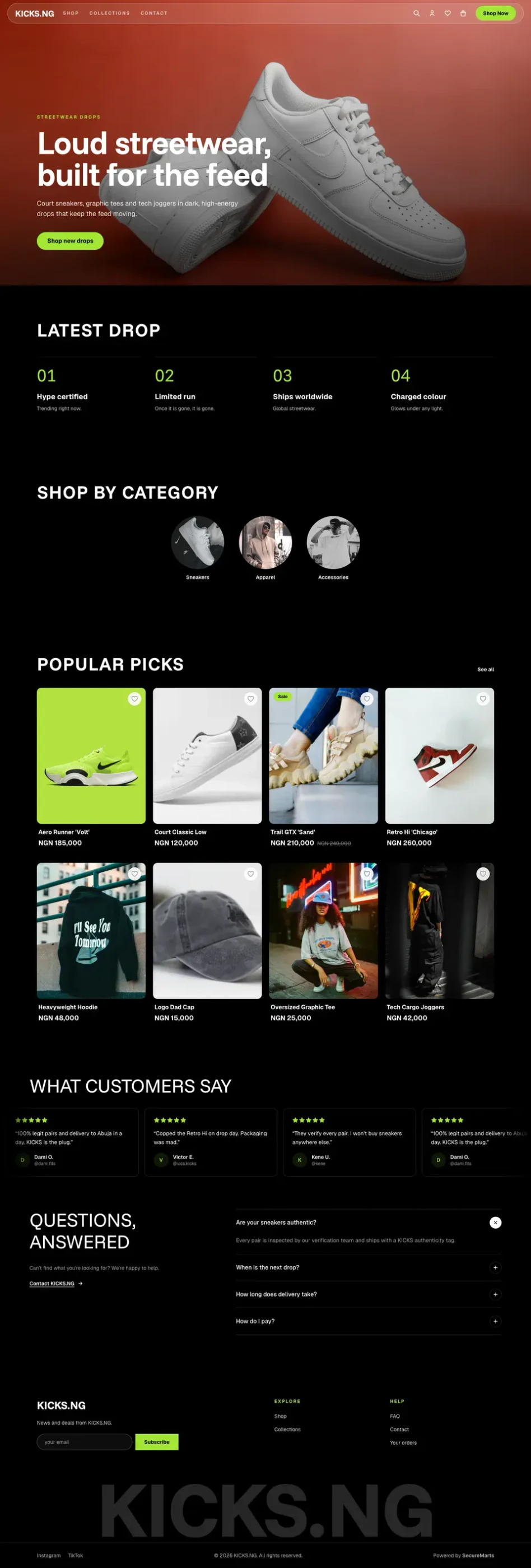
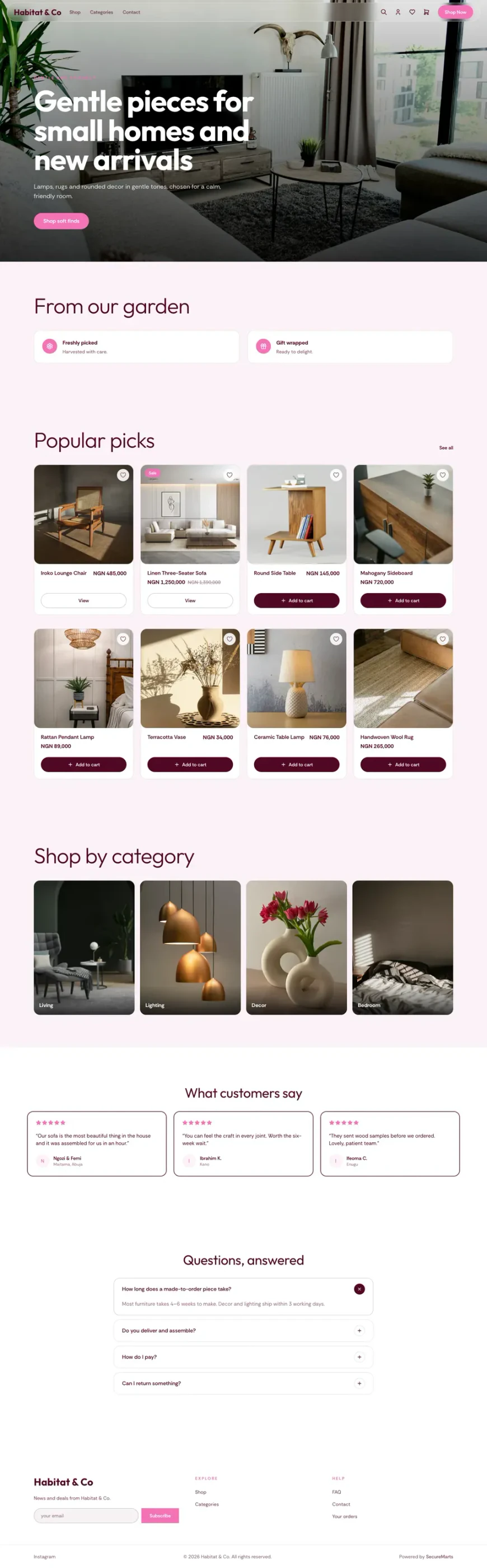
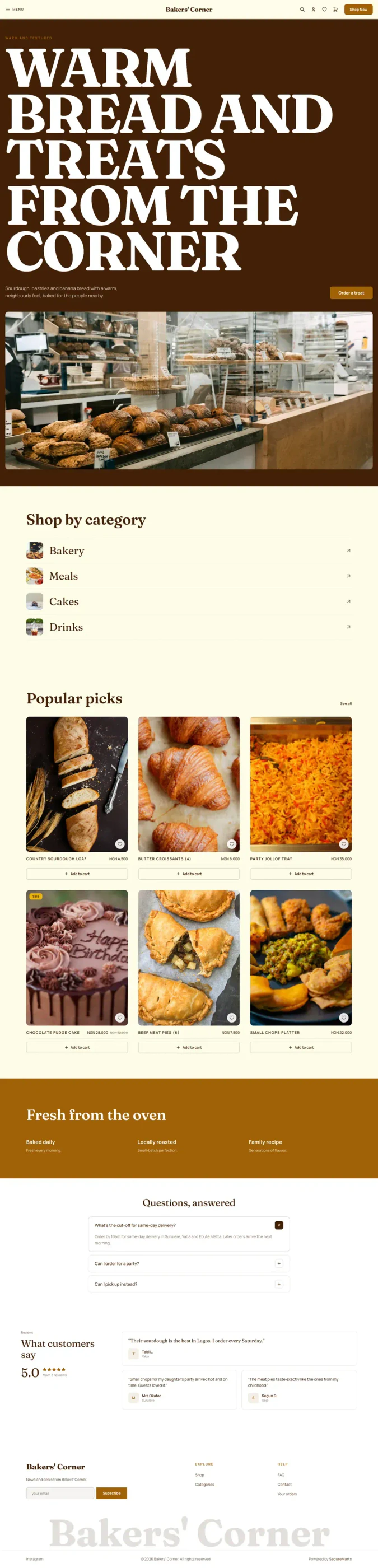
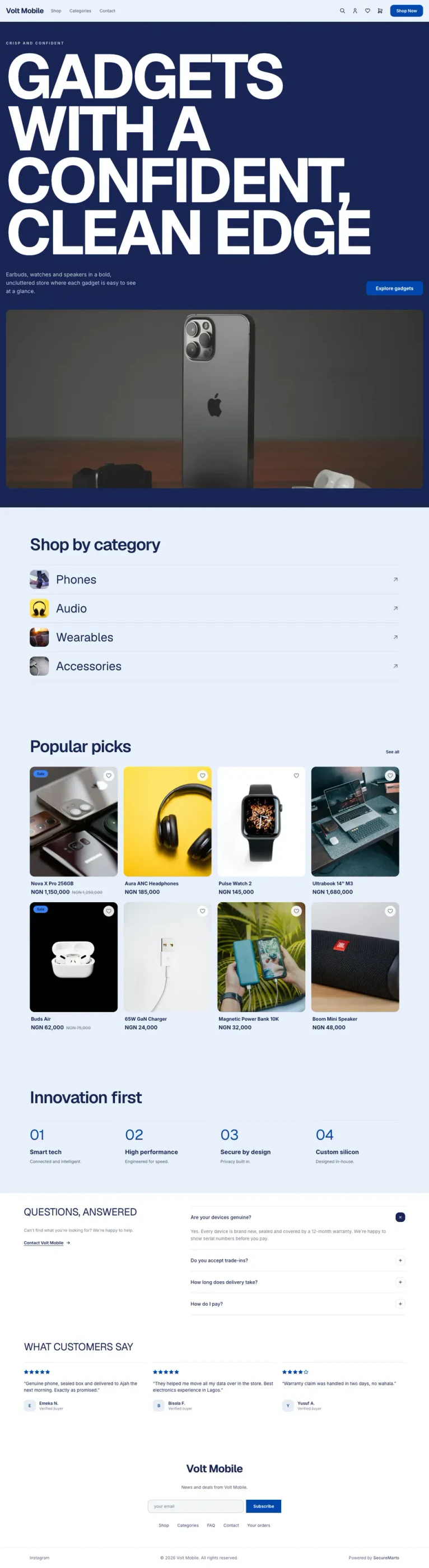
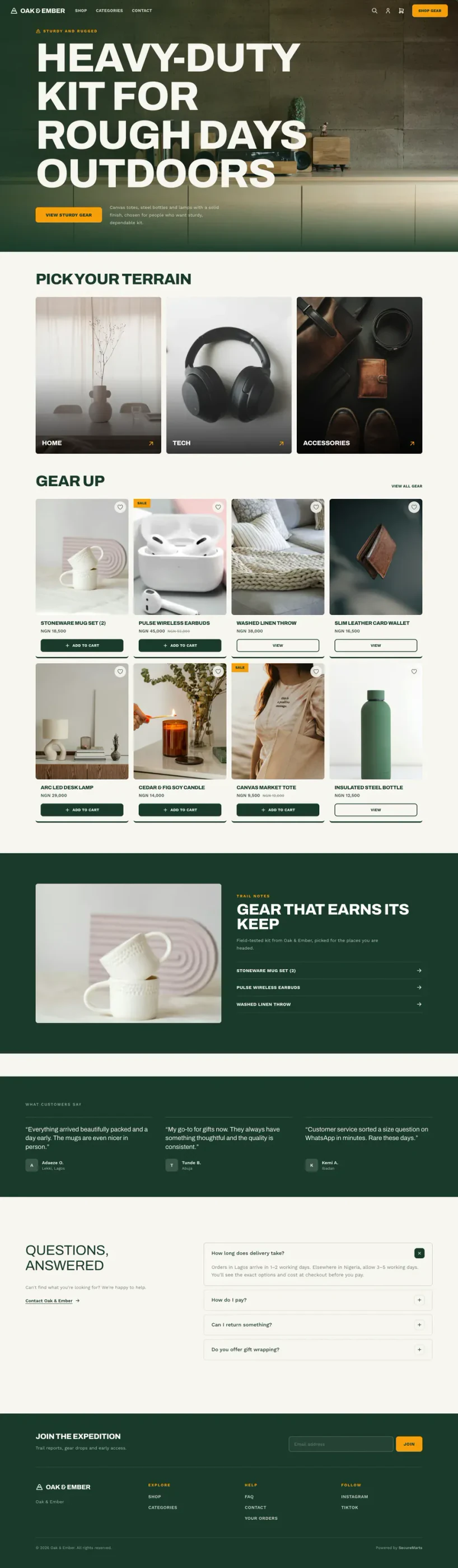
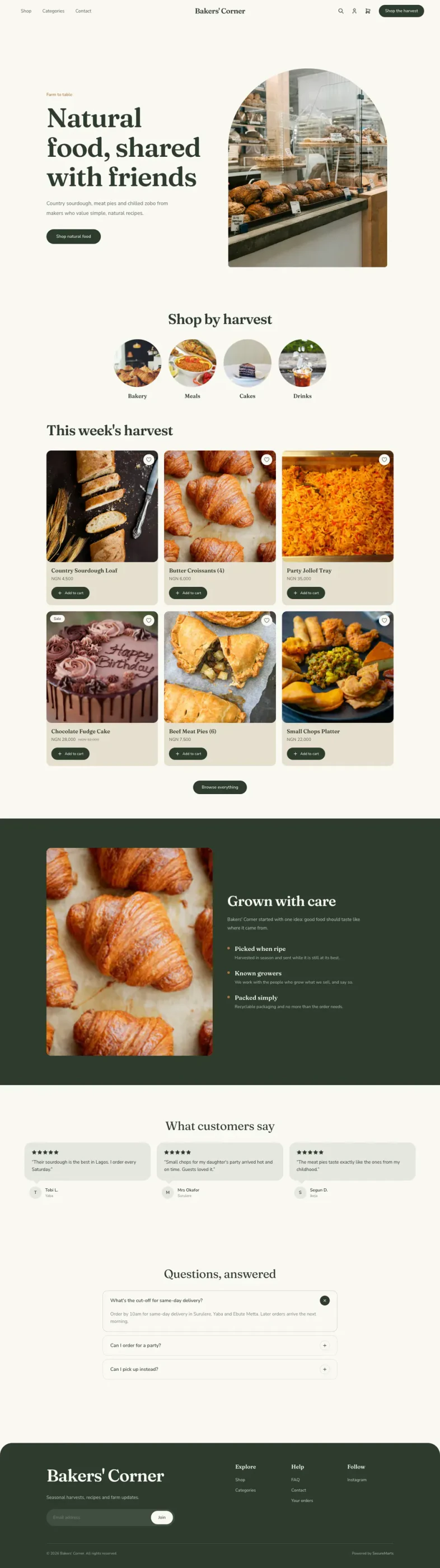
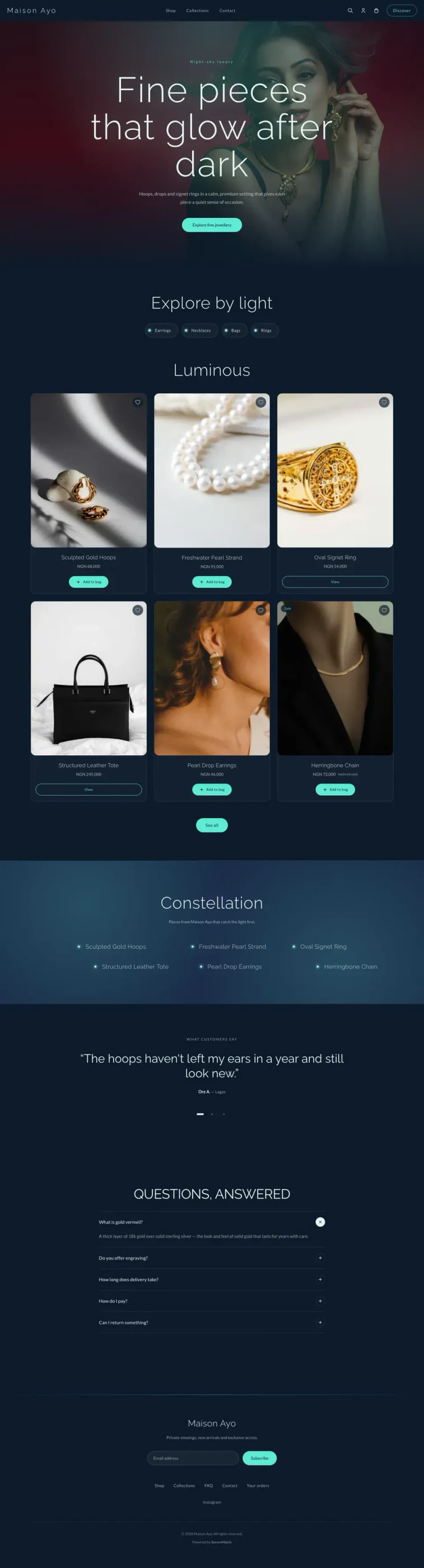
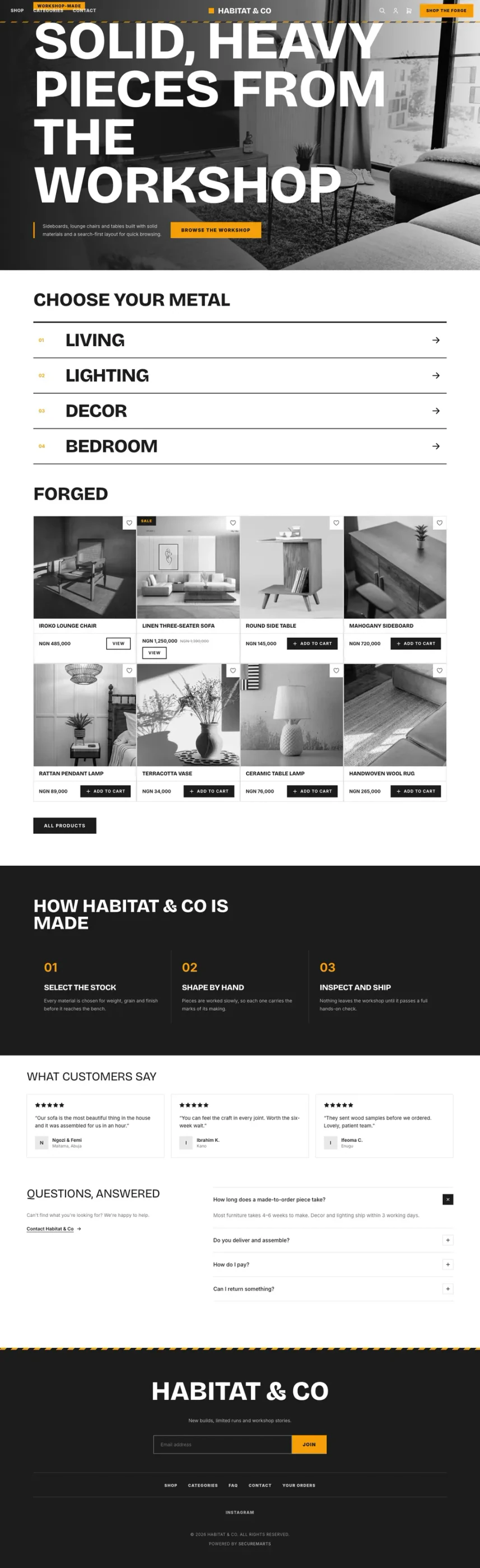
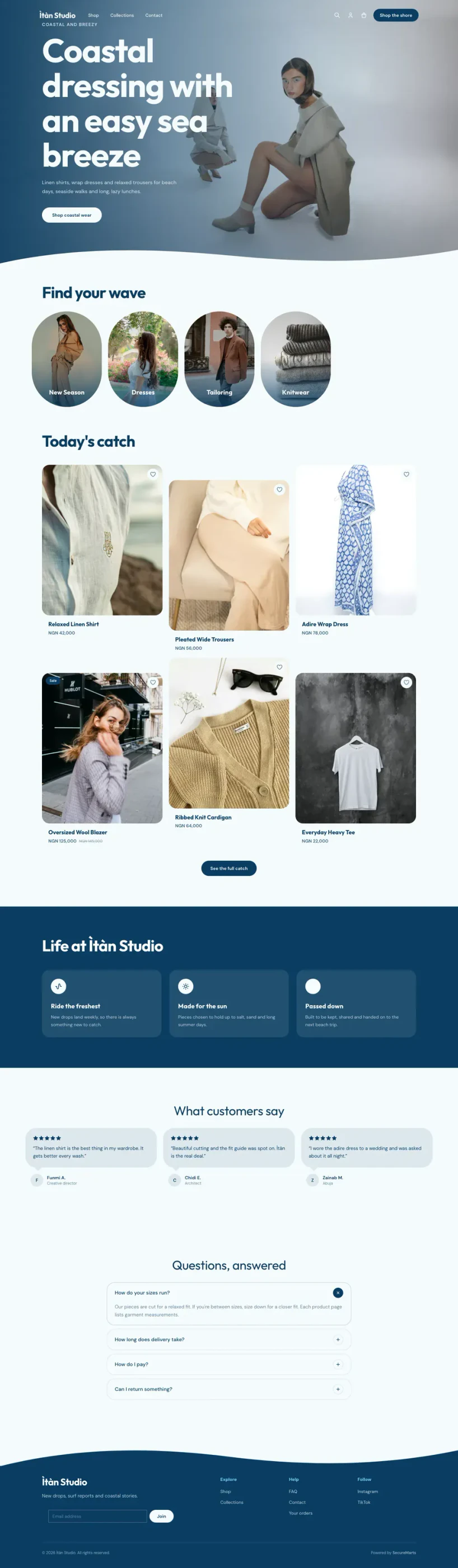
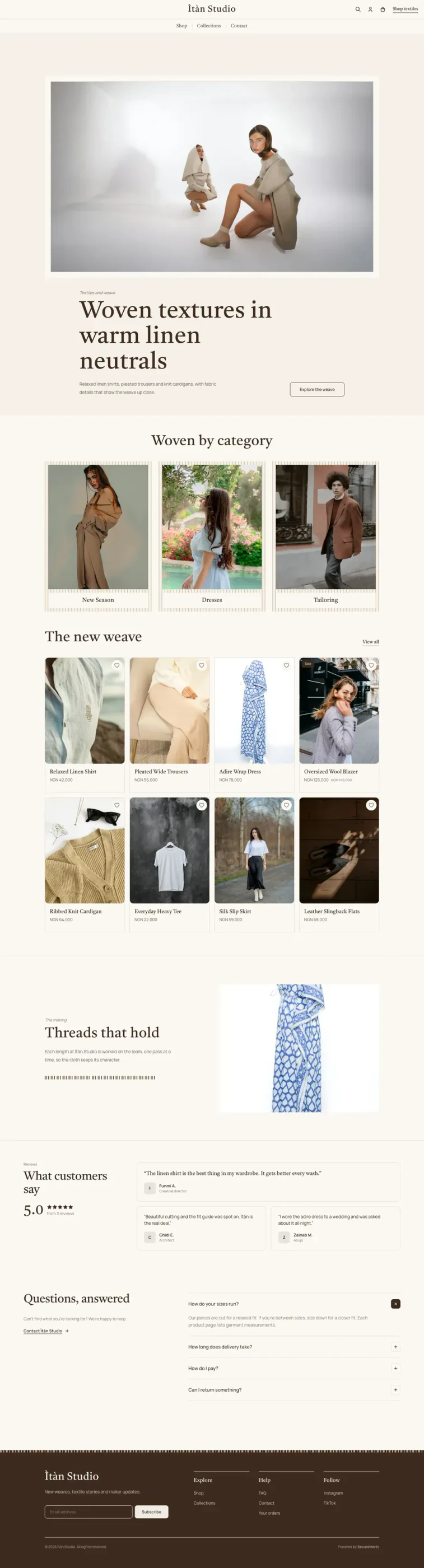
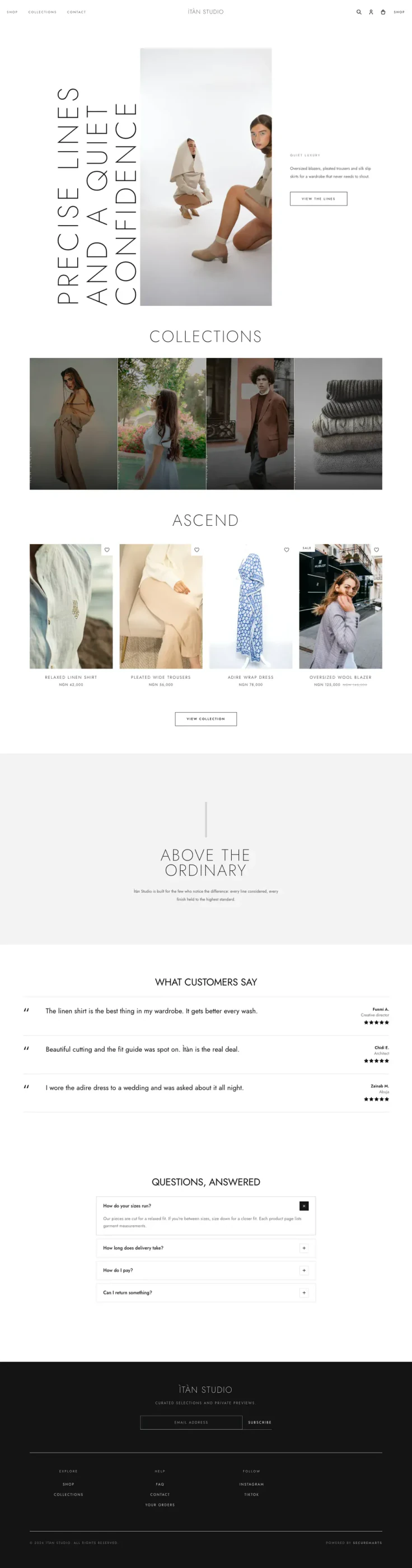
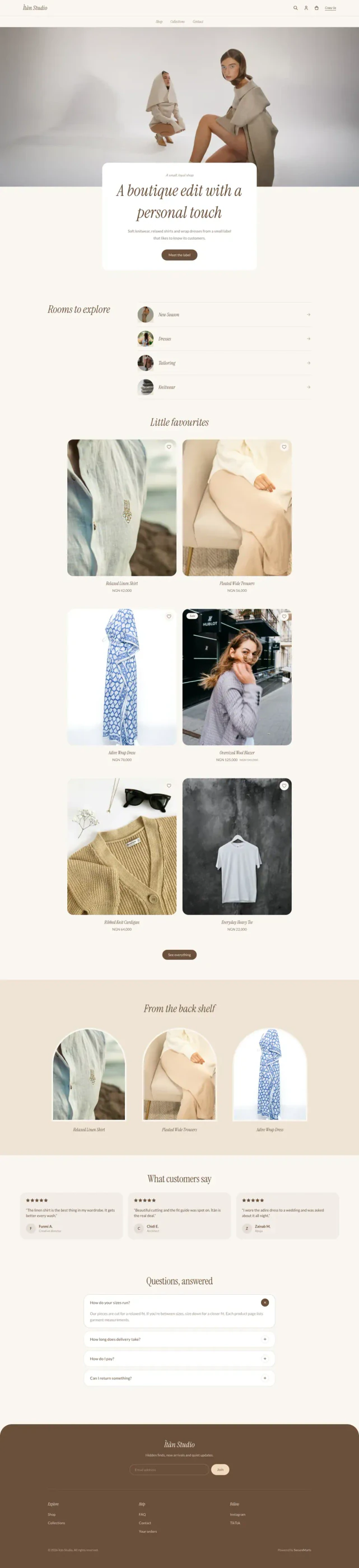
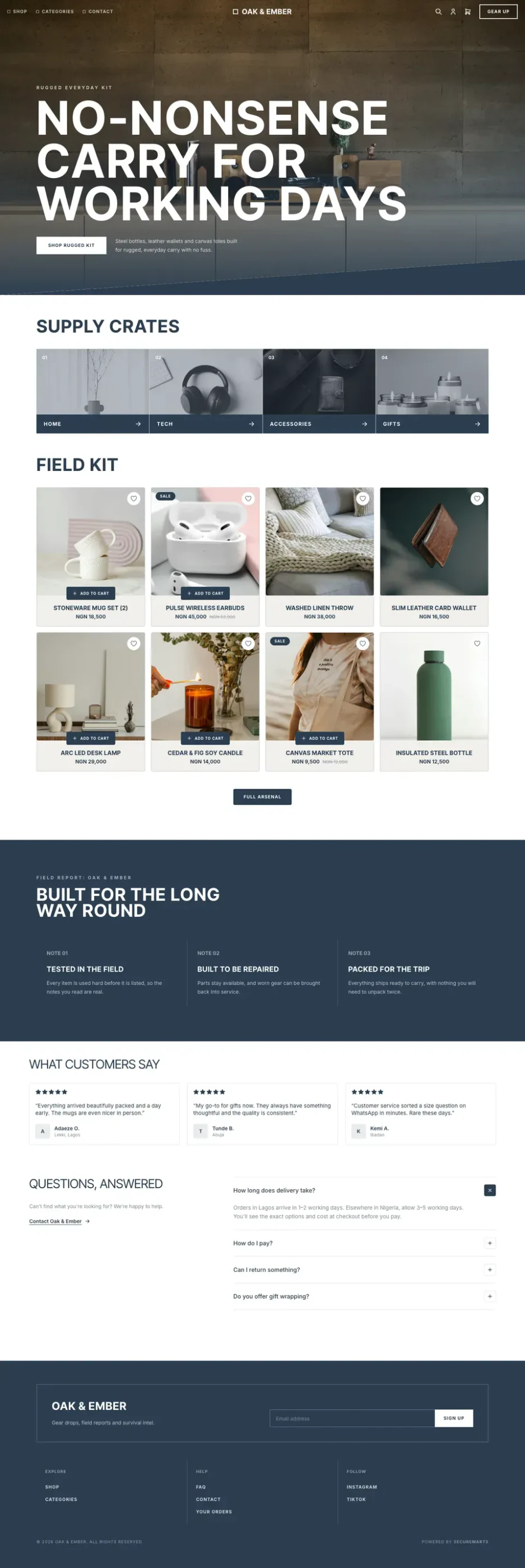
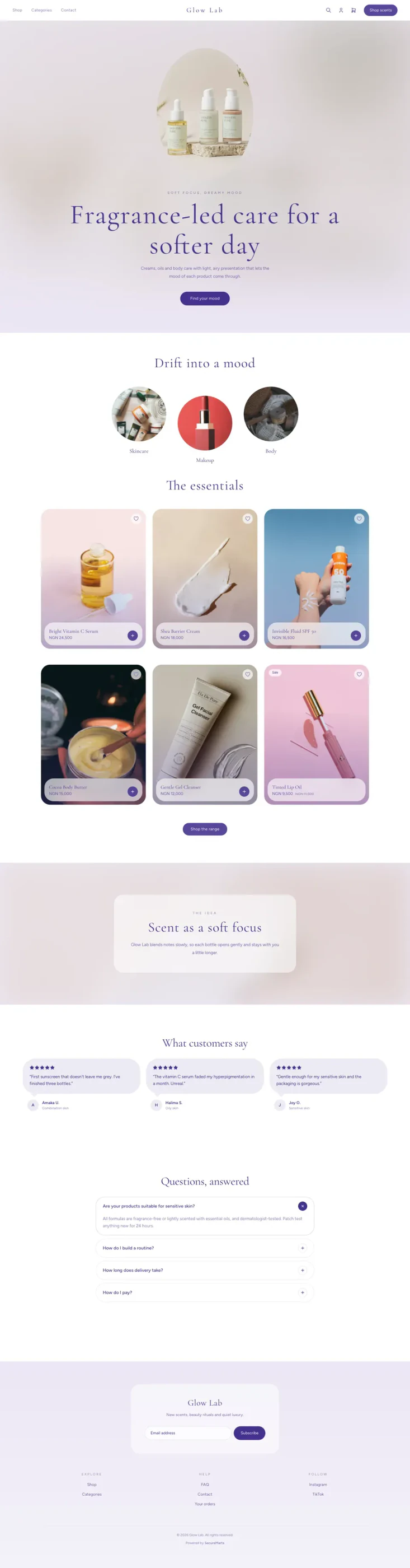
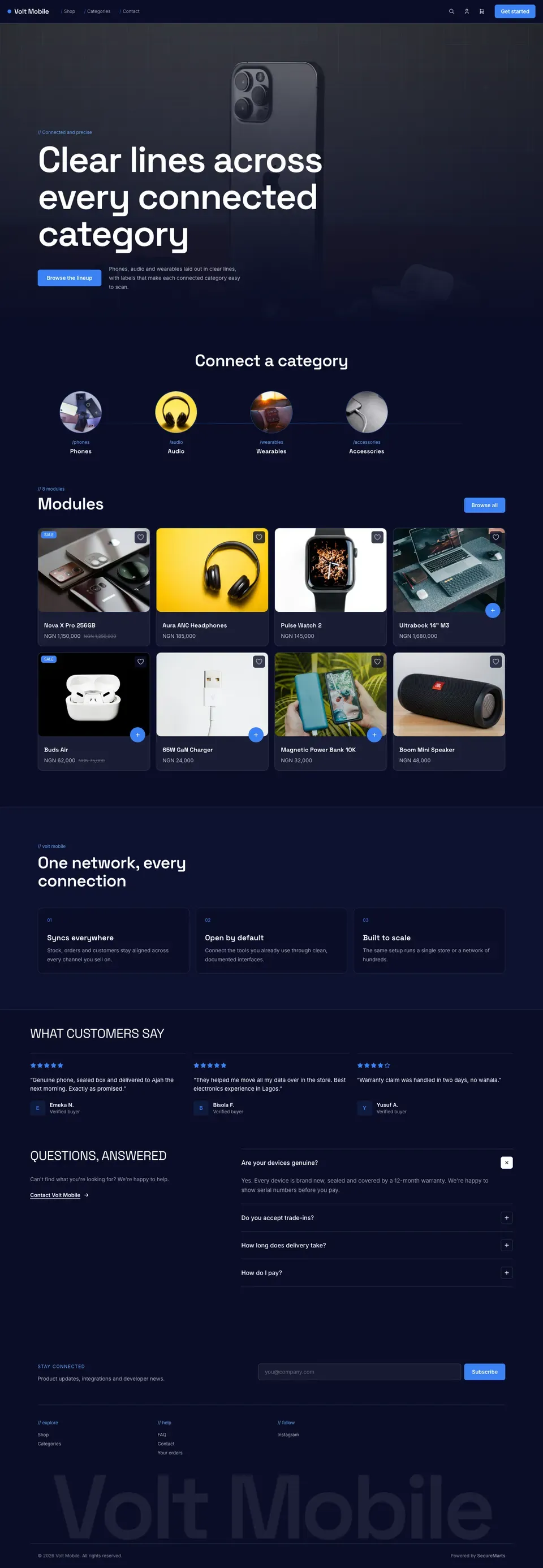
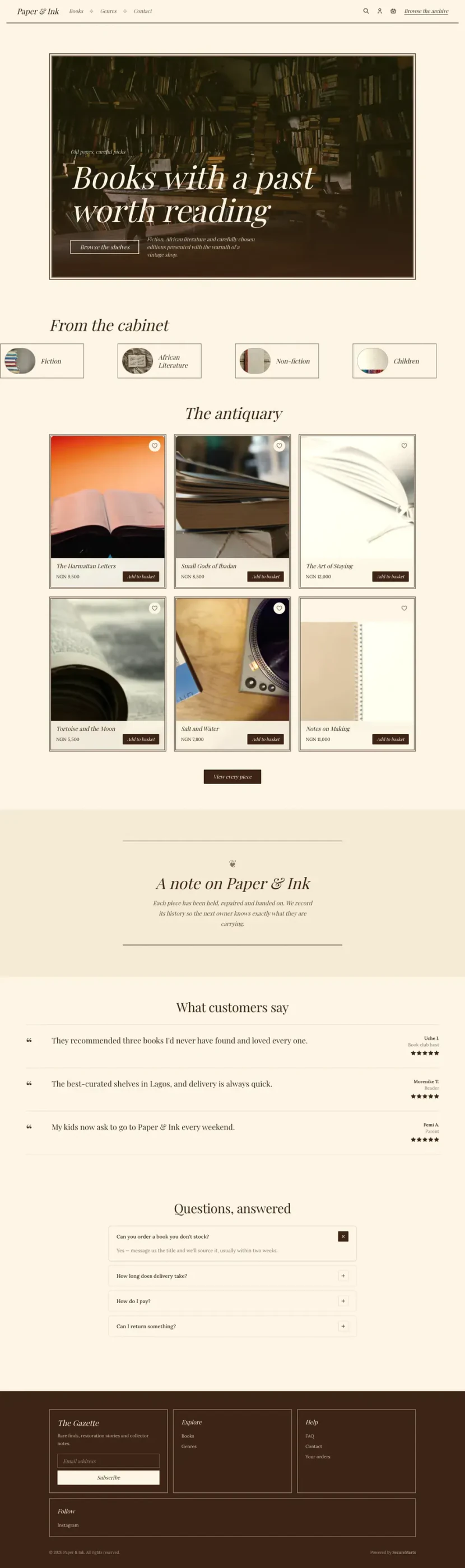
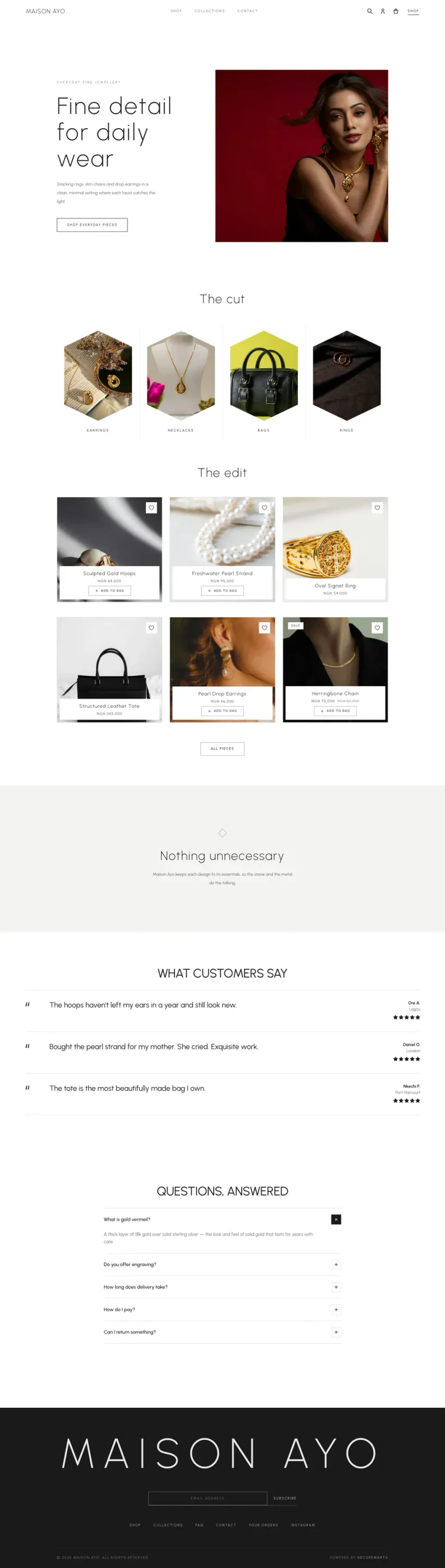
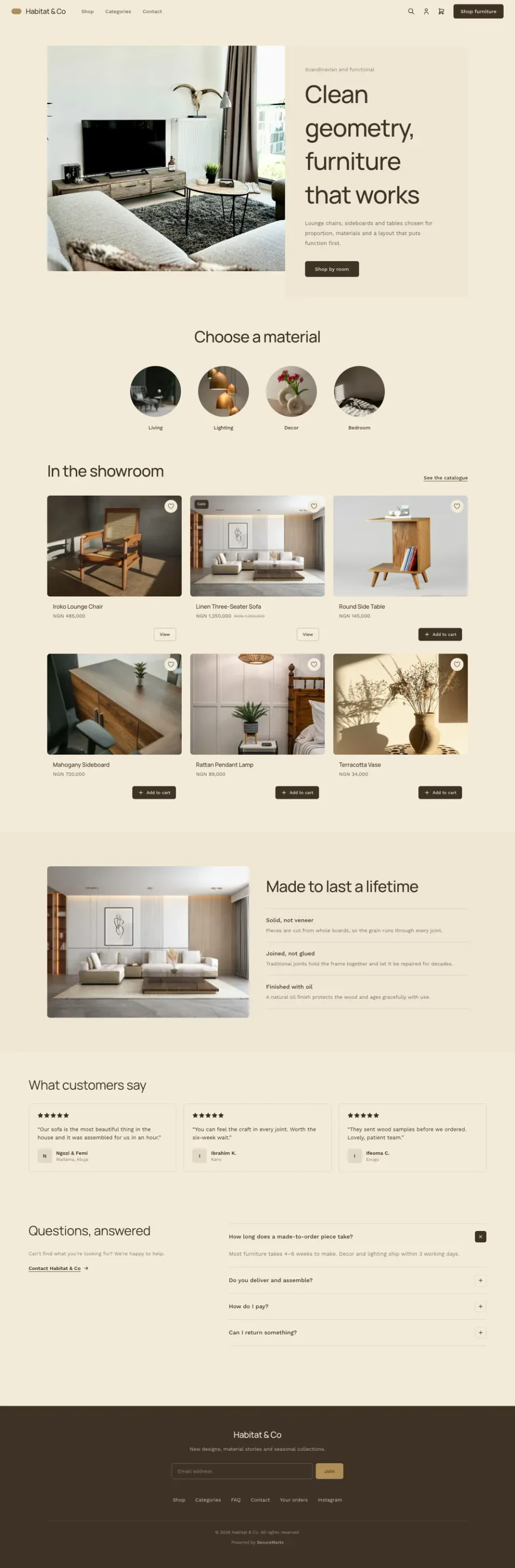
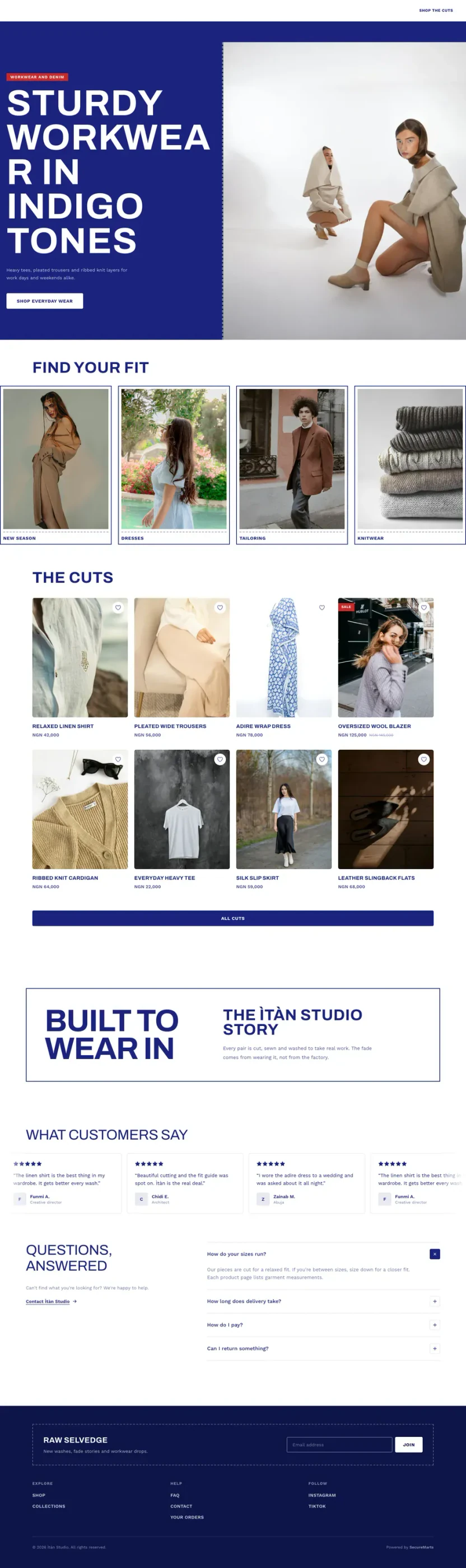
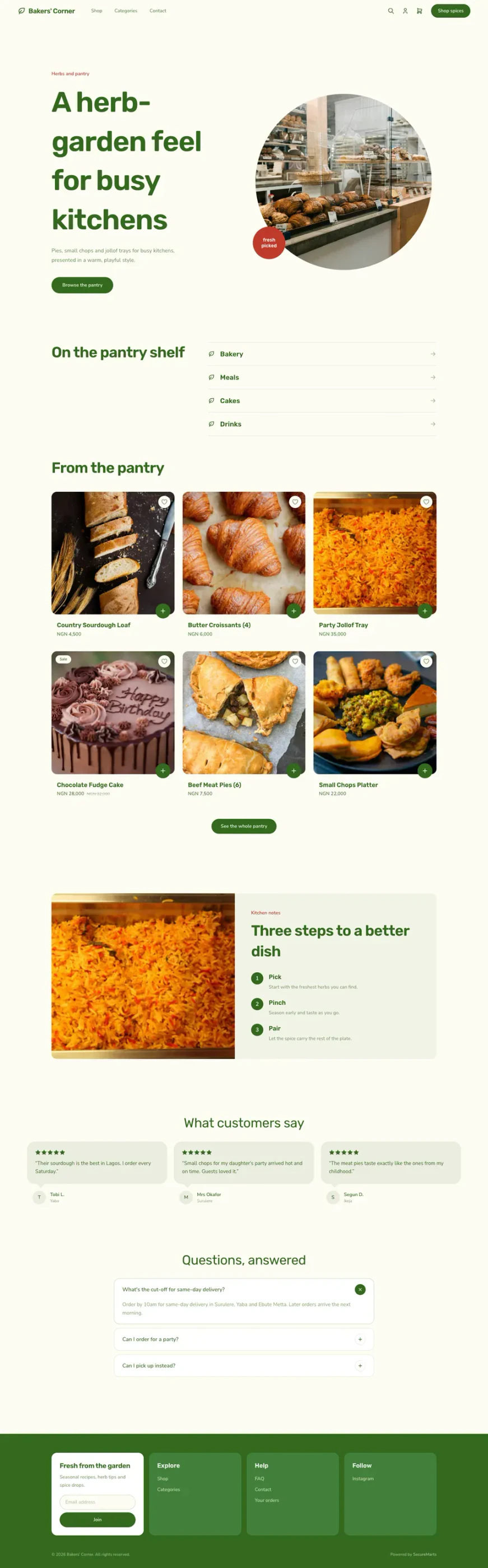
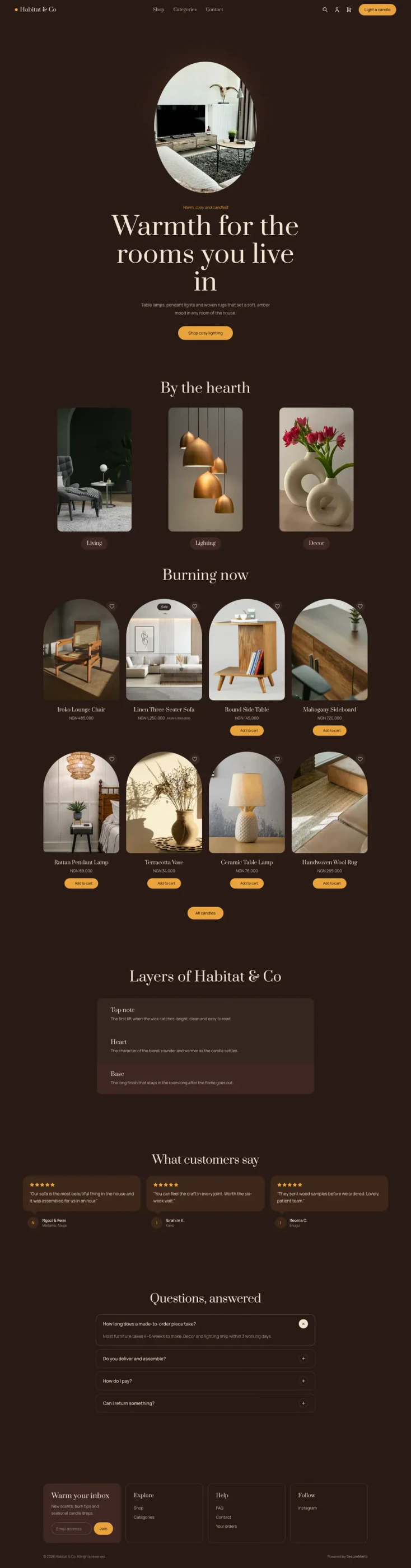
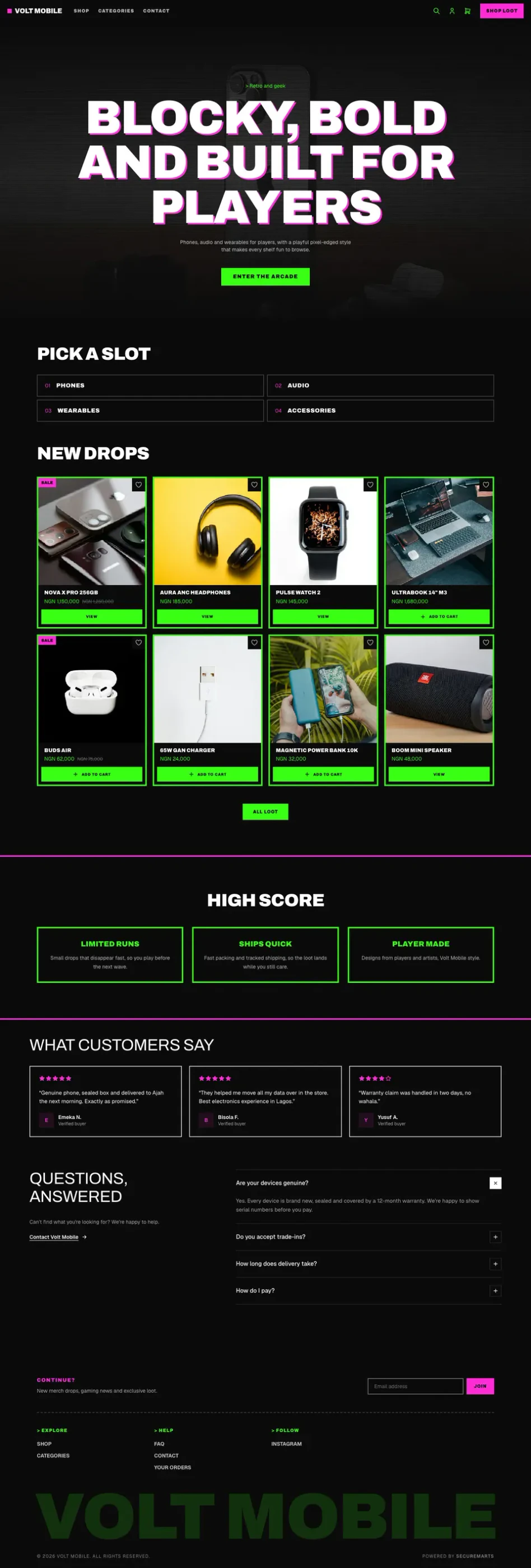
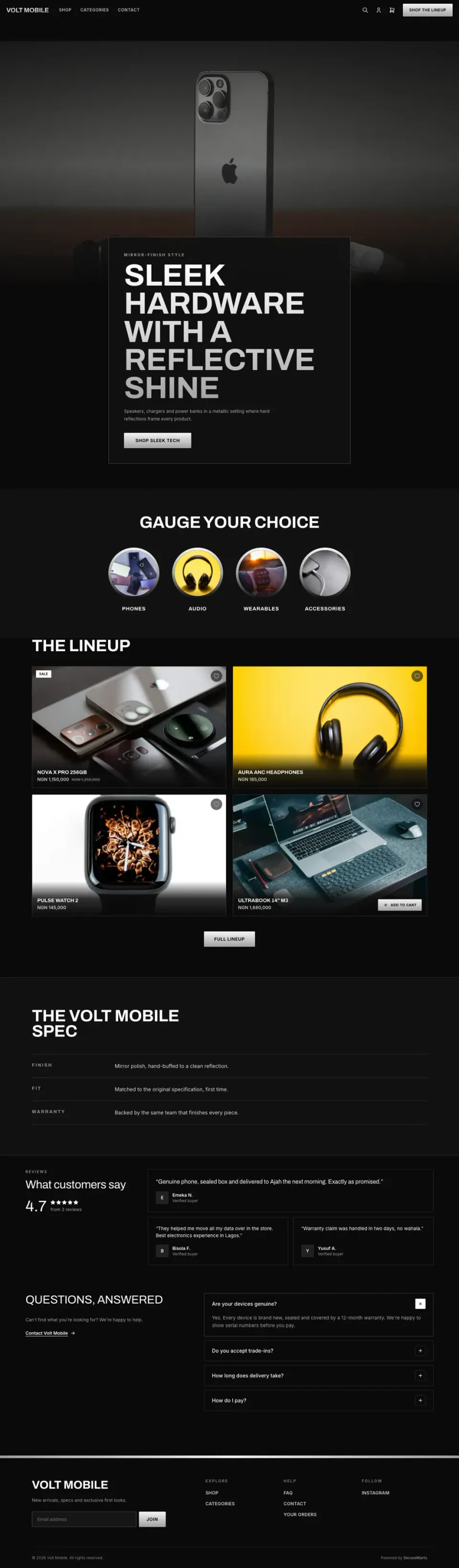
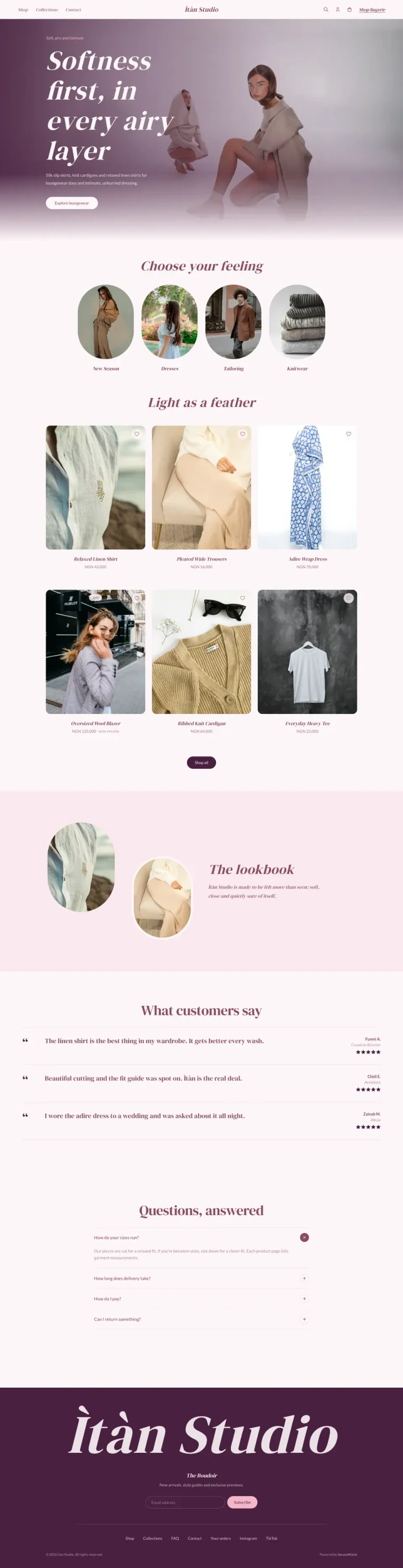
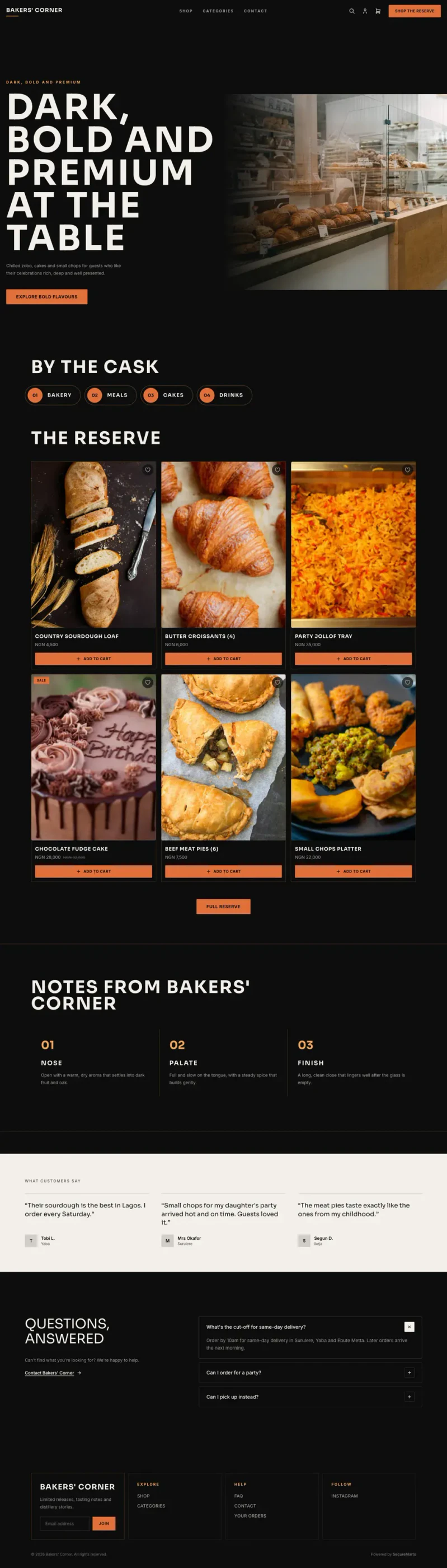
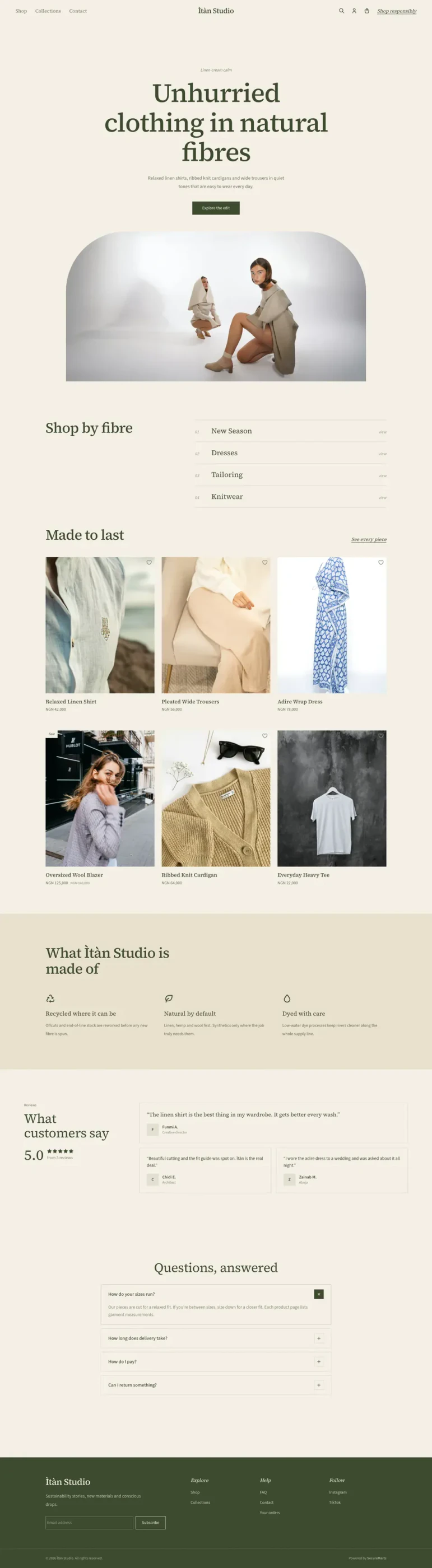
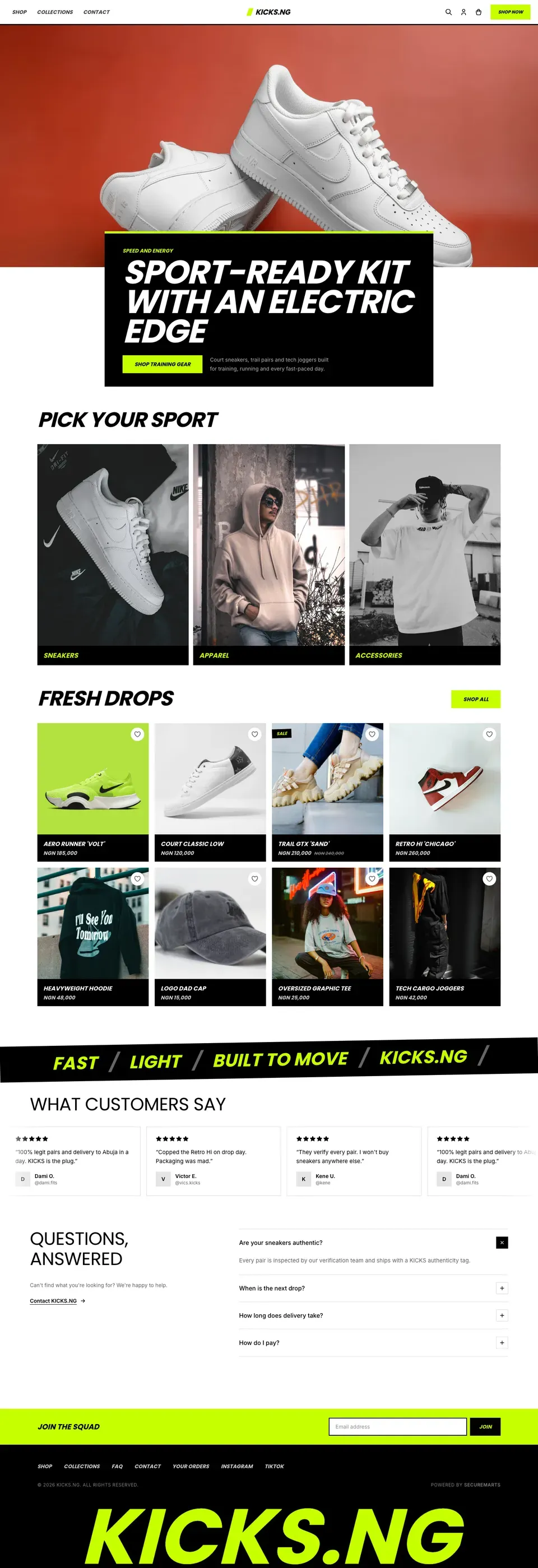
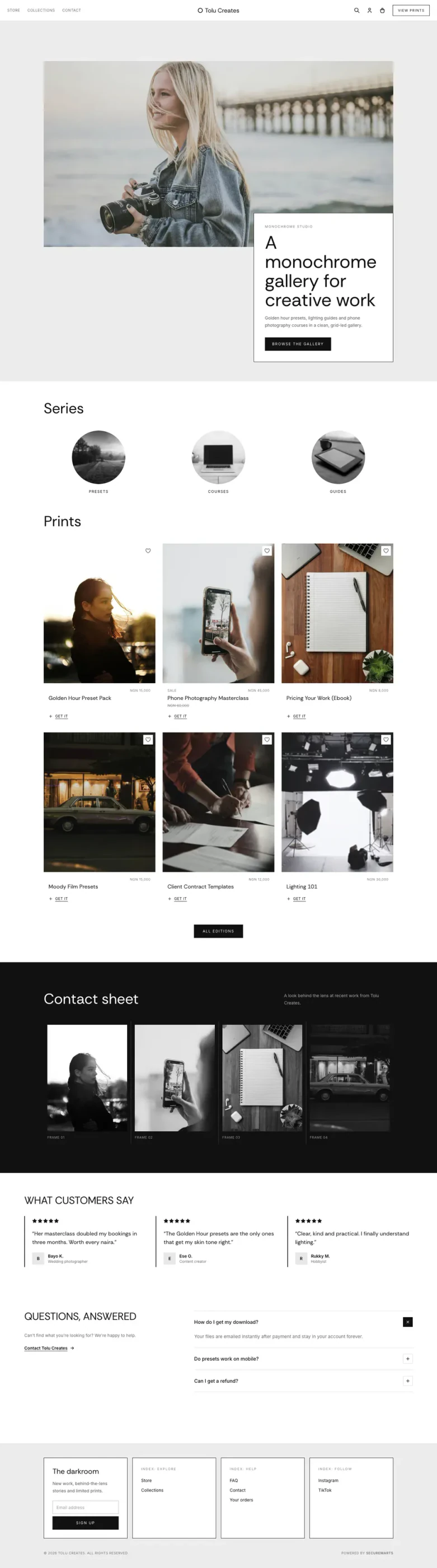
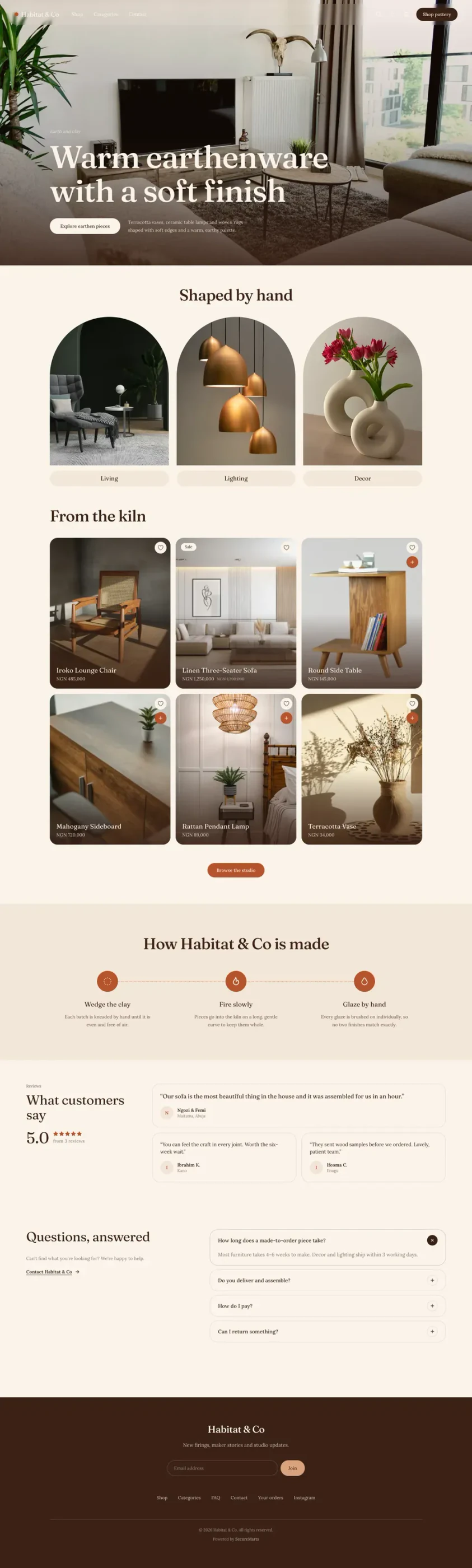
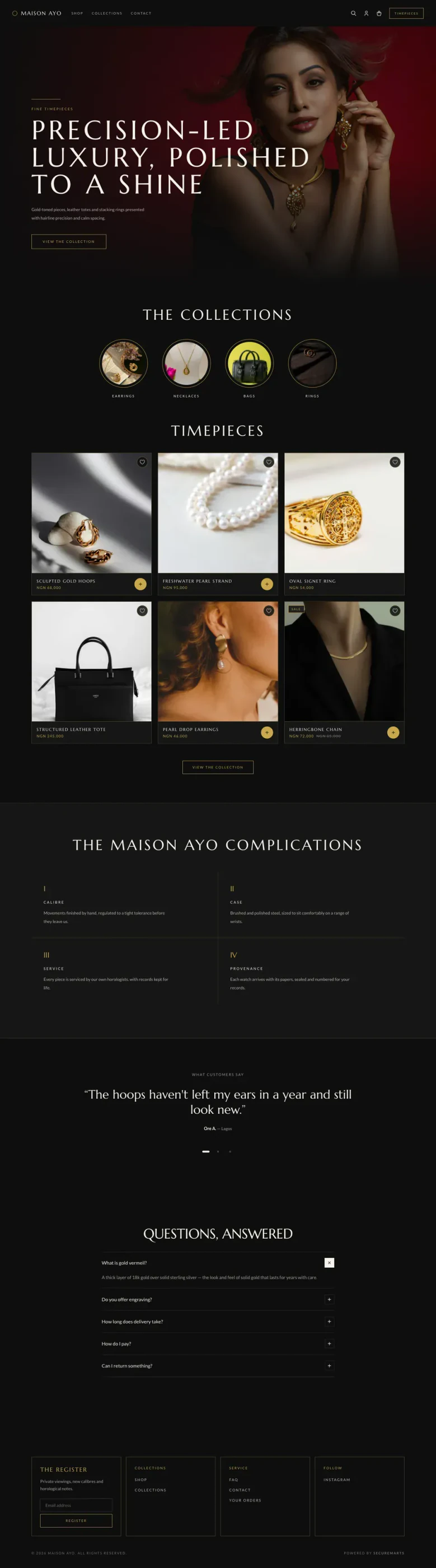
Storefronts that look like your brand
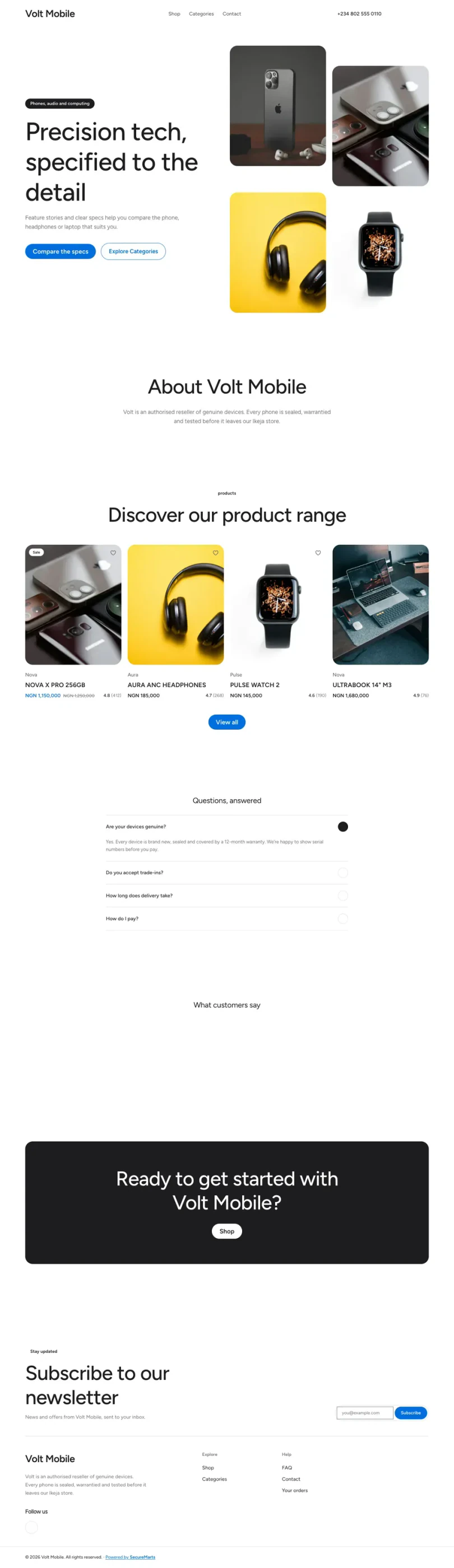
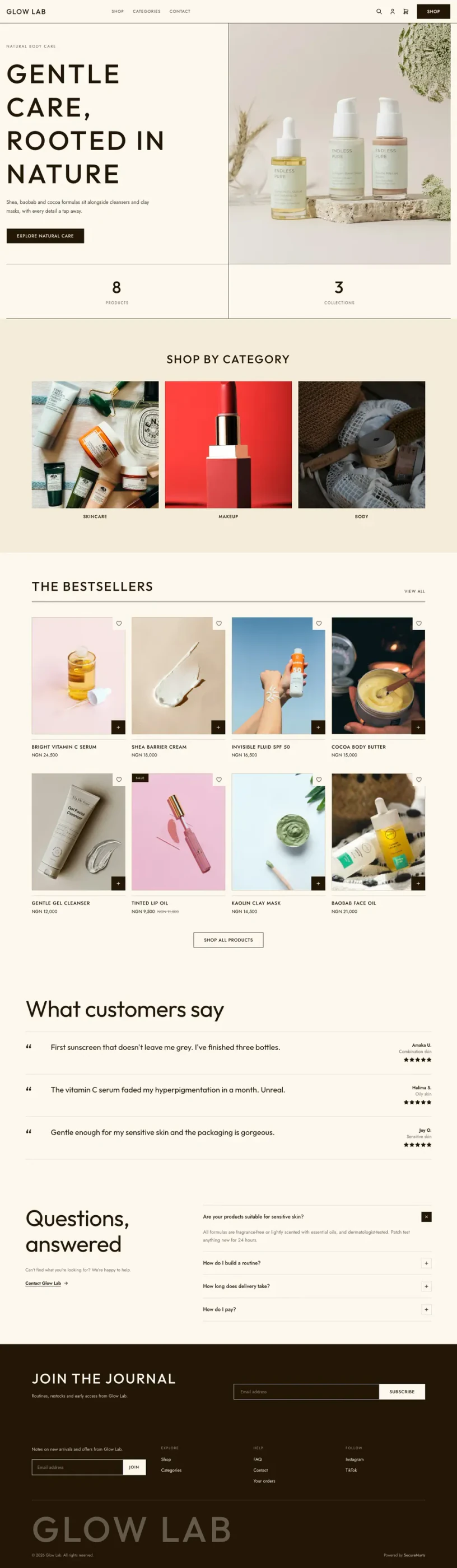
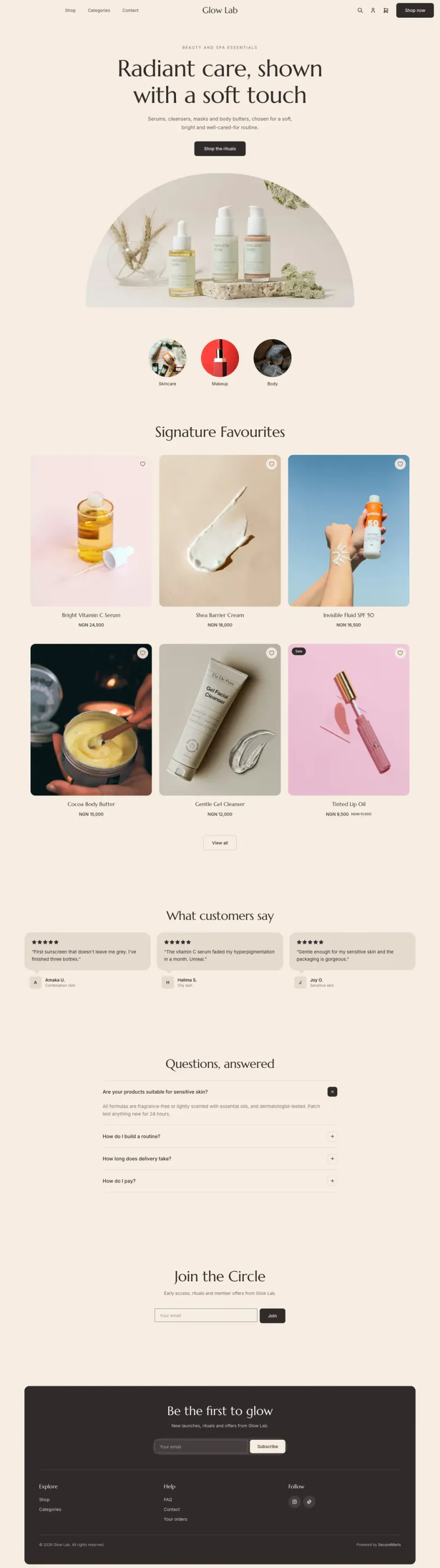
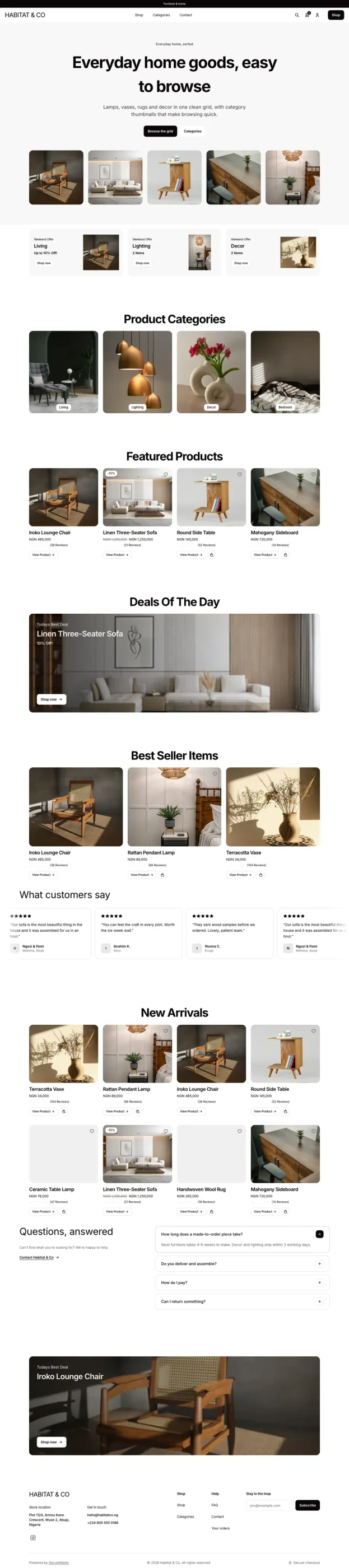
126 templates built for how African businesses actually sell, from boutiques and bakeries to salons and event promoters. 55 publish on the Free plan, 110 on Starter and all of them on Pro. Pick one, add your logo and colours, and publish.







In the box
All features
The sections above are the headlines. This is the rest of what is switched on the day you open a store.
Design
- Multiple themes
- Section-level page builder
- Brand colour and radius tokens
- Logo, favicon and social preview
- Light and dark storefront modes
- Custom fonts from a curated set
Shopping
- Product, collection and search pages
- Variants, options and image galleries
- Cart, wishlist and recently viewed
- Stock-aware add to cart
- Related and recommended products
- Customer accounts and order history
Reach
- Custom domain with managed SSL
- Per-page SEO titles and descriptions
- Sitemap and structured data
- Open Graph previews
- Multi-currency display
- Multi-language storefront


Questions we get asked
No. Themes are edited from the dashboard with a live preview, and publishing is a button. Connecting a custom domain is done from store settings without touching code or DNS templates by hand.
Open a storethis afternoon
Pick a theme, add your first product and share the link. Everything else can wait until the orders start arriving.