

A counter thatcloses out intothe same books
Registers and sessions built for serving someone standing in front of you, drawing on the same catalog as your storefront and reconciling into the same ledger.

Fast at the till
Search, scan or tap. Split payments and a receipt in seconds.
Survives the network
Keeps selling through a dropout and syncs when it returns.
Balances at close
Float, takings and variance recorded per session, per register.
How stores like yours run the shop floor with SecureMarts
Tills that keep selling offline, sessions that balance at close, and approvals for the voids and returns that need a manager.
At the counter
Built for a queue, not for a form
The terminal is laid out for speed: a product grid, a search that finds by name or code, quantity in one tap, and payment split across cash, card and transfer without leaving the screen.
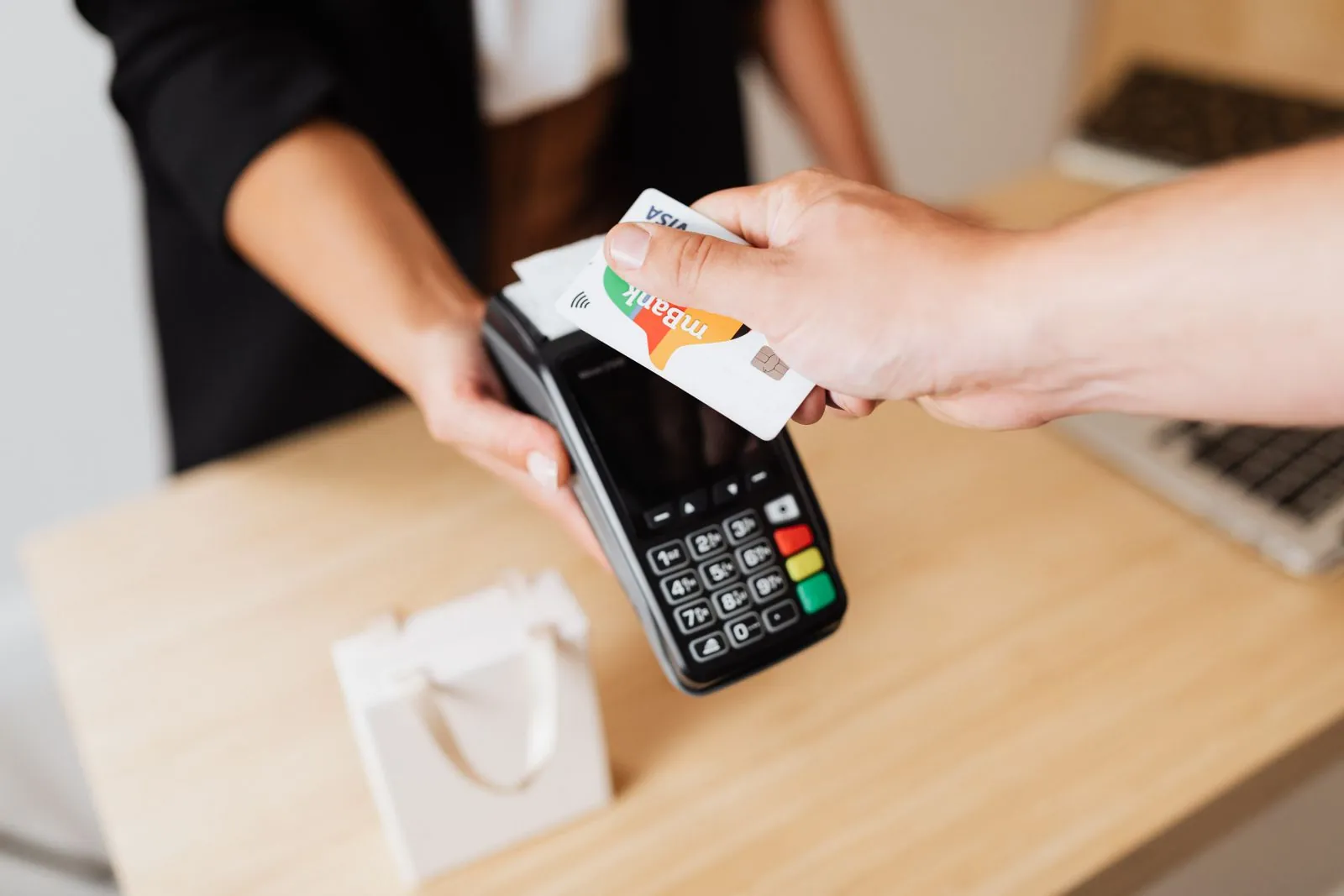
- Product grid, search and scan
- Split and mixed payments
- Printed or digital receipts
Shifts & staff
Every shift opens and closes on a number
Staff sign in to a register, open a session with a float, and close it with a count. Sell history is attributable, and what each person is allowed to discount or refund is set by their role.

- Opening float and closing count
- Sell history per staff member
- Discount and refund permissions
One business
The shop and the site stop disagreeing
A till sale moves the same stock number a web order does, the customer record is the same record, and the day's takings land in the same balance as your online revenue.

- Shared catalog and stock with the storefront
- One customer record across channels
- Takings settle into the same balance
What you get
All features
The till is a view onto the same platform, which is why the numbers agree at the end of the day without anyone reconciling them by hand.
Selling
- Touch-first product grid
- Search, scan and barcode lookup
- Variants and modifiers
- Line and order discounts
- Held carts and quotes
- Returns and exchanges at the till
The drawer
- Opening float per session
- Cash in and cash out
- Split and partial payments
- Closing count and variance
- Per-session settlement record
- Printed and digital receipts
Resilience
- Catalog cached on the device
- Offline sale queue
- Sync status and conflict handling
- Works on tablet, laptop or phone
- Multiple registers per outlet
- Staff PINs and fast switching

Questions we get asked
Yes. Plenty of merchants start at the counter and add a storefront later. The catalog is already there when they do, so opening the online shop is a publish, not a migration.
Open a registerand ring up a sale
Add your catalog, set up a register and take a payment. You can add the storefront whenever you are ready.