

Restock beforethe shelf runs out
Keep your suppliers, purchase orders and deliveries in one place. Receive stock against the order and your inventory updates itself, outlet by outlet.
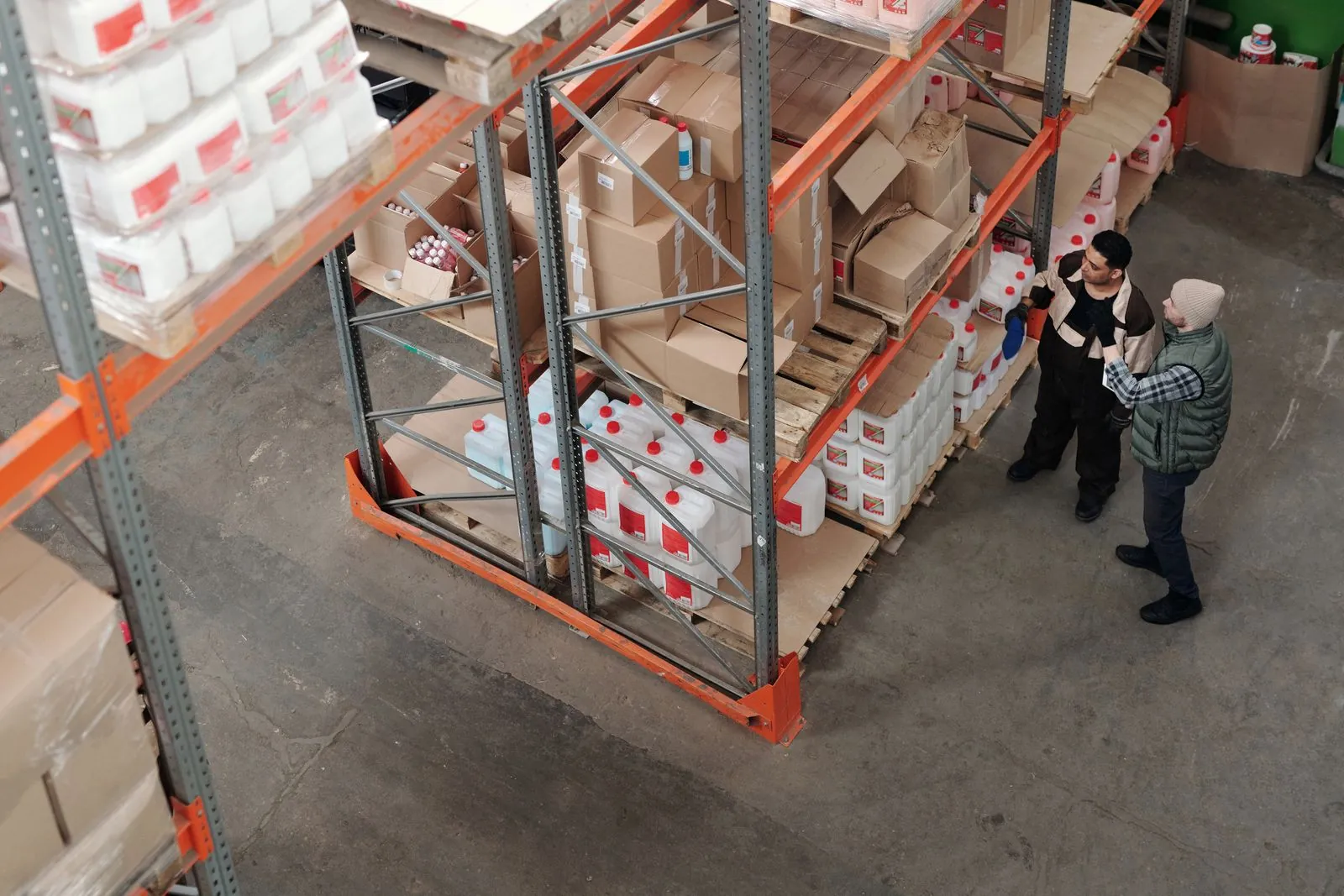
Purchase orders
From draft to sent to received, with partial deliveries tracked.
Restock suggestions
See what is running low before customers notice.
Supplier records
Contacts, transactions and history for everyone you buy from.
How businesses like yours restock on time with SecureMarts
Raise purchase orders, receive them in part or in full, and let landed stock update your counts and costs as it arrives.
Purchase orders
Order stock the way your suppliers expect
Raise a purchase order from your catalogue, send it, and receive against it as boxes arrive. Partial deliveries are tracked line by line, and received stock lands in the right outlet automatically.
- Draft, send and receive purchase orders
- Partial receiving per line
- Stock updated on receipt
Restock & inbound
Know what to order, and what is on the way
The restock view lists products running low, ready to turn into a purchase order. Inbound shipments show everything you have ordered but not yet received.

- Restock list from low stock
- Inbound shipment tracking
- Supplier quotes before you commit
Suppliers
Every supplier, and what you owe them
Supplier profiles carry contacts and a running list of transactions, and purchasing analytics show how much you spend, with whom, and how reliably they deliver.

- Supplier directory
- Supplier transaction history
- Purchasing analytics
In the box
All features
Purchasing runs on the same catalogue and stock counts as your selling, so what you receive is what you can sell, immediately.
Ordering
- Purchase orders
- Supplier quotes
- Order printing
- Order status tracking
- Notes and terms
- Multi-outlet receiving
Receiving
- Partial receipts
- Inbound shipments
- Stock updated on receipt
- Stock transfers between outlets
- Stock counts
- Adjustment history
Suppliers
- Supplier directory
- Transactions per supplier
- Restock suggestions
- Purchasing analytics
- Low-stock alerts
- CSV import and export

Questions we get asked
Yes. Received quantities are added to the outlet you receive into, and the movement is recorded against the order.
Never run outof your best seller
Add your suppliers and let the restock list tell you when to buy.