Send it, share it,get paid on the link
Branded invoices with a pay button, one-off payment links for any amount, and collection pages for anything you take money for. Every payment lands in the same balance as your sales.

Invoices with a pay button
Your logo and colours, a public page and a PDF, payable from any phone.
Pay links in seconds
Create a link for any amount and share it on WhatsApp or Instagram.
Know who owes you
Invoice and ageing reports show what is due, overdue and paid.
How businesses like yours bill clients and get paid with SecureMarts
Send branded invoices and pay links, follow up on what is overdue, and see every payment and expense in one ledger.
Invoices
Invoices that look like your business
Build an invoice from your products or free-text lines, set the due date and send it. Your customer opens a page with your branding and pays by card or transfer; the receipt goes out on its own.
- Branded public invoice page and PDF
- Card and transfer payment on the page
- Automatic receipts on payment
Recurring & reports
Bill regular customers on autopilot
Set an invoice to recur and it goes out on schedule. Invoice reports and the ageing view show what is outstanding by customer and by how late it is, so chasing payment takes minutes, not an afternoon.

- Recurring invoice schedules
- Invoice ageing report
- Invoice settings: numbering, notes, terms
Pay links & collection pages
Take money for anything, with a link
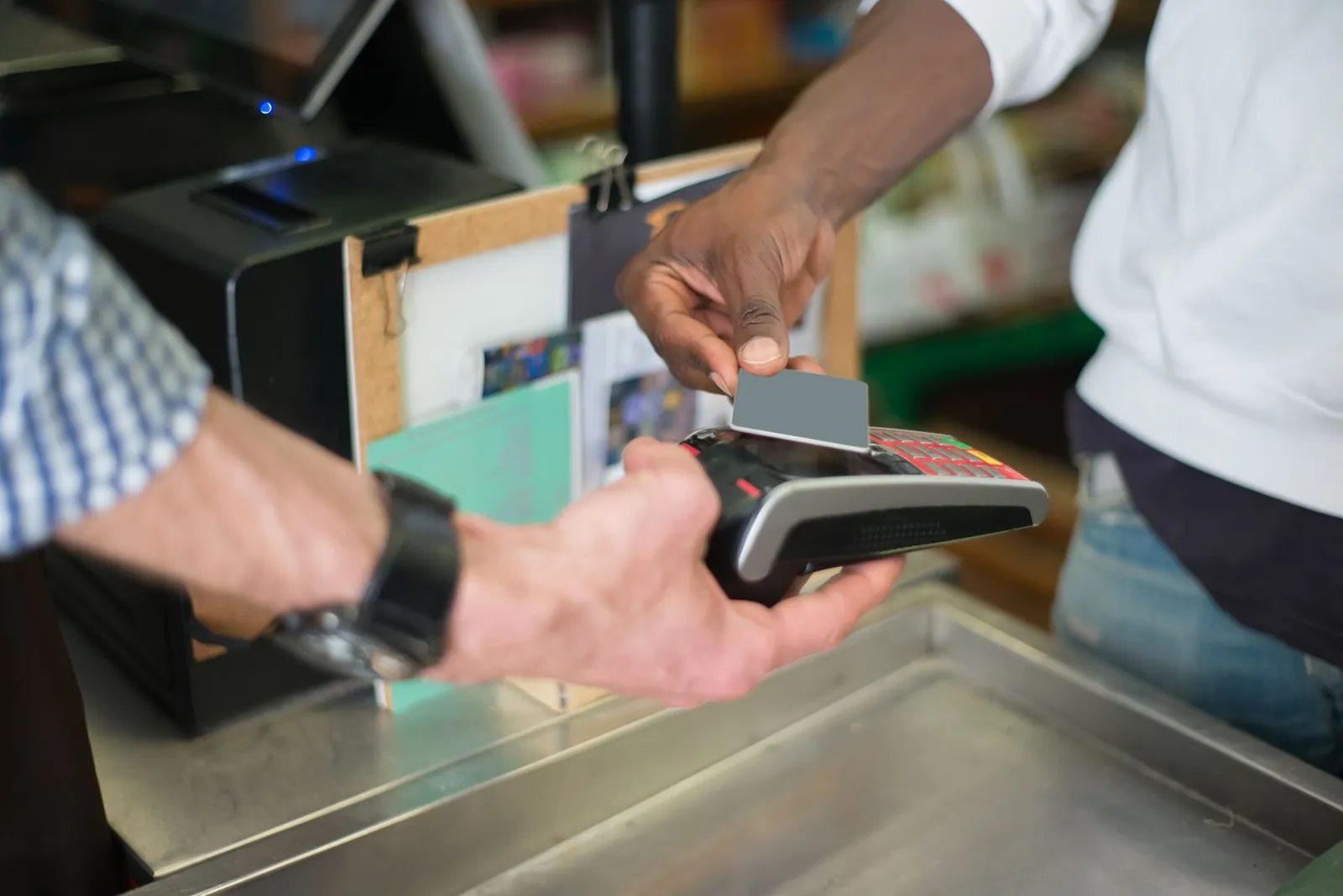
Create a payment link for a custom amount, or publish a collection page for dues, deposits, orders or contributions. Payments are tracked per page, with the payer's details attached.
- One-off payment links
- Collection pages with their own payment list
- Payments tracked in your balance
In the box
All features
Payment processing is performed by licensed partners; SecureMarts provides the invoice, the link, the page and the record.
Invoices
- Branded invoices
- Public invoice page
- PDF and print view
- Line items from your catalogue
- Due dates and notes
- Automatic receipts
Links & pages
- Payment links for any amount
- Collection pages
- Per-page payment history
- Shareable on any channel
- Card and transfer
- Payer details captured
Reporting
- Invoice report
- Ageing report
- Recurring invoices
- Expenses beside income
- Balance and payouts
- Exportable records

Questions we get asked
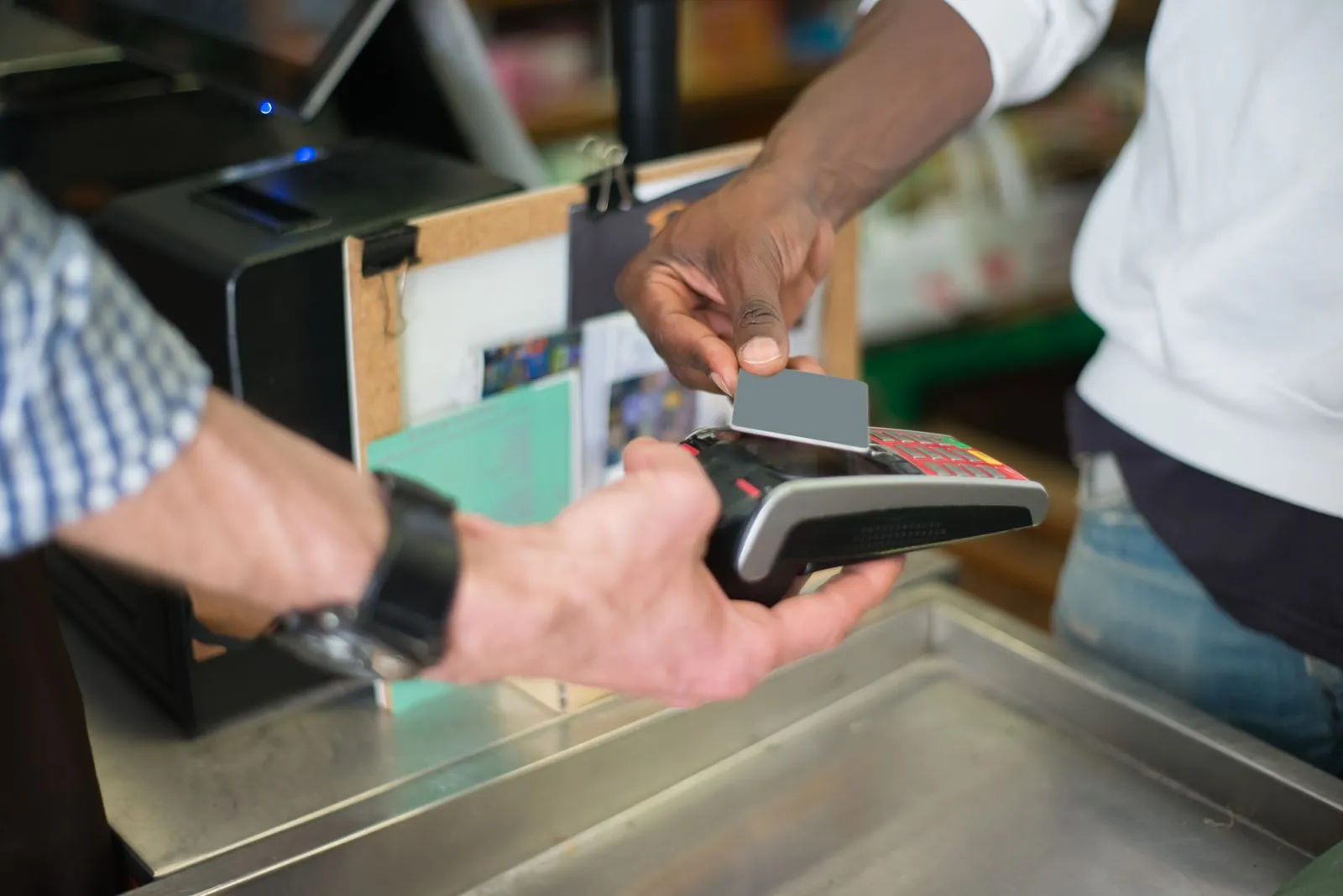
No. An invoice or pay link opens a public page, and they pay by card or transfer from any phone or computer.
Send your firstinvoice today
Create your business, add a customer and send an invoice they can pay from their phone.